Understanding React: A Guide for SaaS Developers
Discover why React is essential for SaaS development in 2025. Learn how its flexibility, performance, and component-based architecture make it a top choice for building scalable applications.

Zakariae

If you're building a SaaS application in 2025, you've almost certainly encountered React. This JavaScript library has become the foundation of modern web development, powering everything from simple landing pages to complex enterprise applications. Understanding what is React and how it works is essential knowledge for any developer entering the SaaS space. Whether you're a technical founder evaluating your technology stack, a full-stack developer expanding your skills, or an indie hacker looking to ship products faster, React provides the building blocks you need to create exceptional user interfaces.
React's dominance in the web development ecosystem isn't accidental. Created by Facebook (now Meta) in 2013, it introduced revolutionary concepts that changed how developers think about building user interfaces. Today, React powers approximately 6.2% of all websites globally and is used by more than 2 million companies worldwide. For SaaS developers specifically, React offers the perfect combination of flexibility, performance, and ecosystem support to build scalable, maintainable applications that users love.
Key Takeaways
- React is a JavaScript library for building user interfaces, not a complete framework, giving developers flexibility in choosing complementary tools.
- Component-based architecture allows you to build reusable UI pieces that can be combined to create complex applications efficiently.
- The Virtual DOM provides significant performance benefits by minimizing expensive DOM manipulations and optimizing rendering.
- React's ecosystem includes thousands of libraries for state management, routing, forms, and more, making it ideal for SaaS development.
- Server-side rendering capabilities through frameworks like Next.js improve SEO and initial load times for SaaS applications.
- React Native enables code sharing between web and mobile applications, reducing development time and costs.
- Strong TypeScript support makes React an excellent choice for building type-safe, maintainable SaaS products.
- Active community and corporate backing ensure long-term stability and continuous improvement of the library.
Understanding React: The Foundation of Modern Web Development
At its core, React is a free and open-source JavaScript library designed specifically for building user interfaces. Unlike full-fledged frameworks that dictate how you structure your entire application, React focuses exclusively on the view layer. This singular focus makes it incredibly flexible and allows developers to integrate it with whatever tools and libraries best suit their specific needs.
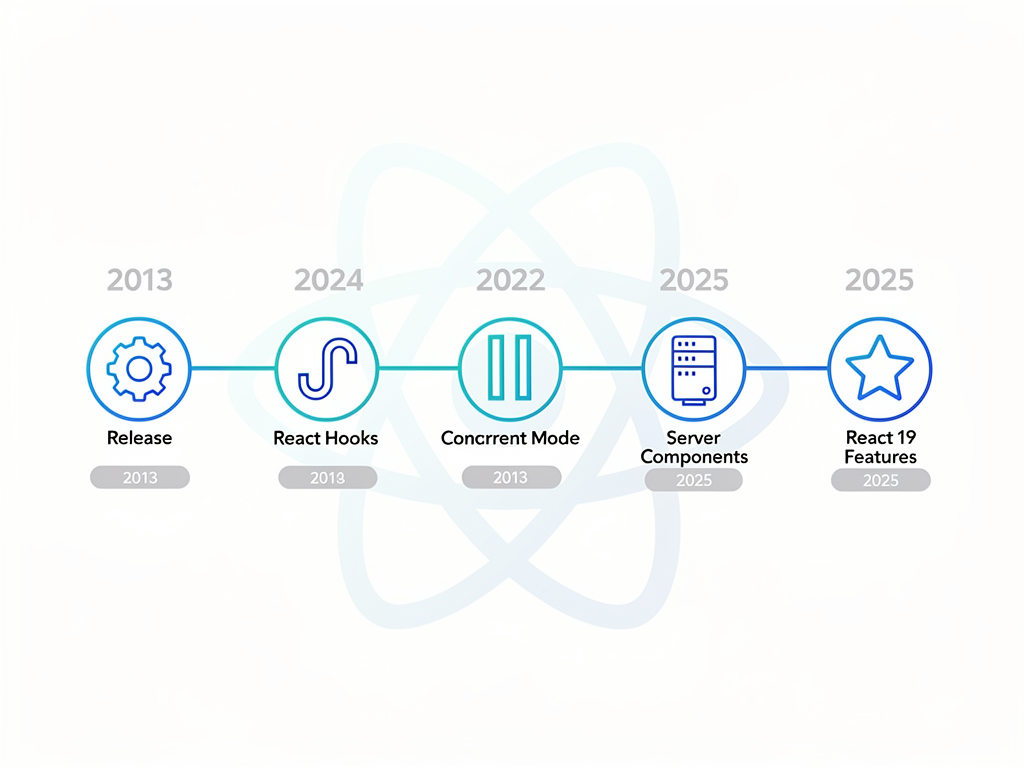
React was created by Jordan Walke, a software engineer at Facebook, who was looking for a better way to handle the complexities of building dynamic user interfaces. The library was first deployed on Facebook's newsfeed in 2011 and later on Instagram in 2012 before being released as open source in 2013. Since then, it has grown into one of the most influential technologies in web development history.
The fundamental philosophy behind React is that building user interfaces should be declarative rather than imperative. Instead of telling the browser step by step how to update the DOM, you describe what the UI should look like for any given state, and React figures out the most efficient way to make that happen. This declarative approach makes code more predictable, easier to debug, and simpler to maintain over time.
For SaaS developers, this means you can focus on building features and solving business problems rather than wrestling with low-level DOM manipulation. When your application state changes (perhaps a user upgrades their subscription or receives a new notification), React automatically updates only the parts of the interface that need to change, keeping your application fast and responsive.
The Component-Based Architecture That Changed Everything
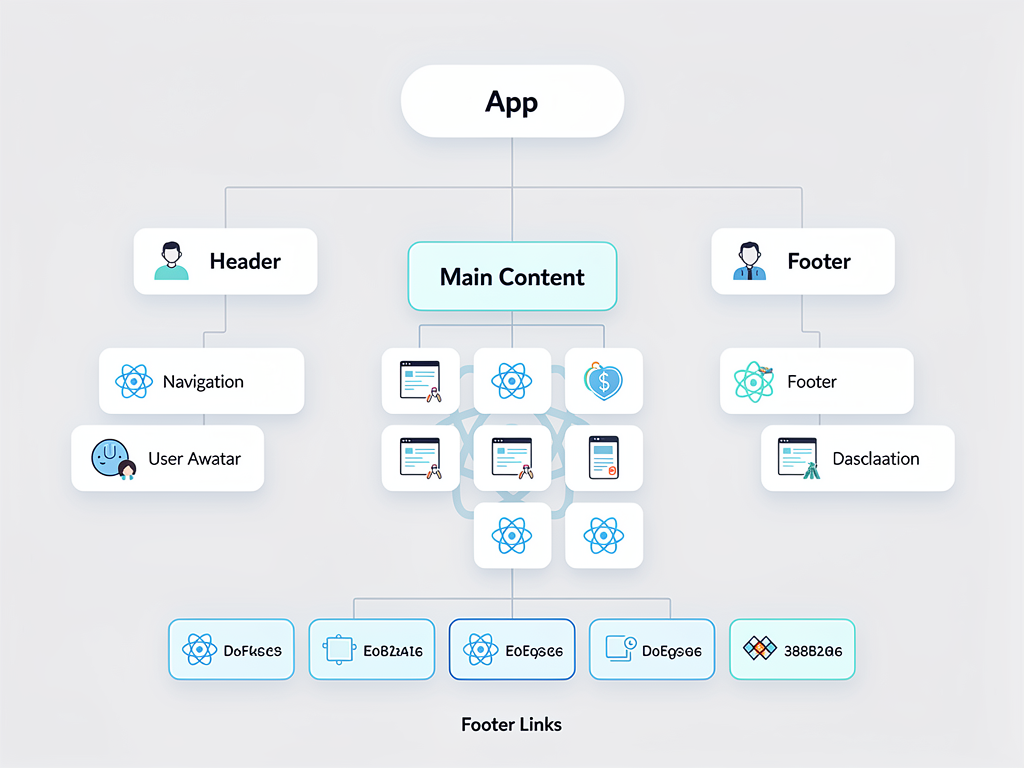
React's component-based architecture represents a paradigm shift in how developers think about building user interfaces. Instead of creating monolithic pages with intertwined HTML, CSS, and JavaScript, React encourages you to break your interface into small, self-contained pieces called components. Each component manages its own state and rendering logic, making it easy to reason about, test, and reuse.
Think of components like LEGO blocks. A simple button component can be combined with an input component to create a search bar. That search bar can be combined with a results list component to create a complete search feature. This composability is incredibly powerful for SaaS applications, where you often need to build complex interfaces from simpler building blocks.
Consider a typical SaaS dashboard. You might have components for navigation, user profile displays, data tables, charts, notification badges, and action buttons. Each of these components can be developed independently, tested in isolation, and reused across different parts of your application. When you need to update how notifications appear, you only need to modify the notification component, and that change automatically propagates everywhere it's used.
Components in React can be either class-based or functional. Modern React development heavily favors functional components combined with hooks, which provide a cleaner, more concise way to manage state and side effects. This evolution has made React code more readable and easier to maintain, particularly important for SaaS products that need to scale and evolve over time.
The Virtual DOM: React's Performance Secret
One of React's most innovative features is the Virtual DOM (Document Object Model). To understand why this matters, you first need to understand the problem it solves. The browser's DOM is a tree-like representation of your web page, and manipulating it directly is one of the slowest operations in web development. Every time you change the DOM, the browser may need to recalculate styles, reflow the layout, and repaint the screen.
React solves this performance bottleneck by maintaining a lightweight copy of the DOM in memory, called the Virtual DOM. When your application's state changes, React first updates this virtual representation, then compares it to the previous version using a process called "diffing." Only the differences (the minimal set of changes needed) are then applied to the actual browser DOM.
This approach, known as reconciliation, provides significant performance benefits. Instead of blindly updating every element that might have changed, React surgically updates only what's necessary. For SaaS applications that display large amounts of data or update frequently (think real-time dashboards, collaborative editing tools, or live chat features), this optimization is crucial for maintaining a smooth user experience.
The Virtual DOM also enables React's declarative programming model. You don't need to track what changed and manually update specific DOM elements. You simply describe what the UI should look like, and React handles the efficient updates behind the scenes. This abstraction reduces bugs and makes your code significantly easier to understand and maintain.
JSX: Writing HTML in Your JavaScript
JSX (JavaScript XML) is a syntax extension that allows you to write HTML-like code directly in your JavaScript files. While this might seem strange at first, especially if you're coming from a background where separating concerns meant keeping HTML, CSS, and JavaScript in separate files, JSX actually makes React code more intuitive and easier to work with.
Here's a simple example of what JSX looks like in practice. Instead of creating elements using JavaScript functions, you write something that looks remarkably like HTML:
JSX Example: Rather than writing
React.createElement('div', {className: 'greeting'}, 'Hello, World!'), you can simply write<div className="greeting">Hello, World!</div>. The JSX is transformed into the JavaScript function calls during the build process.
JSX isn't required to use React, but it's used by the vast majority of React developers because it makes component structure immediately visible. When you look at a JSX file, you can quickly understand what the component will render. This visual clarity is especially valuable in SaaS development, where teams often need to collaborate on complex interfaces.
Beyond basic HTML-like syntax, JSX allows you to embed JavaScript expressions directly in your markup using curly braces. This makes it easy to display dynamic data, conditionally render elements, or iterate over arrays to create lists of components. The seamless integration of logic and presentation, while keeping them conceptually separate through components, is one of React's greatest strengths.
State Management: The Heart of Interactive Applications
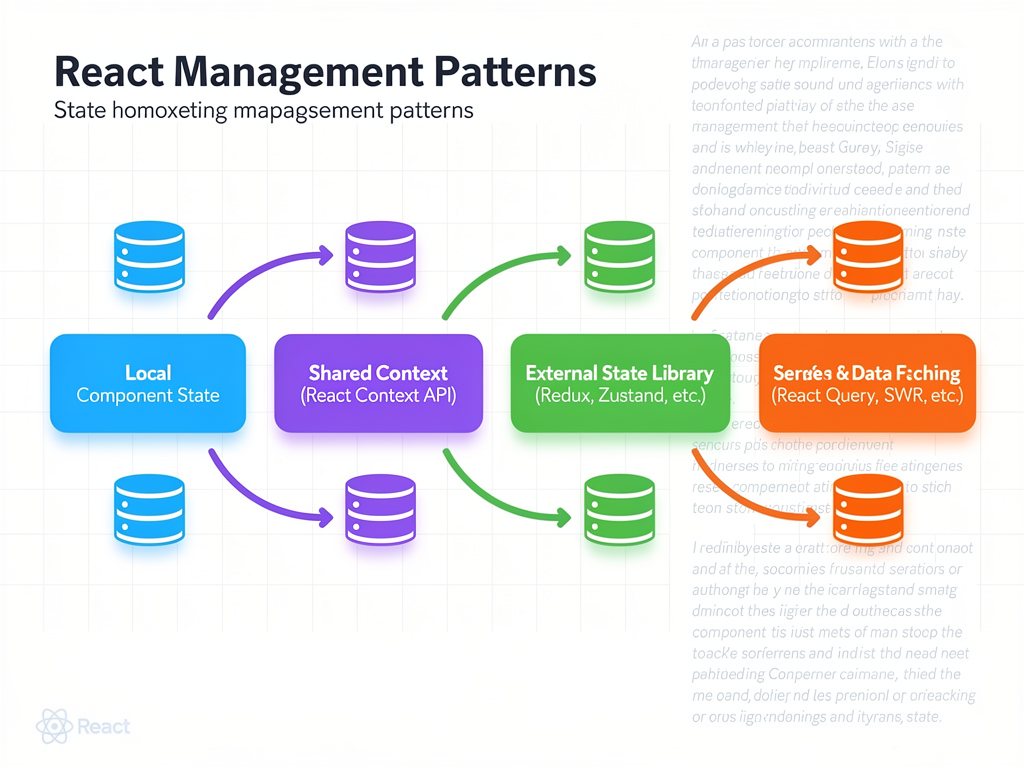
Every SaaS application needs to manage state, whether that's user authentication status, form inputs, fetched data, or UI preferences. React provides built-in mechanisms for managing state at the component level, and a rich ecosystem of libraries for managing state across your entire application.
At the component level, React's useState hook allows functional components to maintain their own state. When state changes, React automatically re-renders the component with the new values. This reactive model makes it easy to build interactive features without manually tracking and updating DOM elements.
For more complex state management needs, React offers the useReducer hook, which provides a Redux-like pattern for managing state transitions. The Context API allows you to share state across multiple components without explicitly passing props through every level of your component tree, solving the "prop drilling" problem that can make code difficult to maintain.
When your SaaS application grows to include features like real-time synchronization, offline support, or complex data relationships, you might reach for external state management libraries. Redux Toolkit remains popular for large applications requiring predictable state management, while Zustand has gained significant traction for its simplicity and minimal boilerplate. TanStack Query (formerly React Query) has become the go-to solution for managing server state, handling caching, synchronization, and background updates with minimal code.
React Hooks: Modern Patterns for Cleaner Code
Introduced in React 16.8, hooks revolutionized how developers write React applications. Before hooks, managing state and lifecycle methods required class components with verbose syntax. Hooks allow functional components to "hook into" React features, resulting in cleaner, more reusable code.
The most commonly used hooks include useState for managing local state, useEffect for handling side effects like data fetching or subscriptions, useContext for consuming context values, and useRef for maintaining mutable references. These core hooks cover the majority of use cases you'll encounter in SaaS development.
Beyond the built-in hooks, React allows you to create custom hooks that encapsulate and share stateful logic between components. For example, you might create a useAuth hook that manages authentication state, a useSubscription hook that handles subscription status, or a useDebounce hook that delays function execution. Custom hooks promote code reuse and keep your components focused on rendering.
React 19, now in production, introduced even more powerful hooks like useActionState for managing form submission states and improved patterns for working with Server Components. These additions make React even more capable for building the complex, data-driven interfaces that SaaS applications require.
| Hook | Purpose | Common SaaS Use Case |
|---|---|---|
| useState | Manage local component state | Form inputs, toggle states, counters |
| useEffect | Handle side effects | API calls, subscriptions, analytics |
| useContext | Access context values | Theme settings, user preferences, auth |
| useReducer | Complex state logic | Multi-step forms, shopping carts |
| useMemo | Memoize expensive calculations | Data transformations, filtering |
| useCallback | Memoize functions | Event handlers passed to children |
| useRef | Mutable references | DOM access, previous values, timers |
The React Ecosystem: Libraries That Extend React's Capabilities
One of React's greatest strengths is its vast ecosystem of complementary libraries. Because React focuses solely on the view layer, developers have the freedom to choose the best tools for routing, state management, styling, form handling, and more. This flexibility allows you to build a technology stack perfectly suited to your SaaS application's needs.
For routing, React Router remains the most popular choice, providing declarative routing that integrates seamlessly with React's component model. It supports nested routes, dynamic parameters, and programmatic navigation, all essential features for multi-page SaaS applications.
For UI components, libraries like Material UI (MUI) provide comprehensive collections of pre-built, accessible components that follow established design systems. MUI v7 introduced enhanced ESM support and approximately 25% reduction in package size compared to previous versions, making it an even more attractive option for performance-conscious SaaS developers. Other popular options include Chakra UI, Ant Design, and the increasingly popular Shadcn UI, which provides beautifully designed components you can copy directly into your project.
For form handling, React Hook Form has become the standard, offering excellent performance through uncontrolled components and easy integration with validation libraries like Zod or Yup. Forms are ubiquitous in SaaS applications (registration, settings, data entry), so having a robust form solution is essential.
For animations, Framer Motion provides a powerful yet intuitive API for creating smooth, physics-based animations that can significantly enhance user experience. From subtle micro-interactions to complex page transitions, animations help make SaaS applications feel polished and professional.
React and Server-Side Rendering: Better Performance and SEO
Traditional React applications render entirely in the browser (client-side rendering), which can lead to slower initial page loads and challenges with search engine optimization. For SaaS applications that need strong SEO (like marketing pages, documentation, or public-facing features), server-side rendering (SSR) provides significant advantages.
With SSR, the initial HTML is generated on the server and sent to the browser, allowing users to see content immediately while JavaScript loads in the background. This improves perceived performance and ensures search engines can properly index your content. React supports SSR through its renderToString method, but most developers use frameworks that handle the complexity for them.
Next.js has become the de facto standard for building React applications with server-side rendering. It provides automatic code splitting, optimized image handling, API routes, and a file-based routing system that makes building full-stack applications straightforward. Next.js 15 introduced significant improvements to Server Components and streaming, making it even more powerful for building performant SaaS applications.
When working with a Next.js boilerplate or SaaS starter kit, you get the benefits of React's component model combined with server-side rendering, static site generation, and incremental static regeneration out of the box. This combination is particularly powerful for SaaS applications that need both dynamic, authenticated experiences and fast, SEO-friendly public pages.
React Server Components, introduced in React 18 and further refined in React 19, represent the next evolution in this space. They allow components to run exclusively on the server, reducing the JavaScript bundle sent to clients and enabling direct database access from components without API layers. This architectural shift is reshaping how developers build React applications.
React Native: Extending Your Reach to Mobile
For SaaS companies, mobile presence is often essential. React Native, introduced by Facebook in 2015, allows developers to build native mobile applications using the same React patterns and JavaScript skills they use for web development. This code sharing capability can dramatically reduce development time and costs.
React Native doesn't create web views wrapped in native containers. Instead, it renders actual native components, providing the performance and user experience that mobile users expect. A button in React Native is a real iOS or Android button, not an HTML element styled to look like one.
The ability to share code between web and mobile applications is particularly valuable for SaaS products. Business logic, API integration code, and even some UI components can be shared across platforms. While you'll still need platform-specific code for some features, the shared foundation significantly accelerates development.
Many successful SaaS companies use React for their web applications and React Native for their mobile apps, creating a unified development experience across platforms. This approach simplifies hiring (you need React developers, not separate web and mobile specialists), reduces context switching for developers, and ensures consistent behavior across platforms.
TypeScript and React: Building Type-Safe SaaS Applications
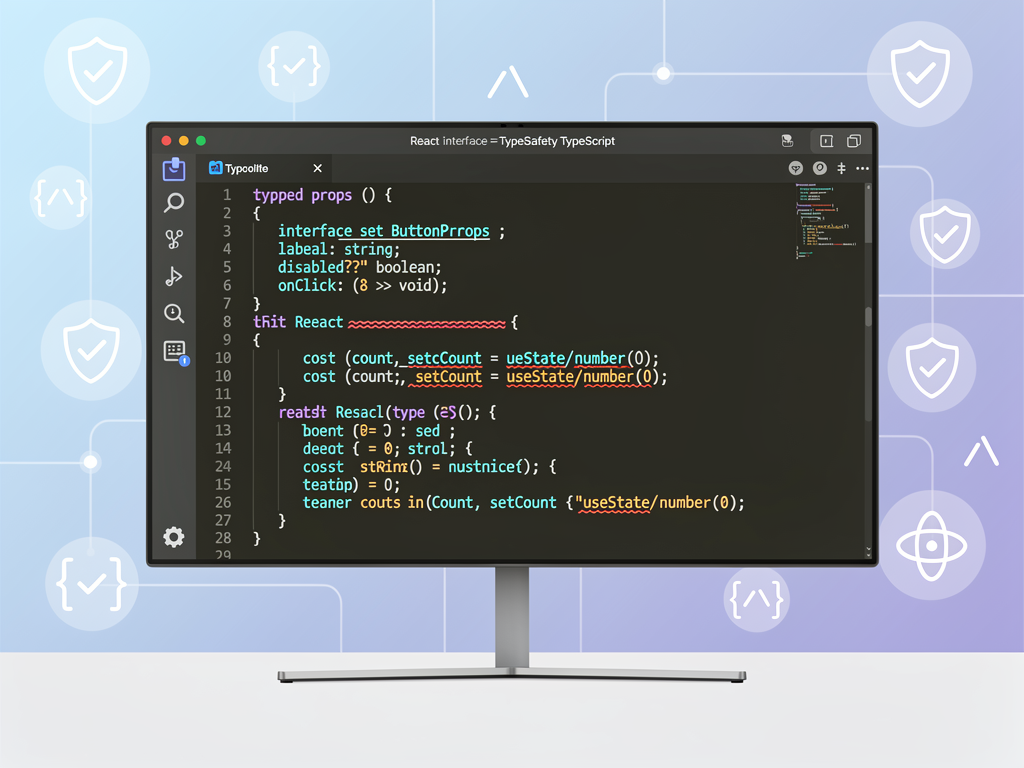
TypeScript has become the assumed baseline across the React ecosystem. This superset of JavaScript adds static typing, which catches errors at compile time rather than runtime. For SaaS applications that need to be reliable and maintainable over time, TypeScript provides invaluable safety nets.
React's component model works exceptionally well with TypeScript. You can define types for your component props, ensuring that components receive the correct data. You can type your state, making it clear what shape your data takes. You can type your custom hooks, providing clear contracts for how they should be used.
The benefits compound as your application grows. When you refactor a component or change an API response shape, TypeScript immediately highlights everywhere that needs to be updated. This safety is crucial for SaaS applications that evolve rapidly based on user feedback and market demands.
Most modern React tooling assumes TypeScript. Create React App supports it out of the box, Next.js provides excellent TypeScript integration, and virtually all popular React libraries ship with TypeScript definitions. If you're building a SaaS product in 2025, using TypeScript with React is strongly recommended.
Building SaaS Applications with React: Practical Considerations
When building a SaaS product with React, several architectural decisions will shape your development experience and your application's success. Understanding these considerations early helps you make informed choices that scale with your business.
Authentication and Authorization
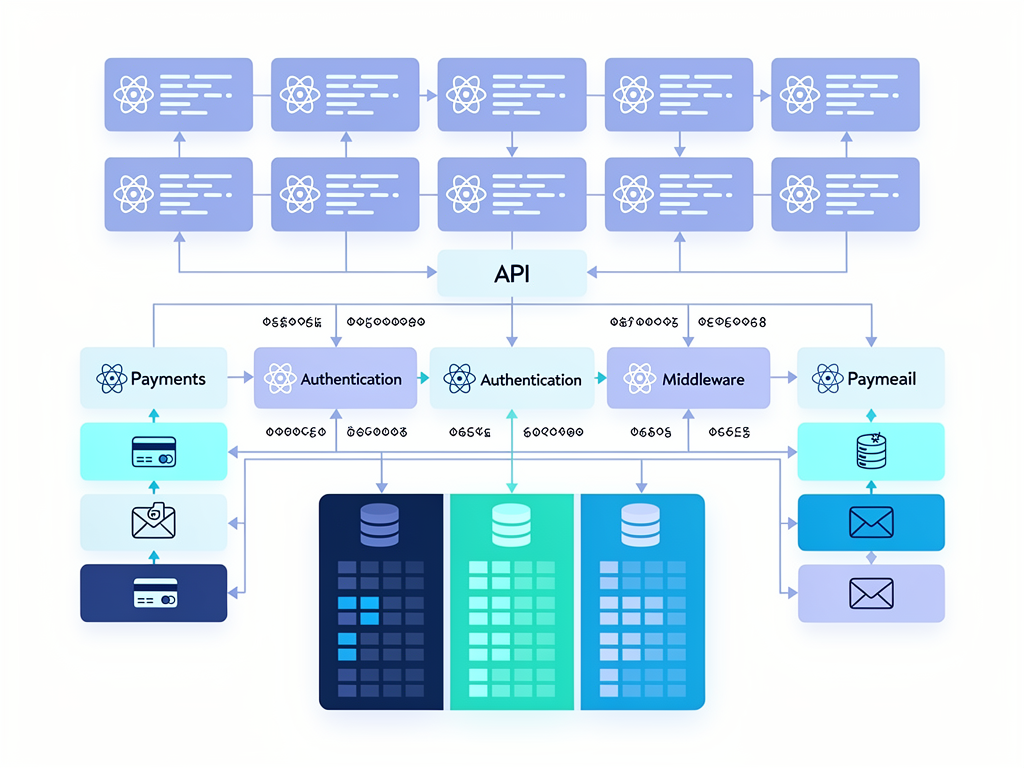
Every SaaS application needs robust authentication. Libraries like NextAuth.js (now Auth.js) provide complete authentication solutions with support for OAuth providers, credentials-based login, and session management. For SaaS applications, you'll also need authorization logic to control what features different subscription tiers can access.
Multi-Tenancy
SaaS applications typically serve multiple customers (tenants) from a single codebase. React's component model makes it easy to customize experiences per tenant through context providers that supply tenant-specific configuration, theming, and feature flags.
Billing Integration
Subscription management is central to SaaS business models. React applications typically integrate with payment processors like Stripe through their JavaScript SDKs. Components for pricing tables, checkout flows, and subscription management screens are common requirements.
Real-Time Features
Many SaaS applications benefit from real-time updates, whether for collaborative editing, live notifications, or dashboard data. React works well with WebSocket libraries and services like PubNub for building real-time features.
Using a SaaS boilerplate or Next.js SaaS template can accelerate development by providing pre-built solutions for these common requirements. Rather than building authentication, billing, and admin panels from scratch, you can start with a foundation that handles these concerns and focus on what makes your product unique.
Performance Optimization Strategies for React SaaS Applications
While React's Virtual DOM provides baseline performance optimization, building fast SaaS applications requires additional attention to performance. Users expect snappy interfaces, and performance directly impacts conversion rates and user satisfaction.
Code splitting ensures users only download the JavaScript they need for the current page. React's lazy loading capabilities, combined with frameworks like Next.js, make it easy to split your application into smaller chunks that load on demand. This is particularly important for SaaS applications with many features that users access infrequently.
Memoization prevents unnecessary re-renders. React's React.memo for components and useMemo/useCallback hooks for values and functions help ensure components only re-render when their inputs actually change. In data-heavy SaaS dashboards, proper memoization can significantly improve responsiveness.
Virtualization handles large lists efficiently. Libraries like react-window and react-virtualized render only the visible items in long lists, dramatically improving performance for applications that display hundreds or thousands of items.
Image optimization reduces load times. Next.js provides automatic image optimization, but even in other React setups, lazy loading images and using appropriate formats (WebP, AVIF) makes a noticeable difference.
Bundle analysis helps identify bloat. Tools like webpack-bundle-analyzer reveal which dependencies contribute most to your bundle size, allowing you to find optimization opportunities or replace heavy libraries with lighter alternatives.
| Optimization Technique | Implementation | Impact |
|---|---|---|
| Code Splitting | React.lazy, dynamic imports | Faster initial load |
| Memoization | React.memo, useMemo, useCallback | Fewer re-renders |
| Virtualization | react-window, react-virtualized | Handle large lists |
| Image Optimization | next/image, lazy loading | Reduced bandwidth |
| Tree Shaking | ES modules, proper imports | Smaller bundles |
Testing React Applications: Ensuring Quality at Scale
Quality assurance is non-negotiable for SaaS applications. Users depend on your software for their businesses, and bugs can lead to churn. React's component-based architecture makes testing more manageable by allowing you to test components in isolation.
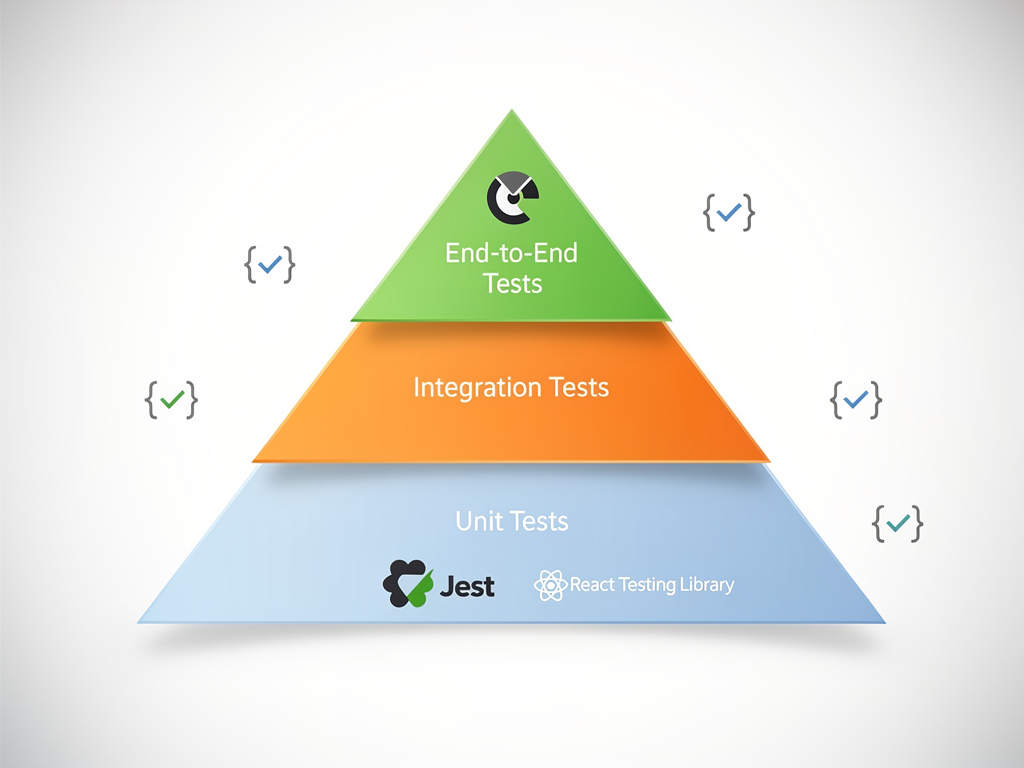
Unit testing with Jest and React Testing Library has become the standard approach. React Testing Library encourages testing components the way users interact with them, focusing on behavior rather than implementation details. This approach produces tests that are more resilient to refactoring.
Integration testing verifies that components work together correctly. Testing user flows like registration, subscription upgrades, or feature usage helps catch issues that unit tests might miss.
End-to-end testing with tools like Cypress or Playwright simulates real user interactions in a browser. These tests are slower but provide the highest confidence that your application works correctly from the user's perspective.
Visual regression testing catches unintended UI changes. Tools like Chromatic (for Storybook) or Percy compare screenshots across changes, alerting you to visual differences that might indicate bugs.
For SaaS applications, testing is particularly important around critical paths: authentication, payment processing, and core features that users rely on. A comprehensive testing strategy combines all these approaches, with the heaviest investment in areas where bugs would cause the most damage.
Comparing React to Other Frontend Technologies
While React dominates the frontend landscape, it's worth understanding how it compares to alternatives. This context helps you make informed decisions and understand why React might (or might not) be the right choice for your SaaS project.
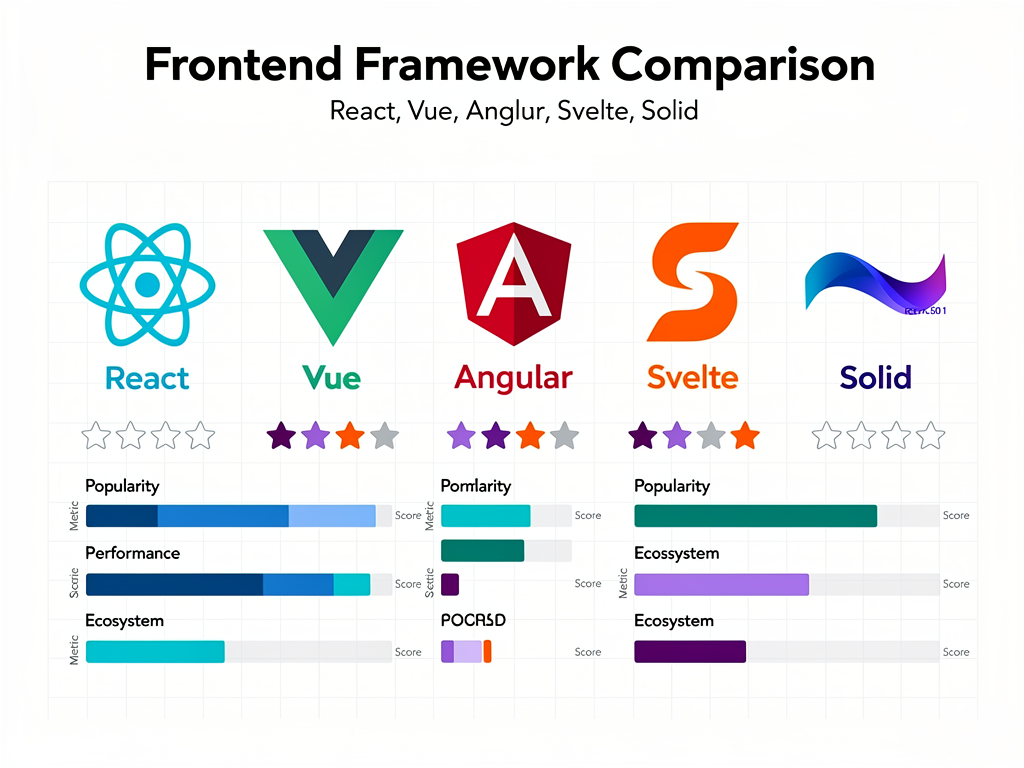
Vue.js offers a gentler learning curve and more opinionated structure. It's an excellent choice for smaller teams or projects where you want more guidance from the framework. However, React's larger ecosystem and job market make it more attractive for SaaS companies planning to scale their teams.
Angular is a complete framework (not just a library) that provides everything out of the box: routing, state management, HTTP client, and more. It's popular in enterprise environments but has a steeper learning curve and more verbose syntax than React.
Svelte takes a different approach by compiling components at build time rather than using a Virtual DOM at runtime. This can result in smaller bundles and better performance, but Svelte's ecosystem is less mature than React's.
Solid.js offers React-like syntax with fine-grained reactivity that can outperform React in certain scenarios. It's gaining traction but lacks the ecosystem depth that makes React so productive for SaaS development.
For most SaaS projects, React's combination of flexibility, ecosystem, community support, and hiring pool makes it the pragmatic choice. The skills your team develops with React transfer well, and the abundance of resources, libraries, and SaaS template options accelerates development.
Getting Started with React for SaaS Development
If you're ready to start building with React, several paths can get you up and running quickly. The best approach depends on your experience level and project requirements.
For learning React fundamentals, the official React documentation has been completely rewritten and now provides an excellent, interactive learning experience. It covers everything from basic concepts to advanced patterns with hands-on examples.
For starting a new project, most developers now reach for Next.js rather than Create React App. Next.js provides a better developer experience, built-in optimizations, and the flexibility to use server-side rendering, static generation, or client-side rendering as needed.
For building a SaaS product quickly, consider starting with a boilerplate that includes authentication, payments, and other common features pre-built. This approach lets you focus on your unique value proposition rather than rebuilding infrastructure that every SaaS needs. Platforms like NextBuilder for no-code SaaS platforms demonstrate how React and Next.js can power sophisticated multi-tenant applications.
Regardless of which path you choose, invest time in understanding React's core concepts: components, props, state, and hooks. These fundamentals will serve you well as you build increasingly complex SaaS applications.
The Future of React and SaaS Development
React continues to evolve rapidly. React 19 introduced Server Components as a stable feature, the React Compiler for automatic optimization, and new hooks for managing form states and transitions. These additions make React even more capable for building the complex, performant applications that SaaS products require.
The trend toward server-first architectures is reshaping how React applications are built. Server Components allow developers to keep sensitive logic and data access on the server while still benefiting from React's component model. This approach can significantly reduce client-side JavaScript and improve performance.
AI integration is becoming increasingly important in SaaS applications. React's flexibility makes it easy to integrate AI-powered features, from chatbots to intelligent suggestions to automated content generation. The ecosystem is rapidly developing tools and patterns for building AI-enhanced user interfaces.
Edge computing is changing where React applications run. Platforms like Vercel and Cloudflare Workers allow React applications to run closer to users, reducing latency and improving global performance. This is particularly valuable for SaaS applications serving international user bases.
For SaaS developers, staying current with React's evolution ensures you can take advantage of new capabilities as they become available. The investment in learning React pays dividends as the ecosystem continues to mature and expand.
Common Mistakes to Avoid When Building React SaaS Applications
Learning from others' mistakes can save you significant time and frustration. Here are common pitfalls that SaaS developers encounter when working with React, along with strategies to avoid them.
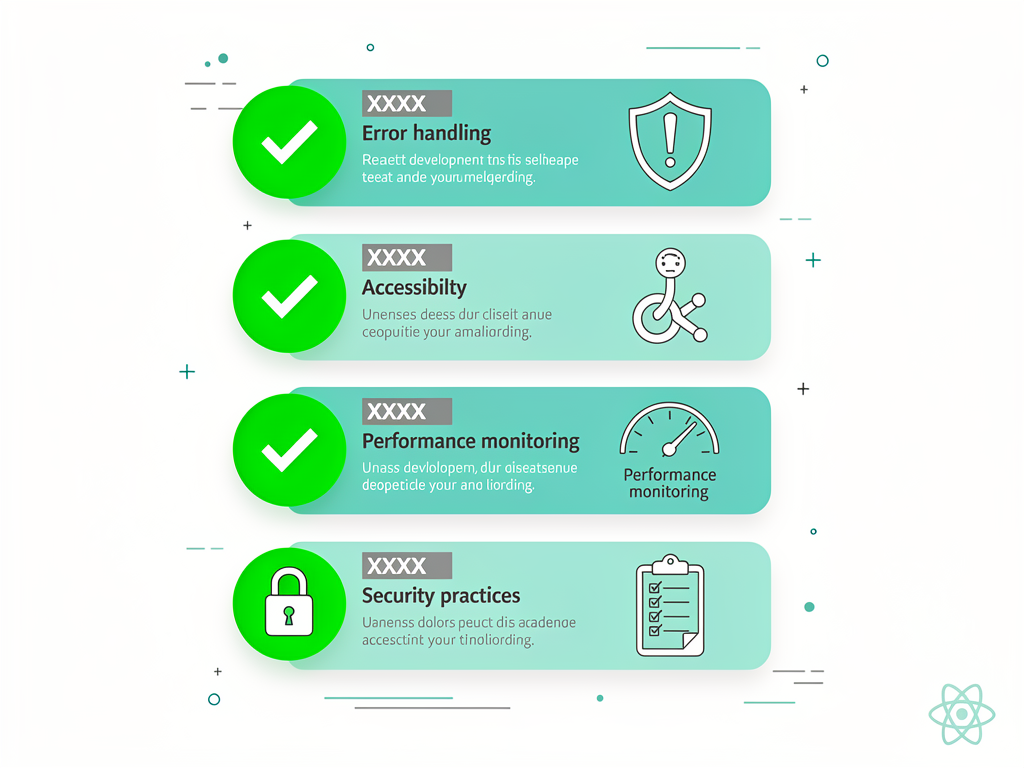
Over-engineering state management is a frequent mistake. Not every application needs Redux or a complex state management solution. Start with React's built-in state management (useState, useContext) and only add external libraries when you have a clear need. Many SaaS applications work perfectly well with simpler approaches.
Ignoring accessibility can limit your market and create legal liability. React makes it easy to build accessible applications if you follow best practices from the start. Use semantic HTML, manage focus appropriately, and test with screen readers. Libraries like Radix UI and Headless UI provide accessible primitives that handle complex accessibility requirements.
Premature optimization wastes development time. React is fast enough for most use cases without extensive optimization. Profile your application to identify actual bottlenecks before adding memoization everywhere. Optimizing code that isn't slow just adds complexity without benefit.
Neglecting error boundaries leads to poor user experiences. React's error boundaries catch JavaScript errors in component trees and display fallback UIs instead of crashing the entire application. Every SaaS application should implement error boundaries around major sections to gracefully handle unexpected errors.
Tight coupling to specific libraries makes future changes painful. Abstract your data fetching, authentication, and other integrations behind interfaces that could be swapped out if needed. This flexibility becomes valuable as your SaaS evolves and better solutions emerge.
Conclusion
React has earned its position as the most popular UI library for good reasons. Its component-based architecture promotes code reuse and maintainability. The Virtual DOM provides excellent performance without requiring developers to manually optimize DOM updates. The vast ecosystem offers solutions for virtually every challenge you'll encounter in SaaS development. And the active community ensures continuous improvement and abundant learning resources.
For SaaS developers specifically, React offers the flexibility to build everything from simple landing pages to complex, real-time applications. Combined with frameworks like Next.js and tools from the broader ecosystem, React provides a foundation that can grow with your business from MVP to enterprise scale.
Whether you're a technical founder evaluating technology choices, a developer expanding your skills, or an indie hacker looking to ship faster, investing in React knowledge pays dividends. The patterns you learn apply across web and mobile development, the skills are highly marketable, and the ecosystem provides accelerators like boilerplates and templates that let you focus on building your unique product.
The question isn't whether React is suitable for SaaS development. The question is how to best leverage its capabilities for your specific product. Start with the fundamentals, choose your complementary tools wisely, and build something users love.
Frequently Asked Questions
Is React a Framework or a Library?
React is technically a library, not a framework, though this distinction matters less in practice than it might seem. A library provides specific functionality that you call when needed, while a framework provides a complete structure that calls your code. React focuses specifically on building user interfaces through components, leaving decisions about routing, state management, and data fetching to you. This flexibility is both a strength and a potential source of confusion for newcomers. In practice, most React developers use it alongside other libraries (React Router, state management tools, etc.) or within frameworks like Next.js that provide more structure. The library versus framework distinction becomes academic when you're using Next.js, which provides the complete application structure while leveraging React for the UI layer.
How Long Does It Take to Learn React for SaaS Development?
The timeline varies significantly based on your existing JavaScript knowledge. Developers comfortable with modern JavaScript (ES6+, async/await, array methods) can typically build simple React components within a few days and become productive on real projects within two to four weeks. Reaching proficiency with advanced patterns like custom hooks, context optimization, and performance tuning typically takes three to six months of active development. For SaaS-specific skills (authentication flows, subscription management, multi-tenancy), add additional learning time based on the complexity of your requirements. The good news is that React's fundamentals transfer well across projects, so time invested in learning React compounds over your career.
Can I Use React Without Learning JavaScript First?
While technically possible to write basic React code without deep JavaScript knowledge, this approach creates significant limitations and frustration. React is fundamentally a JavaScript library, and effective React development requires comfort with concepts like functions, objects, arrays, destructuring, spread operators, and asynchronous programming. Attempting to learn React without this foundation often leads to confusion about what's React-specific versus standard JavaScript. A better approach is ensuring you understand JavaScript fundamentals first, particularly ES6+ features, before diving into React. This investment typically saves time overall because you'll understand why React patterns work the way they do rather than memorizing syntax without comprehension.
What's the Difference Between React and Next.js?
React is a UI library for building components, while Next.js is a full-stack framework built on top of React. Think of React as the engine and Next.js as the complete vehicle. React handles rendering UI components and managing component state, but it doesn't provide routing, server-side rendering, or API endpoints out of the box. Next.js adds these capabilities plus optimizations like automatic code splitting, image optimization, and built-in CSS support. For SaaS development, Next.js is typically the better starting point because it provides the complete infrastructure you need. You're still writing React components, but within a framework that handles the architectural decisions that every production application requires.
Is React Still Worth Learning in 2025?
Absolutely. Despite being over a decade old, React remains the most widely used frontend technology with no signs of declining. The 2024 Stack Overflow Developer Survey confirmed React's continued dominance, and job postings for React developers consistently outnumber those for alternative frameworks. React 19's introduction of Server Components and the React Compiler demonstrates ongoing innovation. The ecosystem continues expanding with new tools and libraries. For SaaS development specifically, React's combination of flexibility, performance, and ecosystem depth makes it the pragmatic choice. Skills learned with React also transfer to React Native for mobile development, maximizing the return on your learning investment.
How Does React Handle SEO for SaaS Marketing Pages?
Client-side rendered React applications can face SEO challenges because search engine crawlers may not execute JavaScript effectively. However, this concern is largely solved through server-side rendering (SSR) and static site generation (SSG). Next.js makes implementing these rendering strategies straightforward. Marketing pages, documentation, and blog content can be statically generated at build time, providing excellent SEO while authenticated application sections use client-side rendering. Modern search engines, particularly Google, have improved at indexing JavaScript applications, but SSR/SSG remains the recommended approach for SEO-critical pages. Many successful SaaS companies use this hybrid approach: static generation for public pages and client-side rendering for the authenticated application experience.
Ready to Build Your SaaS Product with React?
Starting a SaaS project from scratch means building authentication, payments, admin panels, and countless other features before you can focus on what makes your product unique. SaasCore provides a production-ready Next.js boilerplate with everything you need already built: authentication with NextAuth 5.0, Stripe billing integration, admin and client dashboards, email marketing, affiliate programs, and more. Stop rebuilding the same infrastructure every SaaS needs and start shipping your unique features faster. Explore SaasCore and see the demo to discover how much time you can save on your next SaaS project.
Subscribe to our newsletter
Subscribe to our newsletter and stay up-to-date with the latest news and updates.