Master Server State Management in Next.js with TanStack Query
Discover how TanStack Query revolutionizes server state management in Next.js applications, enhancing performance and reliability for SaaS platforms. Learn strategies for data fetching, caching, and synchronization to build production-ready apps.

Zakariae
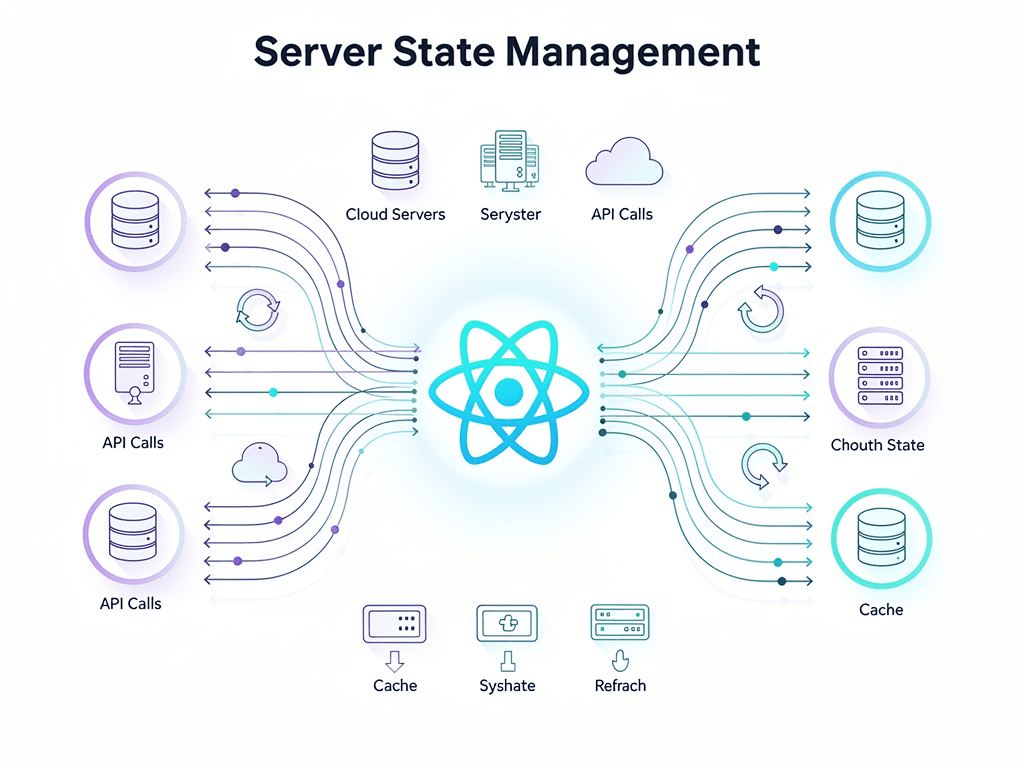
Building a successful SaaS application requires more than just a beautiful interface and clever features. Behind every responsive dashboard, real-time notification system, and seamless user experience lies a sophisticated data management strategy that keeps your application synchronized with your backend services. For modern Next.js applications, mastering server state management is not optional; it is essential for delivering the performance and reliability your users expect.
Whether you are building a subscription management platform, a multi-tenant analytics dashboard, or a customer relationship management tool, the way you handle data fetching, caching, and synchronization will directly impact your application's success. This comprehensive guide explores how TanStack Query (formerly known as react query) transforms the way SaaS developers approach server state, providing you with the patterns, strategies, and implementation details you need to build production-ready applications.
Key Takeaways
- Server state differs fundamentally from client state and requires specialized tools designed for asynchronous data management, caching, and background synchronization.
- TanStack Query eliminates boilerplate code by providing automatic caching, deduplication, background refetching, and optimistic updates out of the box.
- Proper integration with Next.js App Router requires understanding hydration patterns that combine server-side rendering benefits with client-side reactivity.
- Query key design is critical for cache management, invalidation strategies, and maintaining data consistency across your SaaS application.
- Mutations with optimistic updates create responsive user experiences that feel instant while maintaining data integrity with your backend.
- Pagination and infinite scrolling patterns are essential for SaaS dashboards that display large datasets without compromising performance.
- Error handling and retry strategies must be carefully designed to provide graceful degradation and clear feedback to users.
- DevTools and debugging capabilities accelerate development and make troubleshooting production issues significantly easier.
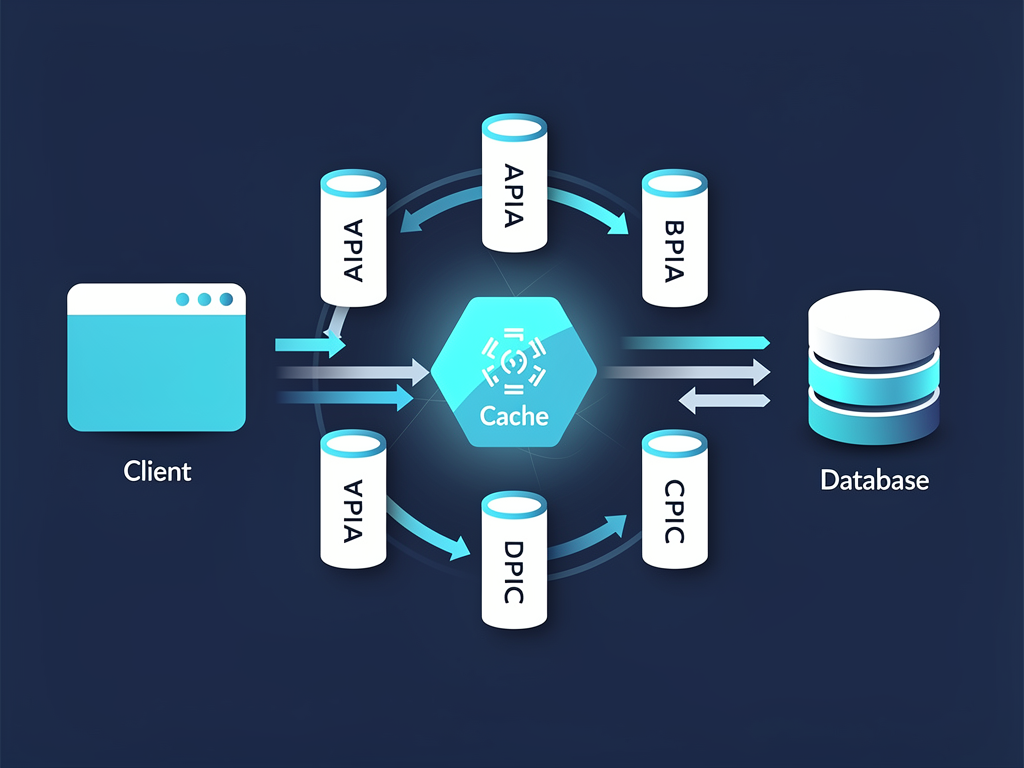
Understanding the Server State Challenge in SaaS Applications
Every SaaS application faces a fundamental challenge that single-page applications and static websites never encounter: managing data that lives on a remote server while providing users with a responsive, real-time experience. This data, commonly referred to as server state, behaves differently from the local UI state that React developers typically manage with useState or useReducer hooks.
Server state introduces complexities that traditional state management solutions were never designed to handle. Your subscription data, user profiles, team member lists, and billing information all exist primarily on your backend servers. When users interact with your application, they expect to see current data, but fetching that data on every render would create unacceptable performance bottlenecks and unnecessary server load.
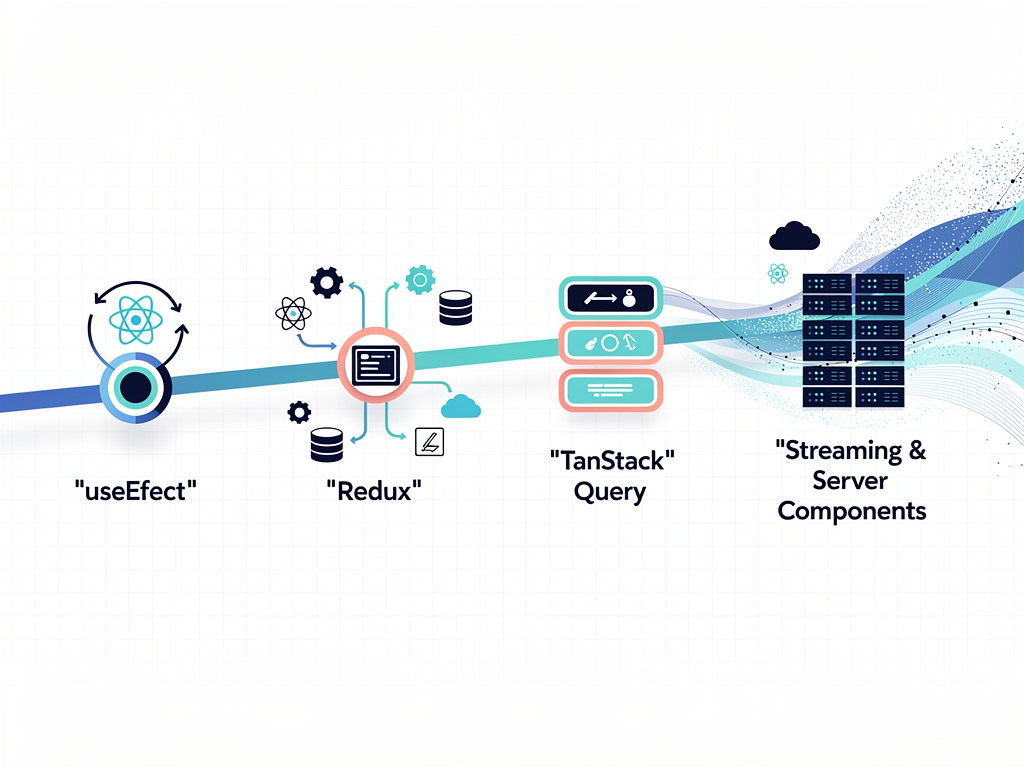
Consider a typical SaaS dashboard scenario. A user logs in and views their team management page, which displays a list of team members, their roles, and recent activity. Without proper server state management, you might implement this with a useEffect hook that fetches data on component mount. However, this approach immediately reveals several problems that become more pronounced as your application scales.
First, navigating away from the page and returning triggers another fetch request, even though the data likely has not changed. Second, if multiple components need the same team member data, each component makes its own request, wasting bandwidth and server resources. Third, there is no mechanism for keeping the data fresh when another team member makes changes. Fourth, handling loading states, error states, and retry logic requires significant boilerplate code in every component that fetches data.
These challenges multiply across a SaaS application with dozens of data-dependent features. Subscription management, usage analytics, notification systems, and administrative dashboards all require sophisticated data fetching strategies. Without a dedicated solution, developers end up writing repetitive code, introducing inconsistencies, and creating maintenance burdens that slow down feature development.
Why Traditional State Management Falls Short
Many developers initially reach for familiar tools like Redux, Zustand, or the Context API when they encounter server state challenges. While these libraries excel at managing client-side state, they were not designed with the unique requirements of server state in mind. Understanding why they fall short helps clarify the value that specialized server state libraries provide.
Redux, for example, requires developers to manually implement caching logic, track loading and error states, handle request deduplication, and manage cache invalidation. A typical Redux implementation for fetching user data might involve defining action types, creating action creators, writing reducer logic for pending, fulfilled, and rejected states, and implementing selectors. This boilerplate adds up quickly across an application with many data fetching requirements.
The Context API presents similar challenges. While it provides a mechanism for sharing state across components, it offers no built-in support for asynchronous operations, caching, or background synchronization. Developers must implement these features manually, leading to inconsistent implementations and potential bugs.
Zustand offers a more lightweight approach than Redux, but it still treats server state as just another piece of application state. Without dedicated primitives for handling the asynchronous nature of server data, developers face the same challenges of implementing caching, deduplication, and synchronization logic themselves.
The fundamental issue is that server state has different characteristics than client state. Server state is persisted remotely and requires asynchronous APIs to access. It is shared ownership, meaning other users or processes can modify it without your knowledge. It can become stale if not refreshed periodically. It requires synchronization between what the client displays and what exists on the server. Treating server state with tools designed for synchronous, locally-owned client state creates unnecessary complexity and often leads to bugs.
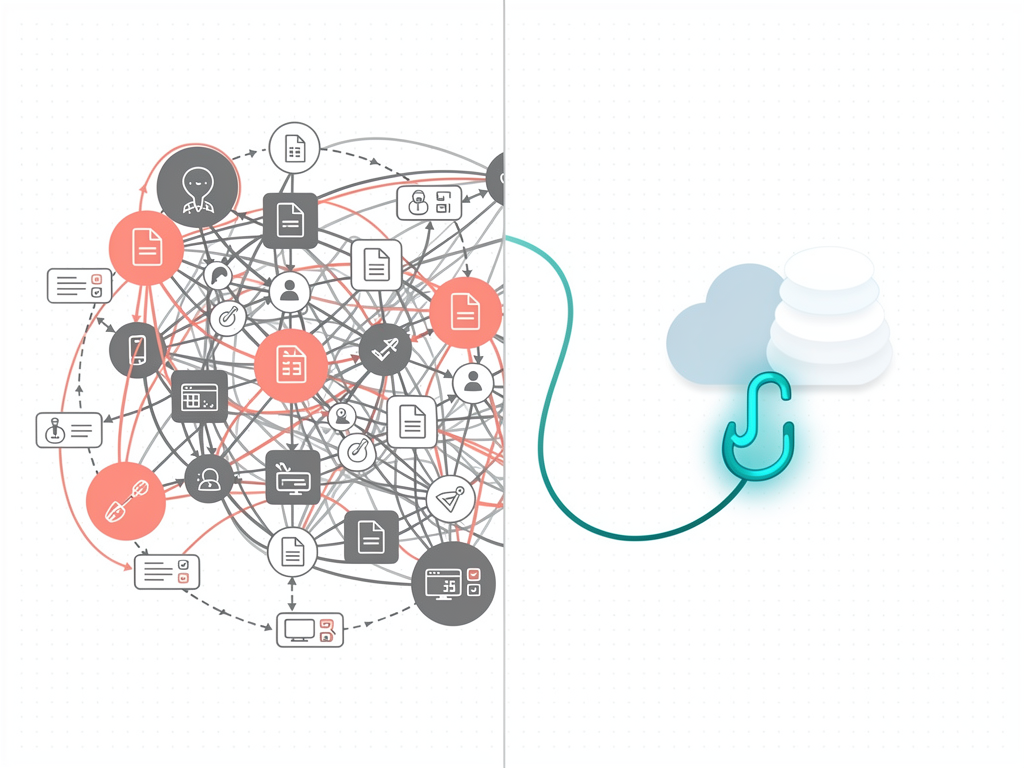
Introducing TanStack Query: The Server State Solution
TanStack Query, maintained by Tanner Linsley and the TanStack team, emerged as the definitive solution for server state management in React applications. Originally released as React Query, the library has evolved to support multiple frameworks while maintaining its core philosophy: server state is fundamentally different and deserves specialized tooling.
At its core, TanStack Query provides a set of hooks and utilities that handle the complexities of server state automatically. When you use the useQuery hook to fetch data, the library manages caching, background refetching, deduplication, and stale data handling without requiring any additional configuration. This declarative approach means you describe what data you need, and the library handles how to get it efficiently.
The library introduces several key concepts that transform how you think about data fetching. Query keys uniquely identify each piece of cached data, enabling precise cache management and invalidation. Query functions define how to fetch data, whether from REST APIs, GraphQL endpoints, or any other asynchronous source. Stale time determines how long data remains fresh before the library considers refetching. Cache time controls how long unused data stays in memory before garbage collection.
For SaaS applications, TanStack Query provides features that directly address common requirements. Automatic background refetching keeps dashboard data current without manual refresh buttons. Request deduplication ensures that multiple components requesting the same data result in a single network request. Optimistic updates enable instant UI feedback while mutations complete in the background. Pagination and infinite query support handle large datasets efficiently.
The library also integrates seamlessly with Next.js, supporting both the Pages Router and the newer App Router. This integration enables powerful patterns like server-side prefetching with client-side hydration, combining the SEO and performance benefits of server rendering with the interactivity of client-side data management.
Setting Up TanStack Query in Your Next.js Application
Implementing TanStack Query in a Next.js application requires careful setup to ensure proper integration with React's component lifecycle and Next.js's rendering strategies. The configuration differs slightly between the Pages Router and App Router, so understanding both approaches helps you choose the right pattern for your project.
Begin by installing the necessary packages. You will need the core TanStack Query library and the React adapter. The DevTools package is highly recommended for development, as it provides invaluable insights into your query cache and helps debug data fetching issues.
For Next.js App Router applications, the setup requires creating a client component that provides the QueryClient to your application. This provider must be a client component because TanStack Query relies on React context, which requires client-side JavaScript. However, you can still leverage server components for data fetching by using the prefetching and hydration patterns discussed later in this guide.
Create a providers component that initializes the QueryClient with appropriate default options. These defaults apply to all queries unless overridden at the individual query level. For SaaS applications, consider setting a reasonable staleTime to reduce unnecessary refetches while keeping data reasonably current. A staleTime of 30 to 60 seconds works well for many dashboard scenarios.
Configuration Tip: Set your default staleTime based on how frequently your data changes. User profile data might tolerate a longer staleTime of several minutes, while real-time analytics might need a shorter window of 10 to 15 seconds. You can always override defaults for specific queries that have different freshness requirements.
The QueryClient configuration also supports retry logic, which determines how the library handles failed requests. By default, TanStack Query retries failed queries three times with exponential backoff. For SaaS applications, you might want to customize this behavior based on the type of error. Network errors might warrant retries, while authentication errors should fail immediately and redirect to login.
Once your provider is configured, wrap your application's root layout with the QueryClientProvider. This makes the QueryClient available to all components in your application through React context. The DevTools component can be included conditionally in development environments to avoid shipping debugging tools to production.
Mastering Query Keys for Effective Cache Management
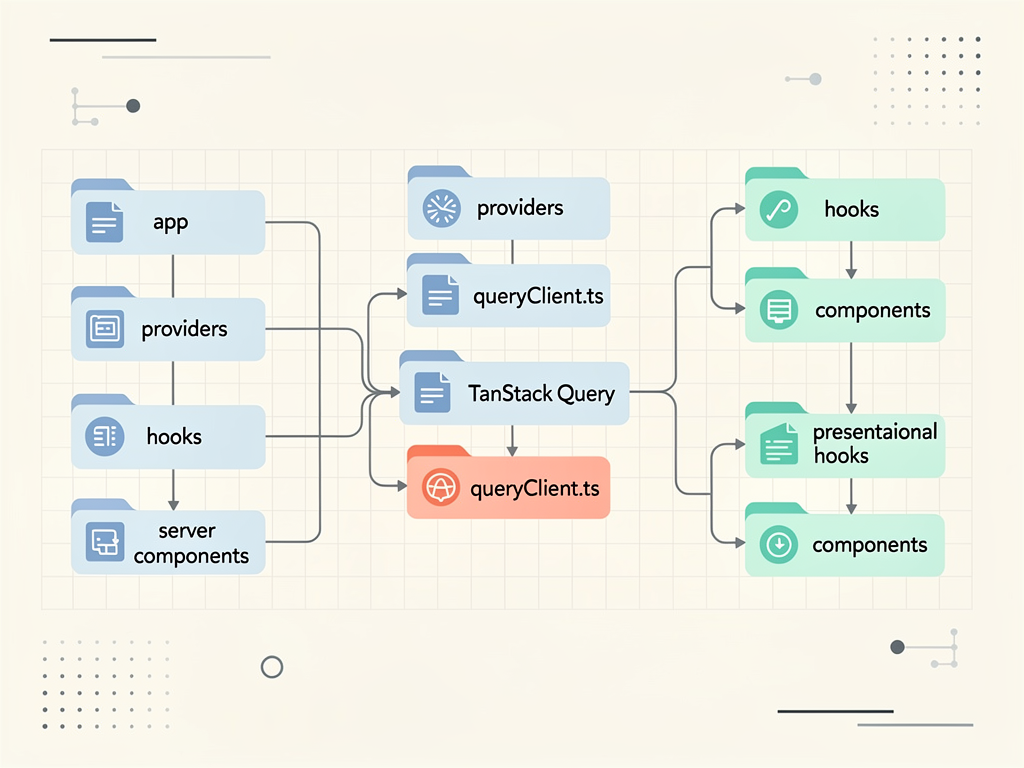
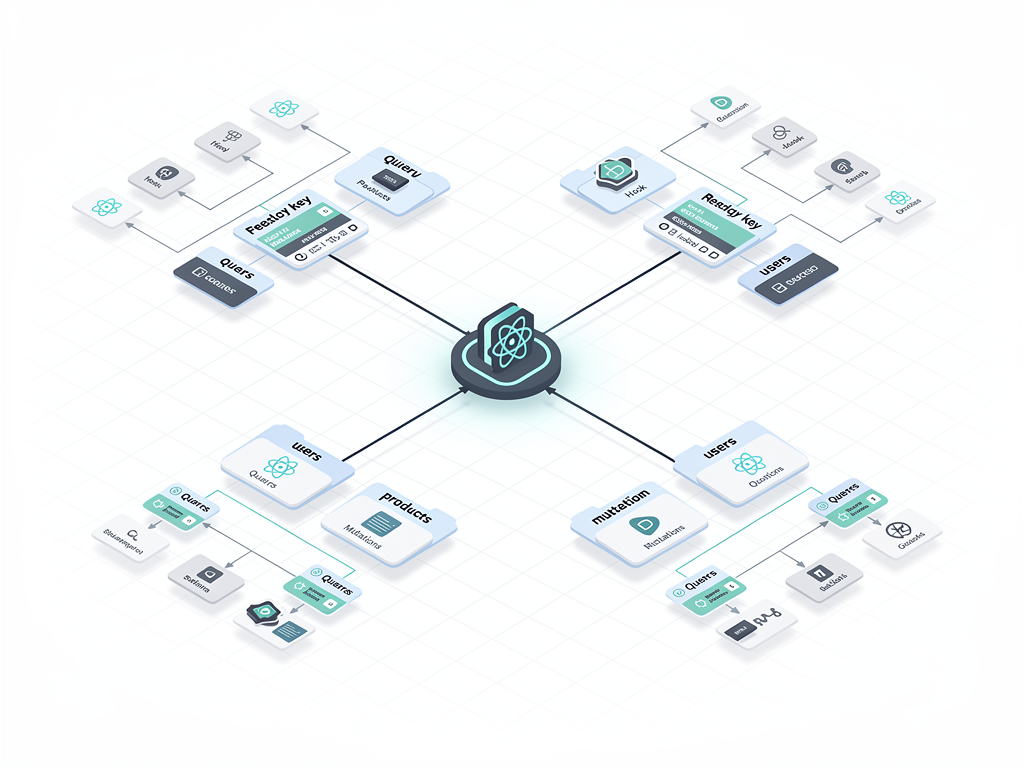
Query keys are the foundation of TanStack Query's caching system, and designing them well is crucial for building maintainable SaaS applications. A query key uniquely identifies a piece of cached data, enabling the library to determine when to reuse cached data, when to refetch, and how to invalidate related queries after mutations.
Query keys are arrays that can contain any serializable values. The simplest query key might be a single string identifying the resource type, such as ['users'] for a list of users. However, SaaS applications typically require more sophisticated key structures that incorporate filtering, pagination, and scoping parameters.
Consider a multi-tenant SaaS application where each organization has its own data. Your query keys should include the organization identifier to ensure that data from different organizations never gets mixed up in the cache. A query for team members might use a key like ['organizations', organizationId, 'team-members'], clearly establishing the hierarchical relationship between the organization and its team members.
When queries accept parameters like filters, sorting options, or pagination cursors, include these in the query key. This ensures that different parameter combinations are cached separately. A query for paginated invoices might use ['organizations', organizationId, 'invoices', { page: 1, status: 'paid', sortBy: 'date' }]. The object at the end of the array is automatically serialized and compared for cache matching.
Establishing consistent query key conventions across your application prevents bugs and makes cache invalidation predictable. Many teams adopt a factory pattern where query keys are generated by functions rather than constructed inline. This approach centralizes key definitions, making it easy to update them across the application and ensuring consistency.
A query key factory might export functions like organizationKeys.all for all organization-related queries, organizationKeys.detail(id) for a specific organization, and organizationKeys.teamMembers(id) for team members within an organization. These factory functions return the appropriate array structure, and all components use the factory rather than constructing keys manually.
This pattern becomes especially powerful when combined with cache invalidation. After a mutation that adds a new team member, you can invalidate all queries that start with ['organizations', organizationId, 'team-members'] using a partial key match. The factory pattern ensures you always use the correct key structure for invalidation.
Implementing Data Fetching Patterns for SaaS Features
SaaS applications require diverse data fetching patterns to support their various features. Understanding how to implement these patterns with TanStack Query enables you to build responsive, efficient interfaces that users love. Let us explore the most common patterns and their implementations.
Basic data fetching with useQuery handles the majority of read operations in your application. The hook accepts a query key and a query function, returning an object with the data, loading state, error state, and various utility functions. For a subscription management feature, you might fetch the current user's subscription details with a query that calls your API endpoint and returns the subscription object.
Dependent queries handle scenarios where one query depends on data from another. In a SaaS context, you might need to fetch a user's organization before fetching organization-specific settings. TanStack Query supports this through the enabled option, which prevents a query from running until its dependencies are available. Set enabled to a boolean expression that evaluates to true only when the required data exists.
Parallel queries optimize performance when you need multiple independent pieces of data simultaneously. Rather than fetching sequentially and waiting for each request to complete, parallel queries run concurrently. The useQueries hook accepts an array of query configurations and returns an array of query results, enabling you to fetch a dashboard's subscription data, usage metrics, and recent activity in parallel.
Polling and real-time updates keep data fresh for features that require near real-time information. The refetchInterval option tells TanStack Query to automatically refetch data at specified intervals. For a live analytics dashboard, you might set a refetchInterval of 10000 milliseconds to update metrics every ten seconds. The refetchIntervalInBackground option controls whether polling continues when the browser tab is not focused.
For true real-time requirements, consider combining TanStack Query with WebSocket connections. Use WebSocket events to trigger cache invalidation or direct cache updates, ensuring users see changes immediately without waiting for the next polling interval.
Handling Mutations and Optimistic Updates
While queries handle reading data, mutations handle creating, updating, and deleting data. TanStack Query's useMutation hook provides a structured approach to mutations that integrates seamlessly with the query cache, enabling patterns like optimistic updates that make your SaaS application feel incredibly responsive.
The useMutation hook accepts a mutation function and optional configuration for handling success, error, and settlement callbacks. Unlike queries, mutations do not run automatically; you trigger them by calling the mutate function returned by the hook. This gives you precise control over when mutations execute, typically in response to user actions like form submissions or button clicks.
A basic mutation for updating a user's profile might call your API endpoint with the new profile data. The onSuccess callback runs after the mutation completes successfully, where you typically invalidate related queries to ensure the cache reflects the new data. The onError callback handles failures, perhaps displaying a toast notification to inform the user.
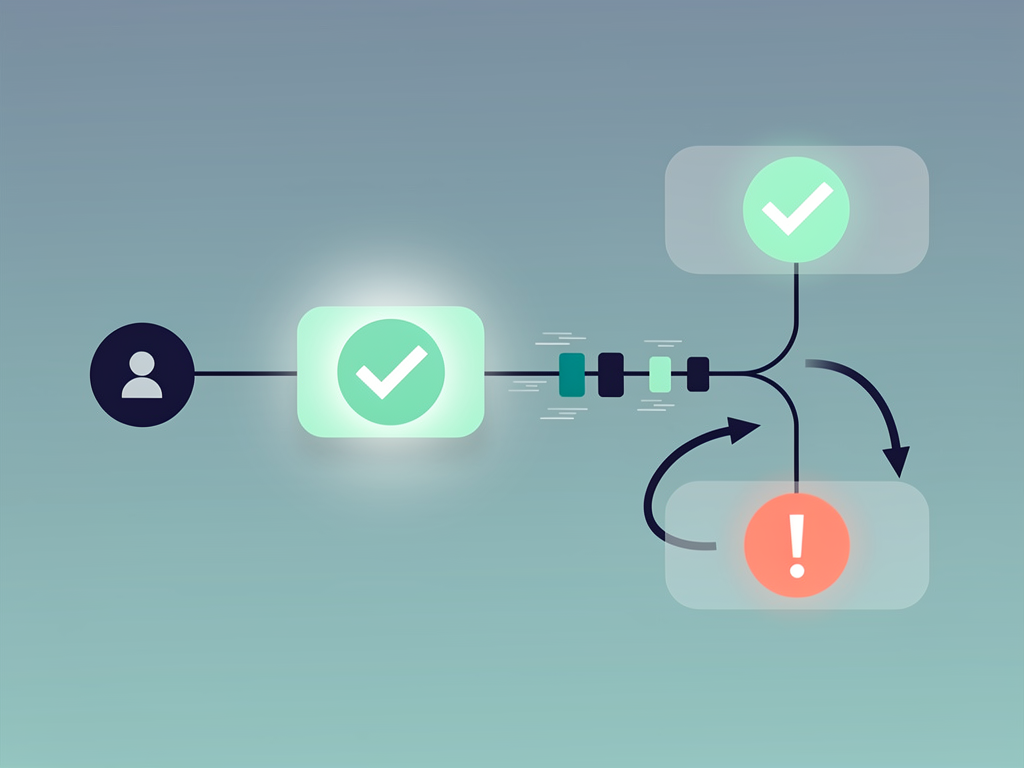
Optimistic updates take mutations to the next level by updating the UI immediately, before the server confirms the change. This pattern creates the perception of instant responsiveness, which significantly improves user experience. If the mutation fails, TanStack Query automatically rolls back the optimistic update to restore the previous state.
Implementing optimistic updates requires the onMutate callback, which runs before the mutation function. In this callback, you cancel any outgoing refetches for the affected queries to prevent them from overwriting your optimistic update. Then you snapshot the current cache state for potential rollback and update the cache with the optimistic data. The callback returns a context object containing the snapshot, which the onError callback uses to restore the previous state if needed.
Best Practice: Always implement rollback logic when using optimistic updates. Users trust that the data they see reflects reality. If an optimistic update fails and you do not roll back, users might make decisions based on incorrect information. The brief delay of waiting for server confirmation is preferable to displaying inaccurate data.
For SaaS applications with complex data relationships, consider the scope of your cache invalidation carefully. Updating a team member's role might require invalidating not just the team member list but also permission-related queries, activity feeds, and any other data that depends on roles. The query key factory pattern discussed earlier makes this invalidation logic clear and maintainable.
Pagination and Infinite Scrolling for Large Datasets
SaaS applications frequently display large datasets that cannot be loaded all at once. Customer lists, transaction histories, audit logs, and analytics data often contain thousands or millions of records. TanStack Query provides specialized hooks for handling paginated and infinite data efficiently.
Traditional pagination with discrete pages works well for data that users navigate sequentially or jump to specific pages. The standard useQuery hook handles this pattern by including the page number in the query key. Each page is cached separately, so navigating between previously viewed pages is instant. The keepPreviousData option prevents the UI from showing a loading state when changing pages, instead displaying the previous page's data until the new page loads.
For implementing page navigation, track the current page in component state and pass it to your query key and query function. The query result includes metadata about total pages and total items, which you use to render pagination controls. When users click a page number, update the state, and TanStack Query automatically fetches the new page while keeping the previous data visible.
Infinite scrolling provides a more fluid experience for browsing large lists. The useInfiniteQuery hook manages this pattern by tracking multiple pages of data and providing functions to fetch additional pages. Instead of replacing data when loading a new page, infinite queries append new pages to the existing data.
The useInfiniteQuery hook requires a getNextPageParam function that extracts the cursor or page number for the next page from the current page's response. This function returns undefined when no more pages exist, signaling to TanStack Query that the list is complete. The hook returns a fetchNextPage function and hasNextPage boolean that you use to implement load-more buttons or intersection observer-based automatic loading.
Rendering infinite query data requires flattening the pages array. The data object contains a pages array where each element is a page of results. Map over this array and flatten it to render all items in a single list. Many teams create a custom hook that wraps useInfiniteQuery and returns the flattened data along with the pagination controls.
For SaaS dashboards displaying activity feeds, notification lists, or search results, infinite scrolling creates a smooth browsing experience. Combine it with virtualization libraries like TanStack Virtual for lists with thousands of items, ensuring that only visible items are rendered to the DOM regardless of total list size.
Integrating with Next.js Server Components and SSR
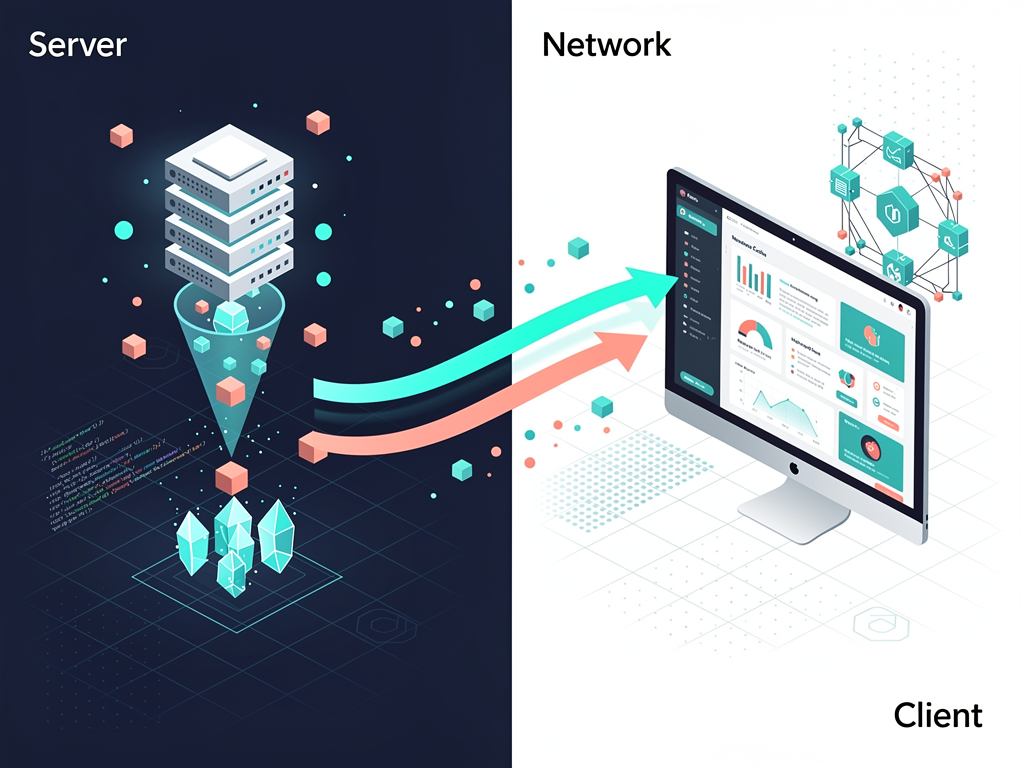
Next.js App Router introduces Server Components, which execute on the server and send rendered HTML to the client. This architecture offers significant performance and SEO benefits but requires careful integration with client-side libraries like TanStack Query. The key is combining server-side prefetching with client-side hydration to get the best of both worlds.
The integration pattern involves three steps. First, fetch and prefetch data in a Server Component using TanStack Query's server-side utilities. Second, dehydrate the prefetched data into a serializable format. Third, hydrate the data on the client so TanStack Query's cache is immediately populated without requiring additional network requests.
In your Server Component, create a new QueryClient instance and use the prefetchQuery method to fetch data. This method populates the QueryClient's cache with the fetched data. After prefetching, call the dehydrate function to serialize the cache state into a format that can be passed to client components.
Create a HydrationBoundary client component that receives the dehydrated state and passes it to TanStack Query's HydrationBoundary component. This component rehydrates the cache on the client, making the prefetched data immediately available to any useQuery hooks with matching query keys.
The result is powerful: users see fully rendered content on initial page load with no loading spinners, search engines can index your content for SEO, and once hydration completes, TanStack Query takes over for full client-side interactivity including background refetching and cache management.
This pattern works exceptionally well for SaaS landing pages, documentation sites, and any page where initial content should be visible immediately. For authenticated dashboard pages, you might skip server-side prefetching and rely entirely on client-side fetching, since these pages are not indexed by search engines and users expect brief loading states after navigation.
Error Handling and Retry Strategies
Robust error handling separates professional SaaS applications from amateur projects. Network failures, server errors, and authentication issues are inevitable, and how your application responds to these situations significantly impacts user trust and satisfaction. TanStack Query provides flexible error handling capabilities that you should customize for your specific requirements.
By default, TanStack Query retries failed queries three times with exponential backoff. This behavior handles transient network issues gracefully, often resolving problems without users ever noticing. However, not all errors should trigger retries. Authentication errors (401 status codes) indicate the user's session has expired and retrying will not help. Server errors (500 status codes) might indicate a bug that retrying will not fix.
Customize retry behavior using the retry option, which accepts a number or a function. The function receives the failure count and the error, allowing you to implement conditional retry logic. Return true to retry or false to stop. For SaaS applications, consider stopping retries immediately for authentication errors and redirecting to the login page instead.
The onError callback at the query level handles errors for individual queries, while the QueryClient's defaultOptions can specify global error handling. For consistent error reporting, configure a global onError handler that logs errors to your monitoring service and displays user-friendly notifications. Individual queries can override this behavior when needed.
Error boundaries provide a React-level safety net for unhandled errors. TanStack Query's throwOnError option causes queries to throw errors that error boundaries can catch. This pattern works well for critical data where the component cannot render meaningfully without the data. For non-critical data, handle errors gracefully within the component by checking the error state and displaying appropriate fallback content.
Consider implementing different error UI patterns based on error type. Network errors might show a retry button. Authentication errors redirect to login. Rate limiting errors display a message asking users to wait. Server errors might show a generic message while logging details for your engineering team. This differentiated approach provides users with actionable information rather than generic error messages.
Performance Optimization Techniques
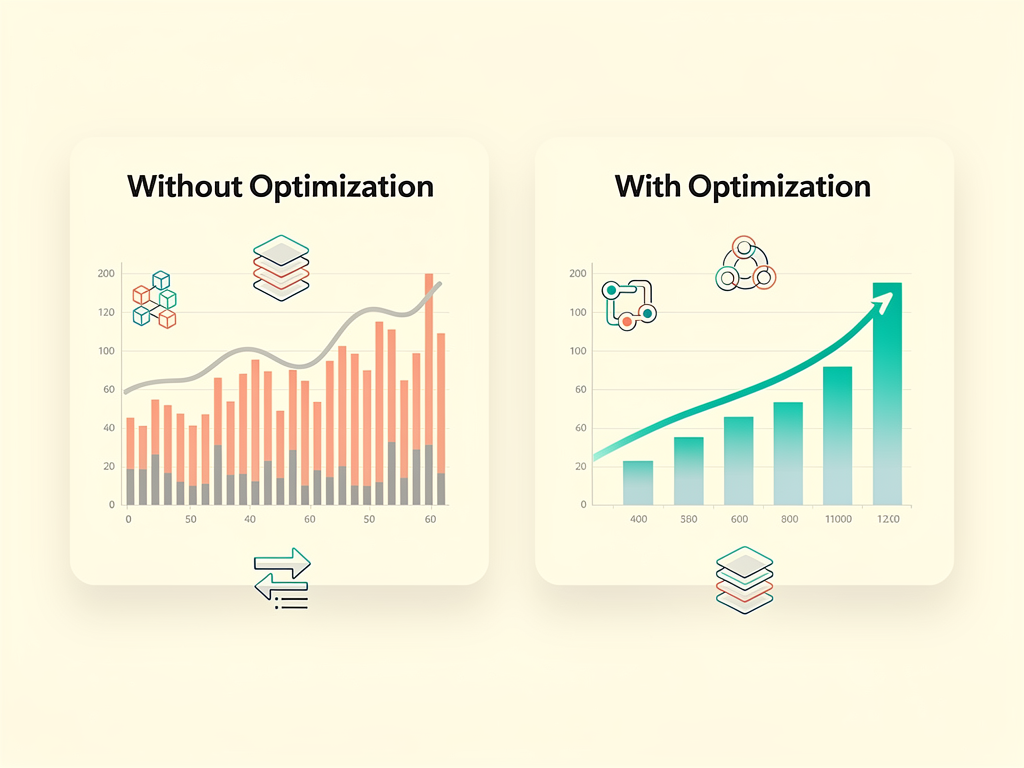
Performance optimization in TanStack Query involves balancing data freshness against network efficiency and server load. The library provides numerous configuration options that let you tune this balance for your specific SaaS requirements. Understanding these options helps you build applications that feel fast while minimizing infrastructure costs.
Stale time configuration is your primary tool for controlling refetch behavior. When data is fresh (within the stale time), TanStack Query serves it from cache without refetching, even when the component remounts. Setting appropriate stale times based on how frequently data changes reduces unnecessary network requests significantly.
For a SaaS application, consider these stale time guidelines. User profile data changes infrequently, so a stale time of five minutes or more is reasonable. Subscription status might warrant a shorter stale time of one to two minutes to ensure users see plan changes promptly. Real-time analytics might need a stale time of just a few seconds or rely on polling instead.
Cache time determines how long inactive data remains in memory. When all components using a query unmount, the data becomes inactive. After the cache time expires, the data is garbage collected. Longer cache times improve performance when users navigate back to previously viewed pages but consume more memory. For most SaaS applications, the default cache time of five minutes provides a good balance.
Query deduplication happens automatically when multiple components request the same data simultaneously. TanStack Query recognizes matching query keys and makes only one network request, sharing the result across all requesting components. This behavior requires no configuration but depends on consistent query key usage across your application.
Selective refetching using the select option transforms query data before it reaches components. This transformation is memoized, meaning components only re-render when their selected data changes, not when other parts of the query data change. For queries returning large objects, selecting only the needed fields can significantly reduce re-renders.
Prefetching anticipates user navigation and fetches data before it is needed. When users hover over a link, you can prefetch the destination page's data so it loads instantly when clicked. The queryClient.prefetchQuery method populates the cache without returning data to a component, making it ideal for this use case.
Testing Strategies for Query-Dependent Components
Testing components that use TanStack Query requires special consideration because queries involve asynchronous operations and external dependencies. A solid testing strategy ensures your SaaS application behaves correctly while keeping tests fast and reliable. Several approaches work well depending on what you are testing.
Mocking the query client provides complete control over query behavior in tests. Create a test QueryClient with specific default options like disabling retries and setting stale time to zero. Wrap your component under test with a QueryClientProvider using this test client. This approach lets you test component behavior without making actual network requests.
Mocking fetch or axios at the network level tests your query functions alongside your components. Libraries like MSW (Mock Service Worker) intercept network requests and return mock responses, allowing your actual query functions to execute while controlling the data they receive. This approach provides higher confidence that your queries work correctly but requires more setup.
Testing loading and error states verifies that your components handle all possible query states gracefully. Use your mocking approach to simulate slow responses for loading states and error responses for error states. Assert that appropriate loading indicators appear, error messages display correctly, and retry buttons function as expected.
Testing mutations requires verifying both the mutation execution and its effects on the query cache. After triggering a mutation in your test, assert that the expected API call was made with correct parameters. Then verify that related queries were invalidated or updated appropriately. The queryClient.getQueryState method helps inspect cache state in tests.
For integration tests, consider testing complete user flows that involve multiple queries and mutations. A test might simulate a user viewing their subscription, upgrading to a new plan, and verifying the updated subscription displays correctly. These tests provide high confidence in your application's behavior but require more setup and run slower than unit tests.
DevTools and Debugging Capabilities
TanStack Query DevTools transform the debugging experience by providing real-time visibility into your query cache, active queries, and mutation history. Installing and using these tools during development accelerates troubleshooting and helps you understand how your queries behave in practice.
The DevTools panel displays all queries in your cache, organized by their status: fresh, stale, fetching, or inactive. Clicking a query reveals detailed information including the query key, current data, data updated timestamp, and fetch status. This visibility helps you understand why a component shows stale data or why a query keeps refetching.
Manual cache manipulation through DevTools enables rapid testing of edge cases. You can manually invalidate queries to trigger refetches, remove queries from the cache entirely, or modify cached data directly. These capabilities help you test how your components respond to various cache states without writing test code.
Mutation tracking shows the history of mutations including their status, variables, and any errors. When a mutation fails, you can inspect the error details and the state of the cache at the time of failure. This information is invaluable for debugging issues that only occur in specific circumstances.
For production debugging, TanStack Query integrates with standard React DevTools. The query cache appears in the component tree, and you can inspect query state through the React DevTools interface. While you should not ship the TanStack Query DevTools to production, the React DevTools integration provides sufficient visibility for production debugging.
Consider implementing custom logging for production environments. The QueryClient accepts an optional logger that you can configure to send query and mutation events to your monitoring service. This logging helps you identify patterns like frequently failing queries or unusually slow responses that might indicate backend issues.
Building a Complete SaaS Feature: Subscription Management
Let us bring together the concepts covered in this guide by examining how they apply to a complete SaaS feature: subscription management. This feature involves displaying current subscription details, showing available plans, handling plan upgrades and downgrades, and managing payment methods. Each aspect demonstrates different TanStack Query patterns.
Displaying the current subscription uses a basic useQuery hook with a query key like ['subscriptions', 'current']. The query function calls your API endpoint that returns subscription details including the plan name, billing cycle, next billing date, and usage limits. Set an appropriate stale time based on how frequently subscription data changes; one to two minutes works well for most applications.
Fetching available plans for the upgrade modal uses another useQuery hook. Since plan data rarely changes, you can set a longer stale time of 30 minutes or more. The query key might be ['plans', { currency: userCurrency }] to cache different currency versions separately. This query can be prefetched when users navigate to the billing page, ensuring the upgrade modal opens instantly.
Handling plan changes requires a mutation that calls your payment processor's API to update the subscription. Implement optimistic updates to show the new plan immediately while the API processes the change. The onSuccess callback invalidates the current subscription query to fetch the updated details. Handle errors gracefully, rolling back the optimistic update and displaying a message explaining why the upgrade failed.
Managing payment methods involves queries for listing saved payment methods and mutations for adding, updating, and removing methods. The payment method list query uses a key like ['payment-methods'] and returns an array of saved cards or bank accounts. Adding a new payment method triggers a mutation that, on success, invalidates the payment methods query to show the newly added method.
This feature demonstrates how TanStack Query patterns compose to create complex, interactive functionality. Each piece is relatively simple, but together they provide a polished subscription management experience that feels responsive and handles edge cases gracefully.
Scaling Your Query Architecture
As your SaaS application grows, your query architecture must scale with it. What works for a small application with a few queries becomes unwieldy when you have hundreds of queries across dozens of features. Establishing patterns and conventions early prevents technical debt and maintains developer productivity.
Centralized query definitions keep your codebase organized. Rather than defining queries inline in components, create dedicated files that export query configurations. A feature might have a queries.ts file that exports query keys, query functions, and custom hooks that wrap useQuery with appropriate configuration. Components import and use these hooks rather than configuring queries directly.
Custom hooks encapsulate query logic and provide a clean API to components. A useSubscription hook might internally use useQuery with the appropriate key and configuration, returning the subscription data along with computed properties like isTrialing or daysUntilRenewal. Components use these semantic hooks without knowing the underlying query implementation.
Query key factories ensure consistency across your application. As discussed earlier, factory functions generate query keys based on parameters, preventing typos and making refactoring easier. When you need to change a key structure, you update the factory function once rather than finding and updating every usage.
Type safety with TypeScript catches errors at compile time rather than runtime. Define types for your query responses and use them consistently in query functions and hooks. TanStack Query has excellent TypeScript support, inferring types through the query function's return type. Generic custom hooks can accept type parameters for even stronger typing.
Documentation and conventions help team members understand and follow established patterns. Document your query key conventions, custom hook patterns, and error handling approaches. Code reviews should verify that new queries follow established patterns, preventing inconsistencies from creeping into the codebase.
Common Pitfalls and How to Avoid Them
Even experienced developers encounter pitfalls when working with TanStack Query. Understanding common mistakes helps you avoid them and build more robust applications. Here are the issues I see most frequently in SaaS codebases and how to address them.
Creating new QueryClient instances on every render destroys your cache and causes infinite refetching. The QueryClient must be created once and reused. In Next.js, use a module-level variable or a ref to ensure the same instance persists across renders. This mistake often manifests as queries that never stop loading or components that flicker constantly.
Inconsistent query keys cause cache misses and duplicate requests. If one component uses ['user', userId] and another uses ['users', userId], they will not share cached data even though they fetch the same resource. Query key factories solve this problem by centralizing key generation.
Over-invalidating queries after mutations wastes network resources and can cause jarring UI updates. When you invalidate a query, TanStack Query refetches it immediately if any component is using it. Invalidating too broadly, like all queries in the cache, triggers unnecessary refetches. Be surgical with invalidation, targeting only queries that the mutation actually affects.
Ignoring error states leaves users confused when things go wrong. Every query can fail, and your UI should handle failures gracefully. At minimum, display an error message. Better yet, provide retry functionality and helpful guidance for resolving common issues.
Misunderstanding stale vs. cache time leads to unexpected behavior. Stale time determines when data is considered outdated and eligible for refetching. Cache time determines when inactive data is removed from memory. Setting a long stale time with a short cache time means data will be removed before it becomes stale, negating the stale time benefit.
Not using enabled for dependent queries causes errors when queries run before their dependencies are available. If a query needs a userId that comes from another query, use the enabled option to prevent it from running until the userId exists. Without this, the query function receives undefined and likely fails.
Leveraging Boilerplates for Faster Development
Building a SaaS application from scratch requires implementing numerous foundational features before you can focus on your unique value proposition. Authentication, billing, team management, and admin dashboards consume significant development time. Using a well-architected SaaS boilerplate accelerates your time to market while establishing best practices from day one.
A quality Next.js boilerplate provides pre-configured TanStack Query integration along with other essential SaaS features. Rather than spending weeks setting up authentication flows, subscription management, and admin panels, you can focus immediately on the features that differentiate your product. The boilerplate handles the undifferentiated heavy lifting.
When evaluating a SaaS starter kit, look for modern architecture decisions that align with current best practices. Next.js App Router support, TypeScript throughout, and proper separation of server and client components indicate a well-maintained boilerplate. Integration with proven libraries like TanStack Query for data fetching and established payment processors for billing reduces integration risk.
A comprehensive Next.js SaaS template includes not just code but also patterns and conventions that scale. Query organization, error handling approaches, and testing strategies should be demonstrated throughout the codebase. These patterns serve as documentation and examples for your team as you extend the application with custom features.
The SaaS template you choose should support multi-tenancy if your application serves multiple organizations. Query keys should incorporate tenant identifiers, and the data layer should enforce tenant isolation. These architectural decisions are difficult to retrofit later, making it important to choose a boilerplate that handles them correctly from the start.
Future-Proofing Your Data Layer
The JavaScript ecosystem evolves rapidly, and your data layer architecture should accommodate future changes without requiring complete rewrites. TanStack Query's design philosophy and active maintenance make it a solid foundation, but you can take additional steps to ensure your application remains maintainable as technologies evolve.
Abstracting API calls behind a service layer isolates your queries from specific API implementations. Rather than calling fetch directly in query functions, create service functions that handle the API communication. If you later switch from REST to GraphQL or change your backend architecture, you update the service layer without modifying every query.
Keeping query logic separate from components through custom hooks makes refactoring easier. If TanStack Query's API changes significantly in a future version, you update your custom hooks rather than every component that uses queries. Components continue using the same semantic hooks with minimal changes.
Monitoring library updates and migration guides keeps you informed about upcoming changes. TanStack Query maintains excellent documentation including migration guides between major versions. Following the project's releases and changelogs helps you plan upgrades and take advantage of new features.
Writing comprehensive tests provides confidence when upgrading dependencies or refactoring code. Tests that verify behavior rather than implementation details remain valid even when internal implementations change. A test that verifies "subscription data displays after loading" works regardless of how the data fetching is implemented.
The patterns and practices covered in this guide represent current best practices that have proven effective across many production SaaS applications. By following these patterns and maintaining clean abstractions, your data layer will serve your application well as it grows and evolves.
Conclusion
Mastering server state management with TanStack Query transforms how you build SaaS applications with Next.js. The library eliminates the boilerplate code that traditionally accompanies data fetching while providing powerful features like automatic caching, background synchronization, and optimistic updates that create exceptional user experiences.
Throughout this guide, we explored the fundamental concepts that make TanStack Query effective: understanding the distinction between server and client state, designing query keys for maintainable cache management, implementing mutations with optimistic updates, and integrating with Next.js server components for optimal performance. These patterns apply across every feature of your SaaS application, from subscription management to real-time dashboards.
The investment in learning TanStack Query pays dividends throughout your application's lifecycle. Development velocity increases as you spend less time writing data fetching boilerplate. Application performance improves through intelligent caching and request deduplication. User experience benefits from responsive interfaces that feel instant. Maintenance becomes easier with predictable data flow and excellent debugging tools.
As you implement these patterns in your own SaaS applications, remember that the goal is not just technical correctness but delivering value to your users. Fast, reliable, and intuitive data experiences build user trust and differentiate your product in competitive markets. TanStack Query provides the foundation; your implementation brings it to life.
Frequently Asked Questions
How does TanStack Query differ from using Redux for data fetching in a SaaS application?
TanStack Query and Redux serve fundamentally different purposes, though they can appear to overlap in data fetching scenarios. Redux is a general-purpose state management library that requires you to manually implement caching, loading states, error handling, and background synchronization for server data. This typically involves writing action creators, reducers, and selectors for each data type, resulting in significant boilerplate code across your application.
TanStack Query, in contrast, is purpose-built for server state and handles these concerns automatically. When you use the useQuery hook, the library manages caching based on query keys, tracks loading and error states, deduplicates simultaneous requests, and handles background refetching without any additional code. For a SaaS application with dozens of data fetching requirements, this difference translates to thousands of lines of code you do not need to write or maintain. Many teams use both libraries together: TanStack Query for server state and a lighter solution like Zustand for client-only state that does not originate from the server.
What is the recommended approach for handling authentication tokens with TanStack Query?
Authentication tokens should be handled at the fetch layer rather than within individual queries. Create a configured fetch wrapper or axios instance that automatically includes the authentication token in request headers. This wrapper reads the token from your authentication state (whether stored in cookies, localStorage, or a state management solution) and attaches it to every outgoing request. Your query functions then use this configured client without needing to handle authentication themselves.
For token refresh scenarios, implement interceptors that detect 401 responses, refresh the token, and retry the original request. TanStack Query's retry mechanism can work alongside this, but the token refresh should happen at the fetch layer. When a user logs out, call queryClient.clear() to remove all cached data, preventing the next user from seeing the previous user's data. This approach keeps authentication concerns centralized and ensures consistent behavior across all queries in your SaaS application.
How should I structure query keys for a multi-tenant SaaS application?
Multi-tenant applications require query keys that incorporate the tenant identifier to ensure complete data isolation between tenants. A recommended pattern starts with a broad category, narrows to the tenant, then specifies the resource and any parameters. For example, a query for team members might use ['tenants', tenantId, 'team-members', { role: 'admin' }]. This hierarchical structure enables precise cache invalidation at any level.
Implement a query key factory that automatically includes the current tenant identifier, reducing the risk of accidentally omitting it. The factory might read the tenant ID from context or a global store and inject it into every key. When users switch tenants (if your application supports this), invalidate all tenant-specific queries to ensure fresh data loads for the new tenant. This pattern prevents data leakage between tenants and makes cache management predictable. Testing should verify that queries for different tenants never share cached data, as this would be a serious security vulnerability.
Can I use TanStack Query with GraphQL APIs in my Next.js SaaS application?
TanStack Query works excellently with GraphQL APIs and is actually agnostic to your data fetching method. The query function you provide can use any mechanism to fetch data, whether that is the native fetch API, axios, or a GraphQL client like graphql-request or urql. For GraphQL, your query function constructs and executes the GraphQL query, then returns the data portion of the response.
When using GraphQL, consider how your query keys relate to your GraphQL queries. You might include the operation name and variables in the key, such as ['graphql', 'GetUserProfile', { userId: '123' }]. Some teams create wrapper hooks that generate consistent keys based on the GraphQL operation. TanStack Query's caching works at the query level, not the entity level, so fetching the same user through different GraphQL queries results in separate cache entries. For entity-level caching, consider normalized cache solutions like Apollo Client, though TanStack Query's simplicity often outweighs the benefits of normalization for many SaaS applications.
What are the performance implications of using TanStack Query in a large SaaS dashboard?
TanStack Query generally improves performance in large SaaS dashboards through intelligent caching and request optimization. The library's deduplication ensures that multiple components requesting the same data result in a single network request. Caching eliminates redundant fetches when users navigate between pages. Background refetching keeps data fresh without blocking the UI. These optimizations typically reduce both network traffic and perceived latency significantly.
However, misconfiguration can cause performance issues. Setting staleTime to zero causes refetches on every component mount, potentially overwhelming your API. Overly aggressive cache invalidation after mutations triggers unnecessary refetches. Large datasets returned from queries consume memory in the cache. For dashboards with many simultaneous queries, consider using the useQueries hook for parallel fetching rather than many individual useQuery calls. Monitor your application's network tab and the TanStack Query DevTools to identify optimization opportunities. Most performance issues stem from configuration choices rather than the library itself, and adjusting staleTime and invalidation strategies usually resolves them.
How do I handle real-time updates alongside TanStack Query in a SaaS application?
Real-time updates in SaaS applications typically come from WebSocket connections, Server-Sent Events, or polling. TanStack Query integrates with all these approaches. For polling, use the refetchInterval option to automatically refetch queries at specified intervals. This works well for near-real-time requirements where data freshness of a few seconds is acceptable, such as dashboard metrics or activity feeds.
For true real-time updates via WebSockets, establish the WebSocket connection separately from TanStack Query. When you receive a WebSocket message indicating data has changed, use queryClient.invalidateQueries to trigger a refetch of affected queries, or use queryClient.setQueryData to update the cache directly with the new data. Direct cache updates provide instant UI updates without network requests but require careful implementation to maintain cache consistency. Many teams combine both approaches: WebSocket events trigger cache invalidation for complex data structures while directly updating simple values. This hybrid approach balances real-time responsiveness with implementation simplicity.
Ready to Build Your SaaS Application with Best Practices?
Implementing TanStack Query correctly is just one piece of building a successful SaaS application. Authentication, billing, team management, admin dashboards, and dozens of other features require careful implementation. Rather than building everything from scratch, start with a foundation that incorporates these best practices from day one.
Explore SaasCore, the ultimate Next.js boilerplate for SaaS applications. With pre-configured data fetching patterns, Stripe integration for subscriptions, multi-tenant architecture, and comprehensive admin panels, you can focus on building the features that make your product unique. See the demo and discover how much faster you can ship your SaaS product with a professional foundation.
Subscribe to our newsletter
Subscribe to our newsletter and stay up-to-date with the latest news and updates.