GitLab vs GitHub: Choosing the Best for SaaS Development
Explore the key differences between GitLab and GitHub for SaaS development workflows. Learn how each platform's features impact coding, deployment, and scalability to make an informed choice for your team.

Zakariae
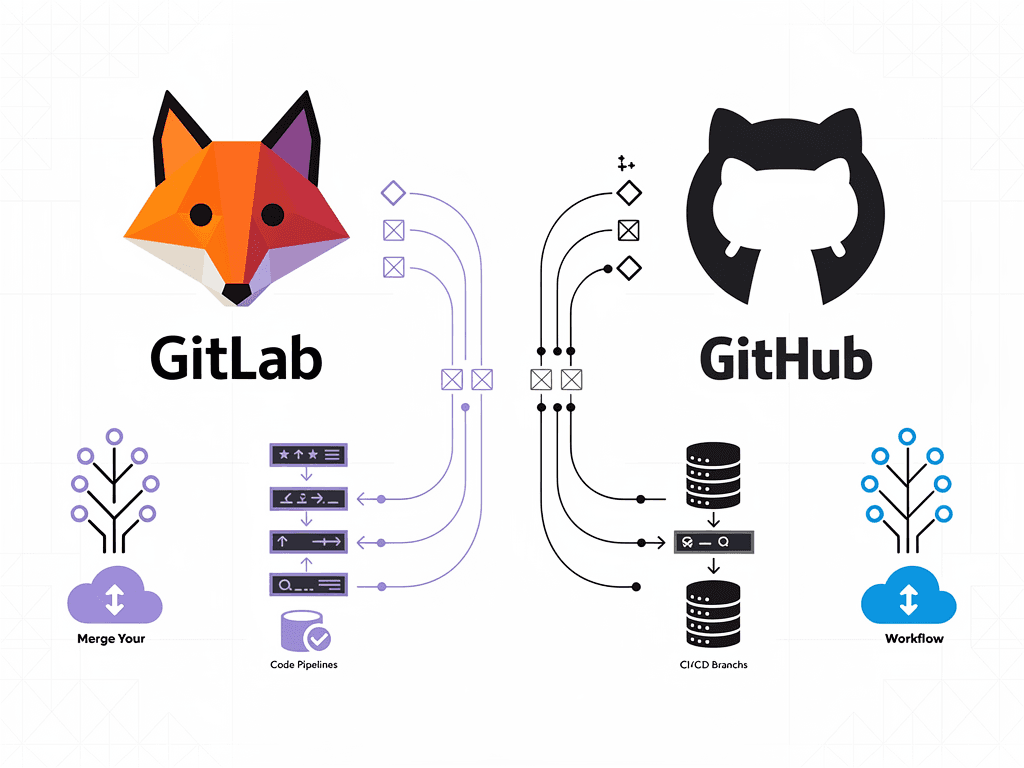
Choosing the right version control and DevOps platform is one of the most consequential decisions a SaaS development team can make. The debate around gitlab vs github has intensified dramatically as both platforms have evolved far beyond simple code repositories into comprehensive development ecosystems. For SaaS founders, CTOs, and development teams building modern web applications, this choice affects everything from daily coding workflows to deployment pipelines, security posture, and long-term scalability.
Whether you're launching a new SaaS product using a Next.js boilerplate or managing a complex multi-tenant application, understanding the nuanced differences between these platforms will help you make an informed decision that aligns with your team's workflow, budget, and technical requirements. This comprehensive comparison examines every critical aspect of both platforms to help you determine which solution best fits your SaaS development needs in 2026.
Key Takeaways
- GitHub dominates open-source collaboration with its 150+ million developer community and extensive marketplace ecosystem, making it ideal for teams that rely heavily on third-party integrations.
- GitLab offers superior built-in CI/CD capabilities with its integrated DevSecOps platform, reducing the need for external tools and simplifying pipeline management.
- Pricing structures differ significantly, with GitLab providing more features at lower tiers while GitHub offers competitive free-tier options for small teams and open-source projects.
- Self-hosting options favor GitLab for organizations with strict compliance requirements or those operating in regulated industries.
- AI-powered development features are advancing rapidly on both platforms, with GitHub Copilot leading in adoption while GitLab Duo offers tighter workflow integration.
- Security scanning and DevSecOps capabilities are more comprehensive in GitLab's integrated approach, though GitHub has made significant strides with Advanced Security features.
- Migration between platforms is relatively straightforward, so the initial choice, while important, is not irreversible.
Understanding the Fundamentals: What Sets These Platforms Apart
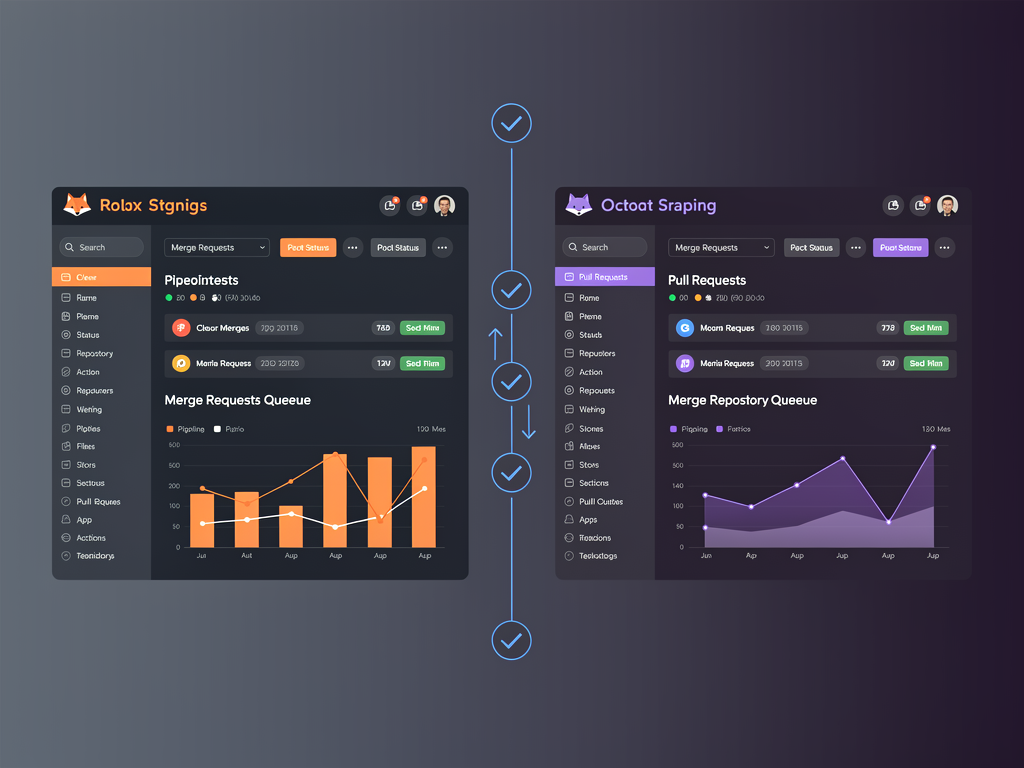
Before diving into specific features, it's essential to understand the philosophical differences that shape how GitHub and GitLab approach software development. GitHub, founded in 2008 and acquired by Microsoft in 2018, has built its reputation on being the world's largest code hosting platform and the de facto home for open-source software. Its strength lies in community, ecosystem breadth, and an intuitive user experience that has made it the starting point for millions of developers worldwide.
GitLab, founded in 2011, took a different path by positioning itself as a complete DevOps platform from the outset. Rather than relying on integrations and marketplace additions, GitLab built CI/CD, security scanning, project management, and monitoring directly into its core product. This "single application" philosophy appeals to organizations that want to minimize tool sprawl and maintain tighter control over their development infrastructure.
For SaaS development teams, this fundamental difference manifests in practical ways. GitHub teams often assemble their toolchain from various best-of-breed solutions, connecting GitHub to CircleCI, Jenkins, or other CI/CD platforms, then adding separate tools for security scanning, project management, and monitoring. GitLab teams, conversely, can accomplish most of these tasks without leaving the platform, though they sacrifice some flexibility in choosing specialized tools.
The choice between these approaches depends heavily on your team's preferences, existing infrastructure, and how much time you want to spend on toolchain management versus actual development. A SaaS starter kit project might benefit from GitHub's simplicity and community resources, while a mature enterprise application might leverage GitLab's integrated security and compliance features more effectively.
Repository Management and Version Control Features
At their core, both platforms excel at what they were originally designed for: hosting Git repositories and facilitating collaborative code development. However, the nuances in how they handle repository management can significantly impact your daily workflow.
GitHub's repository management is renowned for its clean, intuitive interface. The platform makes it easy to browse code, review commit history, and understand project structure at a glance. GitHub's code navigation features, powered by semantic analysis, allow developers to jump to definitions, find references, and understand codebases more quickly. For teams working with a SaaS boilerplate or exploring unfamiliar codebases, these navigation features prove invaluable.
GitLab's repository interface offers comparable functionality with some unique additions. The Web IDE, which has evolved significantly over the years, provides a more robust in-browser editing experience than GitHub's basic editor. GitLab also offers built-in support for repository mirroring, allowing you to maintain synchronized copies of repositories across different GitLab instances or even external platforms.
| Feature | GitHub | GitLab |
|---|---|---|
| Repository Size Limits | 100GB recommended max | 10GB default (configurable) |
| File Size Limits | 100MB (Git LFS available) | 100MB (Git LFS available) |
| Branch Protection | Comprehensive rules | Comprehensive rules |
| Code Owners | CODEOWNERS file | CODEOWNERS file |
| Web IDE | Basic editing | Full-featured IDE |
| Repository Mirroring | Limited (via Actions) | Built-in bidirectional |
Both platforms support essential features like branch protection rules, required reviews, and status checks before merging. GitHub's branch protection has become increasingly sophisticated, allowing teams to require specific workflows, dismiss stale reviews, and enforce linear commit history. GitLab offers similar capabilities through its protected branches and merge request approval rules, with the added benefit of approval rules that can be configured based on file paths or code ownership.
CI/CD Capabilities: GitHub Actions vs GitLab CI/CD
The continuous integration and continuous deployment capabilities of these platforms represent one of the most significant differentiators for SaaS development teams. How you build, test, and deploy your application directly impacts development velocity, code quality, and operational reliability.
GitLab CI/CD has been a cornerstone of the platform since its early days, giving it a maturity advantage in this space. Pipelines are defined in a .gitlab-ci.yml file at the repository root, using a YAML syntax that, while sometimes verbose, offers tremendous flexibility. GitLab's pipeline visualization makes it easy to understand complex workflows with multiple stages, parallel jobs, and conditional execution.
Pro Tip: GitLab's Auto DevOps feature can automatically detect your project type and configure appropriate CI/CD pipelines, making it exceptionally easy to get started with a new SaaS template or project without writing pipeline configuration from scratch.
GitHub Actions, launched in 2019, quickly became a formidable competitor. Its strength lies in the marketplace ecosystem, where thousands of pre-built actions can be combined to create sophisticated workflows. For teams building with popular frameworks, this means you can often find community-maintained actions for common tasks like deploying to Vercel, running Playwright tests, or publishing npm packages.
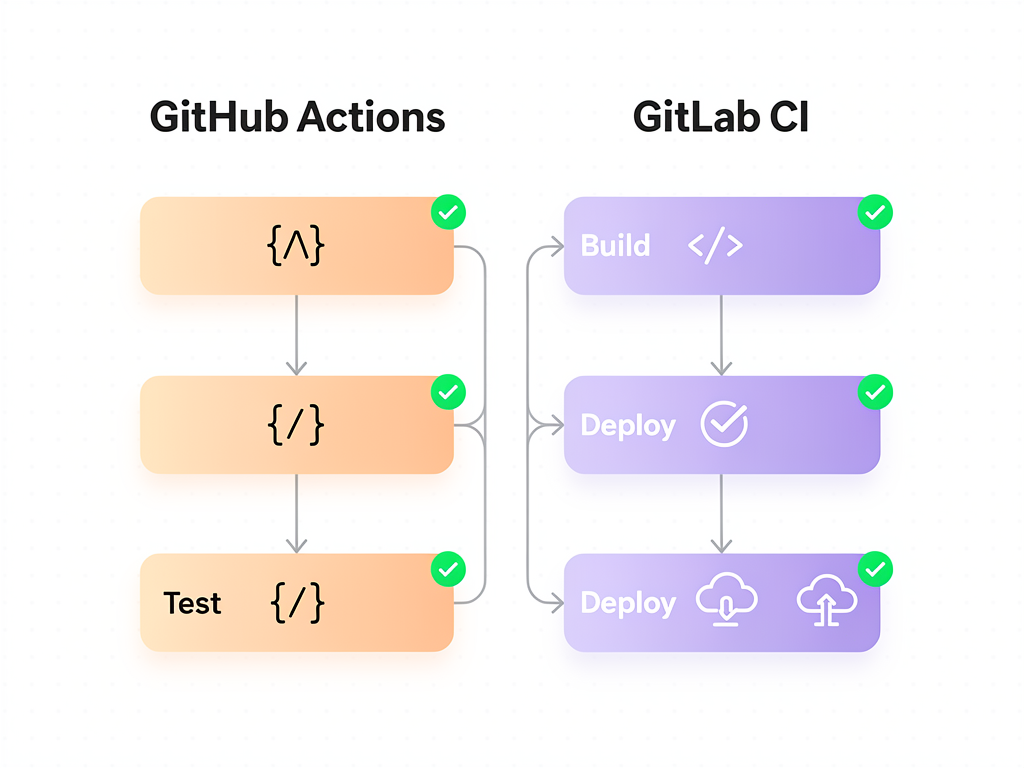
Performance benchmarks from various industry sources suggest that GitLab's shared runners often provide faster execution times for equivalent workloads, though this can vary significantly based on specific use cases and runner configurations. GitHub Actions' larger marketplace means you're more likely to find pre-built solutions for niche requirements, potentially saving development time even if raw execution is slightly slower.
For SaaS applications, consider these CI/CD workflow requirements:
- Multi-environment deployments: Both platforms handle staging, production, and preview deployments well, though GitLab's environment management is more tightly integrated.
- Database migrations: Running migrations as part of deployment pipelines works seamlessly on both platforms.
- Feature flag integration: GitHub Actions has more marketplace options for feature flag services; GitLab has built-in feature flags.
- Rollback capabilities: GitLab's deployment tracking makes rollbacks more straightforward; GitHub requires more manual configuration.
Security Features and DevSecOps Integration
Security has become a non-negotiable concern for SaaS development teams. Data breaches, supply chain attacks, and compliance requirements have elevated security from an afterthought to a primary consideration in platform selection. Here, GitLab and GitHub have taken notably different approaches.
GitLab's security philosophy centers on shifting security left by integrating scanning tools directly into the development workflow. Every GitLab tier includes some security features, with the Ultimate tier providing comprehensive scanning capabilities:
- Static Application Security Testing (SAST): Analyzes source code for vulnerabilities
- Dynamic Application Security Testing (DAST): Tests running applications for security issues
- Dependency Scanning: Identifies vulnerabilities in project dependencies
- Container Scanning: Checks Docker images for known vulnerabilities
- Secret Detection: Prevents accidental commit of API keys and credentials
- License Compliance: Tracks and enforces open-source license policies
These tools run automatically as part of merge request pipelines, providing security feedback before code reaches the main branch. The Security Dashboard aggregates findings across projects, giving security teams visibility into organizational risk posture.
GitHub's security features have expanded significantly, particularly through GitHub Advanced Security (GHAS). Dependabot, which automatically creates pull requests to update vulnerable dependencies, has become an industry standard. Code scanning, powered by CodeQL, provides sophisticated static analysis that can detect complex vulnerability patterns.
However, GitHub's most advanced security features require the Enterprise tier with Advanced Security add-on, which can significantly increase costs. For smaller SaaS teams or those using a Next.js SaaS template to bootstrap their product, the free-tier security features may be sufficient initially, but scaling security capabilities will require budget consideration.
Project Management and Issue Tracking
Effective project management tools can make or break a SaaS development team's productivity. Both platforms offer built-in issue tracking and project management features, though they differ in scope and sophistication.
GitHub Issues provides a straightforward, flexible system for tracking bugs, features, and tasks. The recent addition of GitHub Projects (the newer version, not the legacy Projects) brought Kanban-style boards, custom fields, and powerful automation capabilities. For many teams, especially those familiar with tools like Trello or Notion, GitHub Projects offers a comfortable middle ground between simplicity and functionality.
GitHub's issue templates and forms allow teams to standardize how bugs and feature requests are submitted, improving the quality of incoming issues. The ability to link issues to pull requests, automatically close issues when PRs are merged, and track issue progress through project boards creates a cohesive workflow.
GitLab's issue tracking is more feature-rich out of the box, offering:
- Epics: Group related issues into larger initiatives
- Roadmaps: Visualize project timelines and dependencies
- Burndown charts: Track sprint progress with built-in agile metrics
- Time tracking: Log time spent on issues directly within GitLab
- Service desk: Turn emails into GitLab issues for customer support workflows
- Requirements management: Track and trace requirements through development
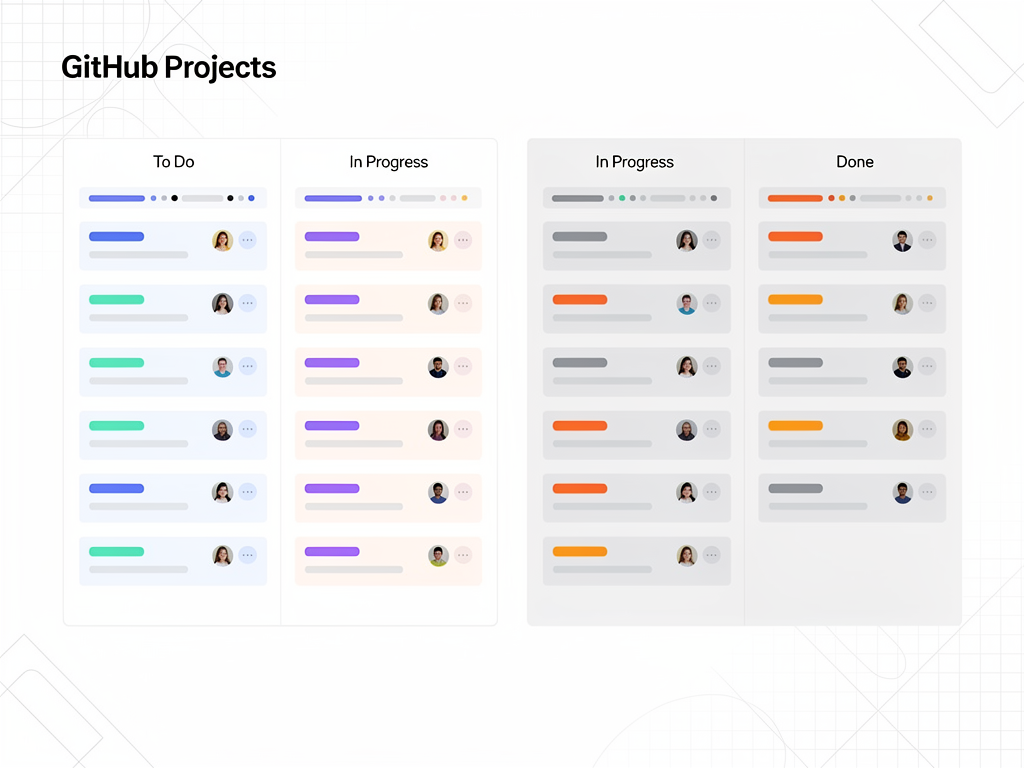
For SaaS teams practicing agile methodologies, GitLab's built-in agile features reduce the need for external tools like Jira. However, teams that prefer specialized project management tools may find GitHub's lighter approach more compatible with their existing workflows, as it integrates well with external platforms through its extensive API and marketplace integrations.
Collaboration and Code Review Workflows
The code review process is where developers spend a significant portion of their time, making the quality of collaboration tools a critical factor in platform selection. Both GitHub and GitLab have invested heavily in making code review efficient and effective.
GitHub Pull Requests have long been the gold standard for code review workflows. The interface is clean and intuitive, making it easy to review changes, leave comments, and suggest modifications. GitHub's suggested changes feature allows reviewers to propose specific code changes that authors can commit with a single click, streamlining the feedback loop.
Recent GitHub enhancements include:
- Pull request merge queue: Automatically manages merge order to prevent conflicts
- Required reviewers: Ensure specific team members review critical changes
- Auto-merge: Automatically merge PRs when all requirements are met
- Draft pull requests: Signal work-in-progress without triggering reviews
GitLab Merge Requests offer comparable functionality with some unique additions. The merge request approval rules can be configured with sophisticated logic, requiring different approvers based on files changed or code ownership. GitLab's merge trains feature, similar to GitHub's merge queue, helps teams with high-velocity codebases maintain a stable main branch.
One area where GitLab excels is in providing context during code review. The ability to see related issues, linked epics, and deployment status directly within the merge request interface helps reviewers understand the broader context of changes. For SaaS applications where a single change might affect billing, authentication, or multi-tenant isolation, this context is invaluable.
Team Workflow Tip: Regardless of which platform you choose, establish clear code review guidelines early. Define what constitutes an approvable change, how quickly reviews should happen, and when it's appropriate to request changes versus approve with comments.
Pricing and Cost Considerations for SaaS Teams
Budget constraints are a reality for most SaaS teams, especially startups and indie hackers building their first products. Understanding the pricing structures of both platforms helps you plan for current needs and future growth.
GitHub Pricing Structure:
| Tier | Price (per user/month) | Key Features |
|---|---|---|
| Free | $0 | Unlimited public/private repos, 2,000 Actions minutes, community support |
| Team | $4 | Protected branches, code owners, 3,000 Actions minutes |
| Enterprise | $21 | SAML SSO, advanced auditing, 50,000 Actions minutes |
GitLab Pricing Structure:
| Tier | Price (per user/month) | Key Features |
|---|---|---|
| Free | $0 | 5 users max, 400 CI/CD minutes, basic features |
| Premium | $29 | Merge request approvals, code owners, 10,000 CI/CD minutes |
| Ultimate | $99 | Security scanning, compliance, 50,000 CI/CD minutes |
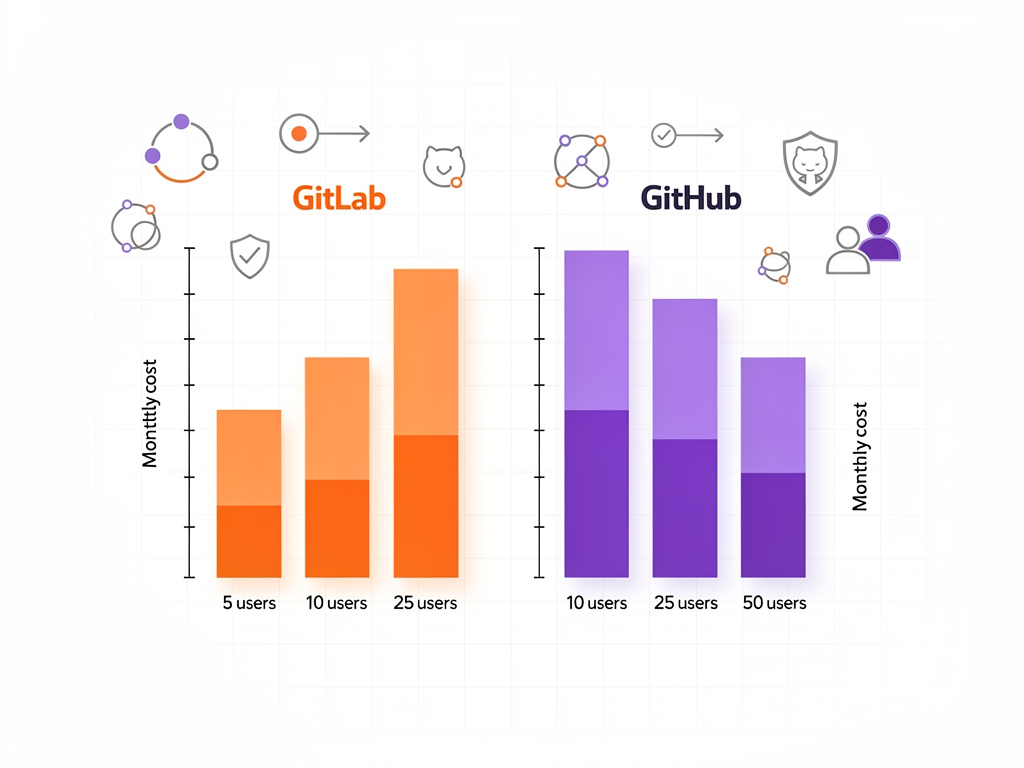
For small teams and solo developers, GitHub's free tier is notably more generous, offering unlimited collaborators on private repositories. GitLab's free tier limits you to five users, which can be restrictive even for small startups. However, GitLab's paid tiers include features (like advanced CI/CD and security scanning) that would require additional tools or higher tiers on GitHub.
When calculating total cost of ownership, consider:
- CI/CD minutes: Heavy pipeline usage may require purchasing additional minutes on either platform
- Storage: Large artifacts, packages, or Git LFS usage can incur additional costs
- Add-ons: GitHub Advanced Security adds significant cost; GitLab includes security in Ultimate
- External tools: GitHub's lighter feature set may require paid external tools that GitLab includes
Self-Hosting and Deployment Options
For SaaS companies operating in regulated industries or those with strict data sovereignty requirements, self-hosting options can be a deciding factor. This is an area where GitLab has historically held a significant advantage.
GitLab Self-Managed offers the complete GitLab experience on your own infrastructure. You can deploy on bare metal servers, virtual machines, Kubernetes clusters, or major cloud providers. The installation process is well-documented, and GitLab provides official Docker images, Helm charts, and Omnibus packages for various deployment scenarios.
Key benefits of GitLab self-hosting include:
- Complete data control: All code, CI/CD artifacts, and metadata remain on your infrastructure
- Compliance flexibility: Meet specific regulatory requirements (HIPAA, SOC 2, GDPR) more easily
- Network isolation: Run entirely within private networks without external dependencies
- Customization: Modify GitLab's behavior through configuration and even source code changes
GitHub Enterprise Server provides self-hosting capabilities but with more limitations. It requires a minimum of 11 users and comes at a higher price point. The feature set, while comprehensive, sometimes lags behind GitHub.com, as new features typically debut on the cloud platform first.
For most SaaS startups, cloud-hosted versions of either platform will be sufficient. Self-hosting introduces operational overhead that small teams may not be equipped to handle. However, as your SaaS product grows and potentially serves enterprise customers with their own compliance requirements, having a clear path to self-hosting can be valuable.
AI-Powered Development: Copilot vs GitLab Duo
Artificial intelligence has transformed software development workflows, and both platforms have made significant investments in AI-powered features. For SaaS developers looking to accelerate their productivity, understanding these AI capabilities is increasingly important.
GitHub Copilot has become synonymous with AI pair programming. Powered by OpenAI's models and trained on vast amounts of public code, Copilot provides real-time code suggestions, function completions, and even entire implementations based on comments or function signatures. The 2026 introduction of Copilot's Plan mode and custom agents has expanded its capabilities beyond simple code completion to more sophisticated development assistance.
Copilot features include:
- Code completion: Context-aware suggestions as you type
- Chat interface: Ask questions about code, get explanations, and request refactoring
- Pull request summaries: Automatically generate PR descriptions
- Documentation generation: Create docstrings and comments from code
- Test generation: Suggest unit tests for existing functions
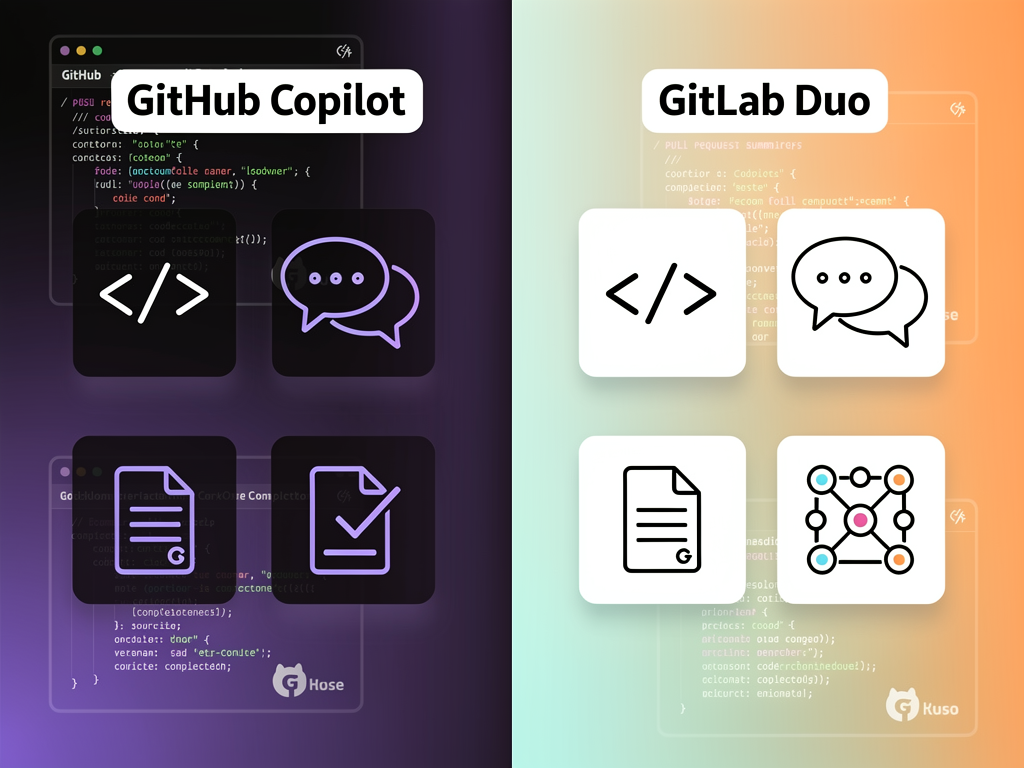
GitLab Duo takes a more workflow-integrated approach to AI assistance. Rather than focusing primarily on code completion, GitLab Duo embeds AI throughout the development lifecycle:
- Code Suggestions: Similar to Copilot, provides real-time completions
- Vulnerability Explanation: AI-powered explanations of security findings
- Root Cause Analysis: Helps identify why CI/CD pipelines failed
- Issue Summarization: Condenses long issue threads into actionable summaries
- Merge Request Summary: Automatically describes changes in merge requests
For teams building SaaS applications, both AI assistants can significantly accelerate development. GitHub Copilot's broader adoption means more community resources, tutorials, and shared experiences. GitLab Duo's tighter integration means less context-switching when working within the GitLab ecosystem. The choice often comes down to which platform you're already using rather than the AI features themselves.
Integration Ecosystem and Extensibility
No development platform exists in isolation. Your choice of version control platform must integrate with your existing tools and workflows, from communication platforms to deployment targets to monitoring solutions.
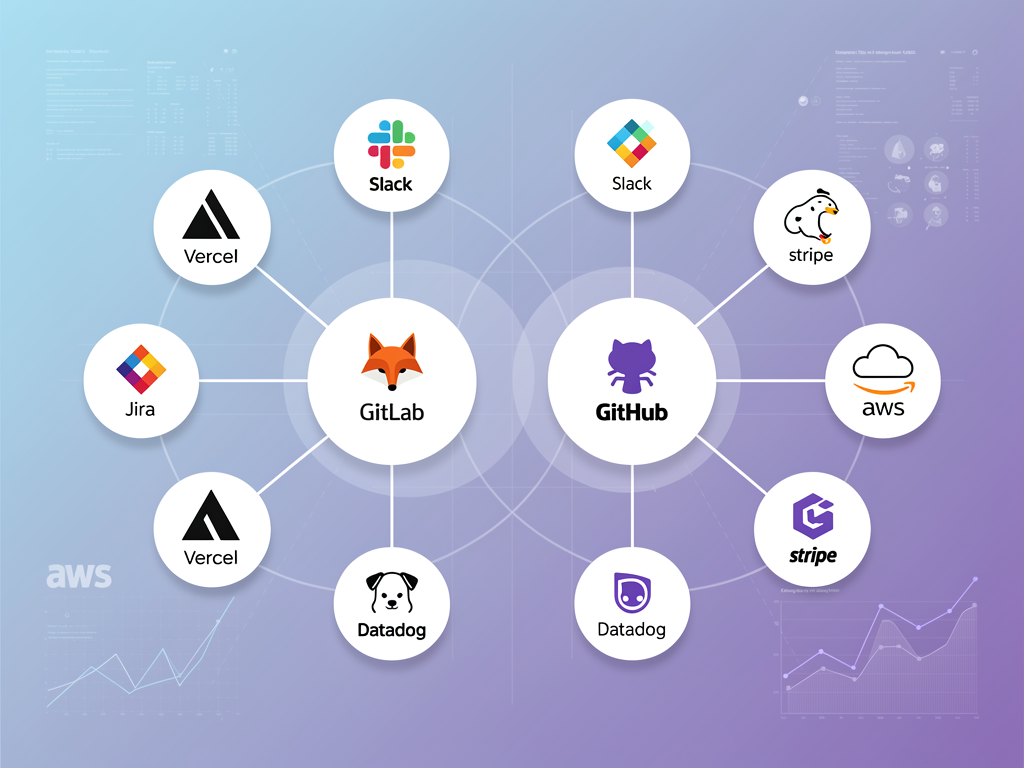
GitHub's integration ecosystem is unmatched in breadth. The GitHub Marketplace offers thousands of apps and actions covering virtually every development need. Whether you need to integrate with Slack, deploy to AWS, run Lighthouse audits, or publish to npm, there's likely a pre-built solution available.
Popular GitHub integrations for SaaS teams include:
- Vercel/Netlify: Automatic preview deployments for frontend applications
- Linear/Jira: Project management synchronization
- Sentry/Datadog: Error tracking and monitoring
- Stripe: Automated changelog generation for billing changes
- Slack/Discord: Notification and collaboration
GitLab's integration approach emphasizes built-in functionality over external integrations. Many features that require third-party tools on GitHub are native to GitLab. However, GitLab still offers integrations with popular external services, and its API is comprehensive enough to build custom integrations when needed.
For teams using specialized tools or those with existing investments in specific platforms, GitHub's broader ecosystem may provide smoother integration paths. For teams that prefer an all-in-one solution and want to minimize external dependencies, GitLab's integrated approach reduces complexity.
Performance, Reliability, and Uptime Considerations
For SaaS development teams, platform reliability directly impacts productivity. Downtime during critical deployment windows or inability to access code during incident response can have serious consequences.
GitHub's reliability has improved significantly since its acquisition by Microsoft. The platform now boasts impressive uptime numbers, typically exceeding 99.9% availability. GitHub's status page provides transparent communication about incidents, and the platform's global CDN ensures fast access from virtually anywhere in the world.
However, GitHub has experienced notable outages that affected large portions of its user base. The platform's scale means that when issues occur, they tend to be widely reported and highly visible. For teams with strict SLA requirements, this visibility can be both a benefit (quick awareness) and a concern (public exposure of development disruptions).
GitLab.com's reliability has also improved over the years, though it has historically experienced more frequent service degradations than GitHub. GitLab's transparency about incidents is commendable, with detailed post-mortems published for significant outages. For teams using GitLab self-managed, reliability becomes a function of your own infrastructure and operations capabilities.
Performance considerations for SaaS teams:
- Repository cloning speed: Both platforms perform well for typical repository sizes
- CI/CD runner availability: Shared runners can experience queuing during peak times on both platforms
- API rate limits: GitHub's rate limits are more restrictive on free tiers
- Large file handling: Both support Git LFS with similar performance characteristics
Migration Strategies: Switching Between Platforms
One reassuring aspect of the GitHub vs GitLab decision is that it's not permanent. Both platforms support migration from the other, and the Git-based nature of repositories means your code history is portable.
Migrating from GitHub to GitLab:
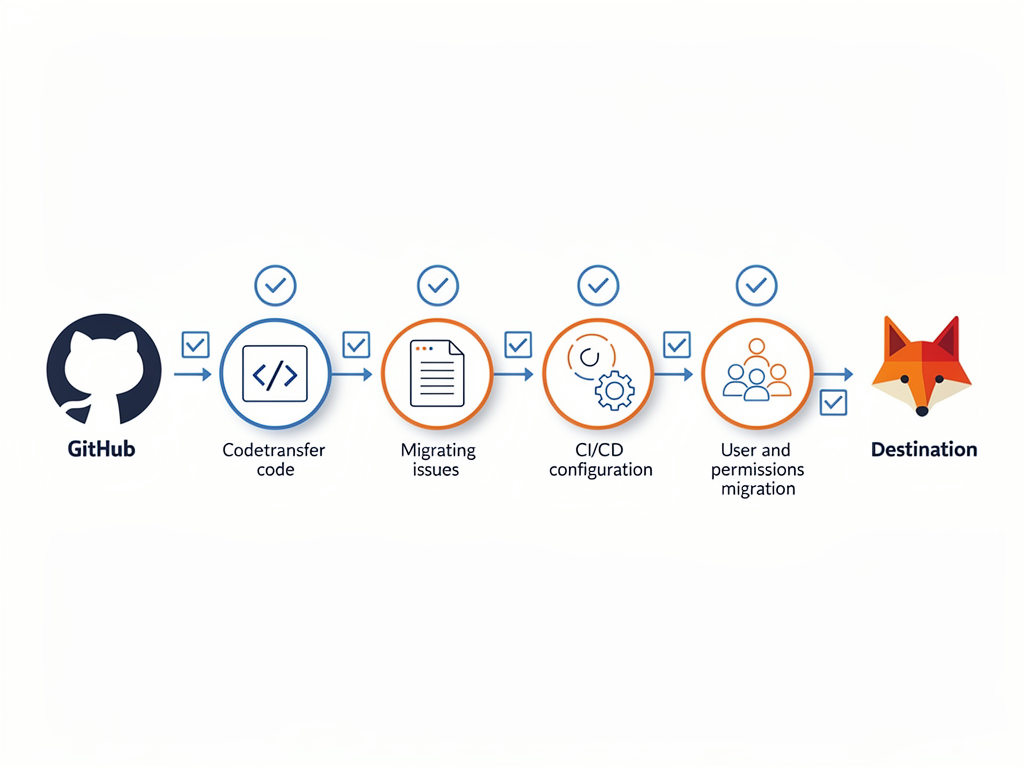
GitLab provides a built-in GitHub importer that can transfer repositories, issues, pull requests, and even some CI/CD configurations. The process is relatively straightforward:
- Connect your GitHub account to GitLab
- Select repositories to import
- Choose import options (issues, PRs, etc.)
- Wait for the migration to complete
- Update local repository remotes
- Reconfigure CI/CD pipelines for GitLab CI
Migrating from GitLab to GitHub:
GitHub's importer supports GitLab repositories, though with some limitations. Complex GitLab CI configurations will need to be rewritten for GitHub Actions, and some GitLab-specific features (like epics) don't have direct GitHub equivalents.
For teams considering migration, plan for:
- CI/CD rewrite: Pipeline configurations are not directly compatible
- Integration updates: Webhooks, API integrations, and third-party tools need reconfiguration
- Team training: Workflows and interfaces differ enough to require adjustment time
- Historical data: Some metadata may not transfer perfectly
Real-World Use Cases: Choosing Based on Your Situation
Abstract comparisons only go so far. Let's examine specific scenarios that SaaS development teams commonly face and which platform better serves each situation.
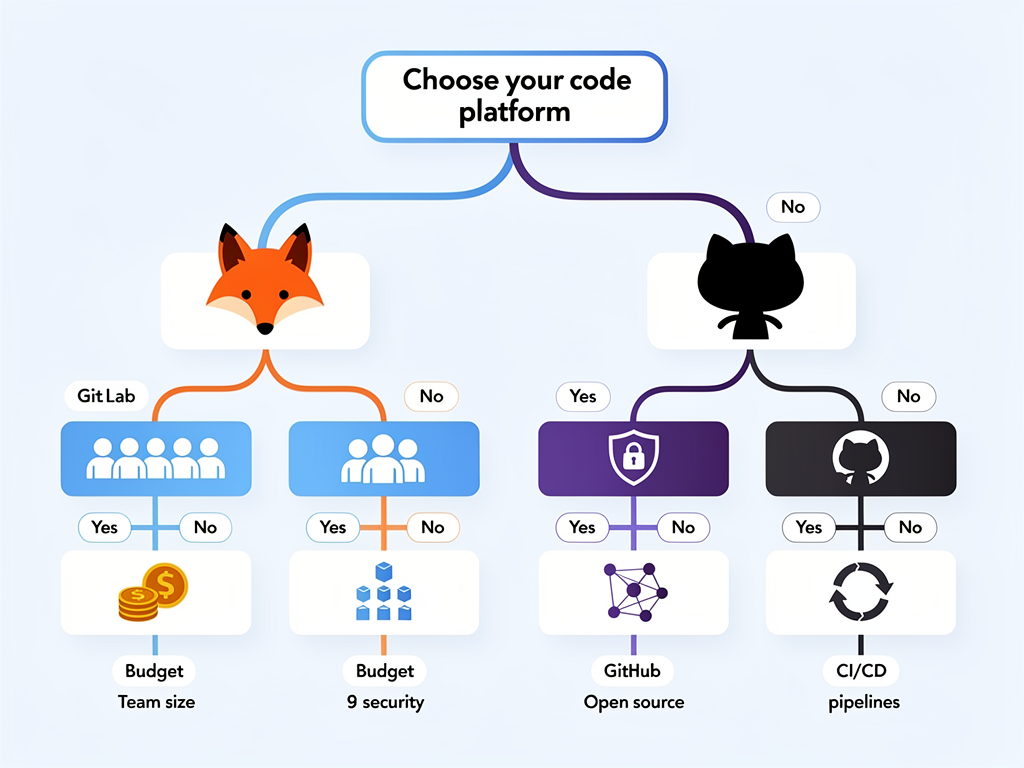
Scenario 1: Solo Founder Building an MVP
You're a solo founder using a SaaS template to launch your first product. Budget is tight, and you need to move fast. Recommendation: GitHub. The generous free tier, extensive community resources, and seamless integration with platforms like Vercel make GitHub ideal for rapid MVP development. You can always migrate later as your needs evolve.
Scenario 2: Small Team with Enterprise Clients
Your five-person team builds SaaS products for enterprise clients who require security compliance documentation and audit trails. Recommendation: GitLab Premium or Ultimate. The integrated security scanning and compliance features justify the cost when you're selling to security-conscious enterprises.
Scenario 3: Open-Source SaaS with Community Contributors
You're building an open-source SaaS product and want to encourage community contributions. Recommendation: GitHub. The platform's dominance in open source means contributors are more likely to already have accounts and be familiar with the workflow. GitHub's social features also help with project discovery.
Scenario 4: Agency Building Multiple Client Projects
Your web development agency manages dozens of client projects simultaneously. Recommendation: Either platform works, but consider GitLab for its group-level features and the ability to organize projects hierarchically. The built-in time tracking can also help with client billing.
Scenario 5: Regulated Industry with Compliance Requirements
You're building a healthcare or financial services SaaS that must meet strict regulatory requirements. Recommendation: GitLab self-managed. The ability to host on your own infrastructure, combined with comprehensive audit logging and security features, makes compliance documentation more straightforward.
Future Outlook: Platform Evolution and Roadmaps
Understanding where each platform is headed helps inform a decision that will serve you well not just today but in the years to come.
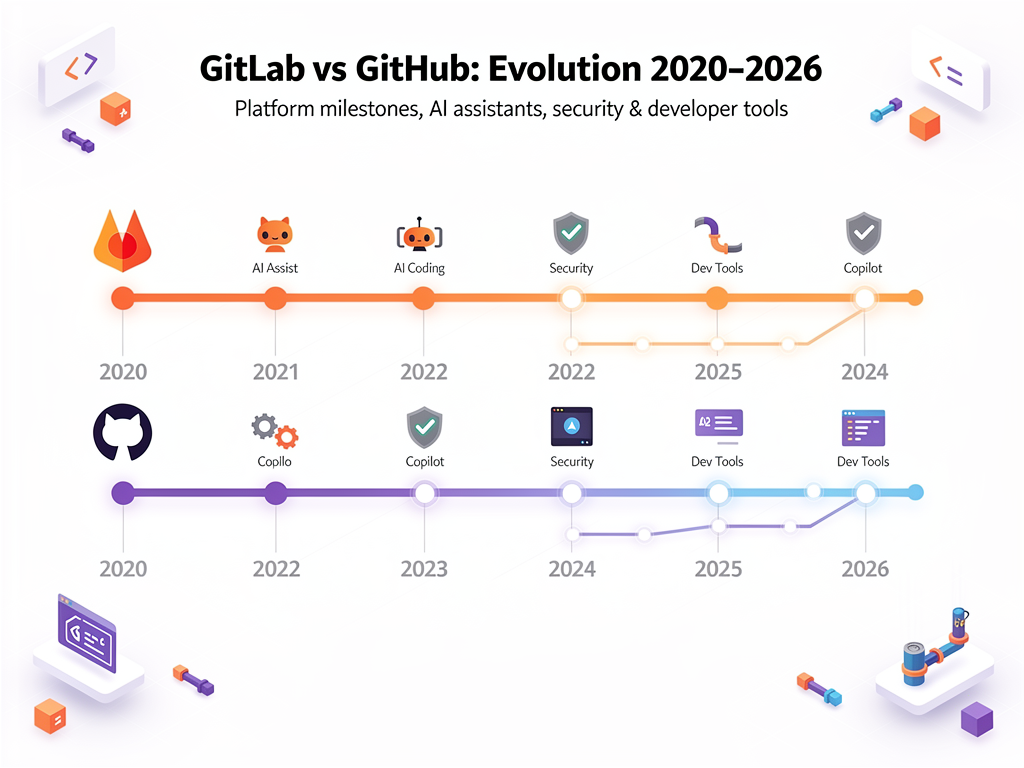
GitHub's trajectory is heavily influenced by Microsoft's broader strategy. Expect continued investment in AI capabilities, deeper integration with Azure services, and expansion of the Copilot ecosystem. GitHub's focus on developer experience and community will likely remain central to its identity, with new features aimed at making collaboration even more seamless.
GitLab's roadmap emphasizes the complete DevSecOps platform vision. Recent investments in AI (GitLab Duo), security features, and value stream management suggest a continued focus on enterprise needs. GitLab's commitment to transparency means you can actually review their public product direction to see what's coming.
For SaaS developers, both platforms are investing in areas that matter:
- AI-assisted development: Both are rapidly expanding AI capabilities
- Security: Shift-left security continues to be a priority
- Developer experience: Faster, more intuitive interfaces
- Platform engineering: Better support for internal developer platforms
Making the Final Decision: A Framework for Your Team
After examining all these factors, how do you actually make the decision? Here's a practical framework for evaluating which platform best fits your SaaS development needs.
Step 1: Assess Your Current State
Document your existing tools, workflows, and pain points. What's working well? What's causing friction? Understanding your current state helps identify which platform's strengths align with your needs.
Step 2: Define Your Requirements
Create a prioritized list of must-have, nice-to-have, and not-needed features. Consider categories like CI/CD, security, project management, integrations, and pricing. Weight each category based on importance to your team.
Step 3: Evaluate Total Cost of Ownership
Don't just compare platform pricing. Factor in additional tools you'll need, CI/CD minutes, storage, and the time cost of managing integrations. A more expensive platform that includes everything might be cheaper than a less expensive one that requires add-ons.
Step 4: Run a Pilot
If possible, run a small project on each platform. Nothing beats hands-on experience for understanding how a platform fits your workflow. Both GitHub and GitLab offer free tiers that allow meaningful evaluation.
Step 5: Consider Your Growth Trajectory
Where will your team be in two years? Five years? Choose a platform that can grow with you. Migrating is possible but disruptive, so selecting a platform that serves your future needs reduces long-term friction.
Conclusion
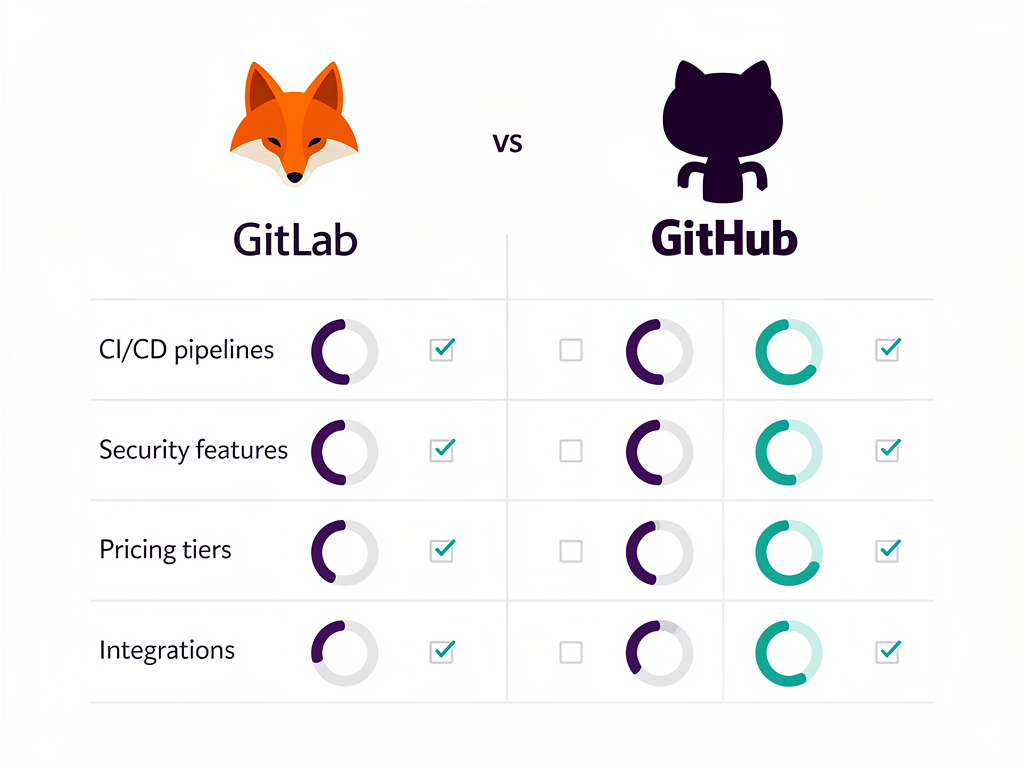
The choice between GitHub and GitLab ultimately depends on your team's specific needs, priorities, and constraints. GitHub excels as a community-centric platform with an unmatched ecosystem, making it ideal for open-source projects, teams that value marketplace integrations, and developers who want the most widely-adopted platform. GitLab shines as an integrated DevSecOps platform, offering comprehensive built-in features that reduce tool sprawl and provide enterprise-grade security capabilities.
For SaaS development teams, both platforms are capable of supporting sophisticated development workflows. If you're just starting out with a new project, GitHub's generous free tier and extensive community resources provide an excellent foundation. If you're scaling a SaaS product with enterprise customers and compliance requirements, GitLab's integrated security and self-hosting options may better serve your needs.
Remember that this decision, while important, is not irreversible. Both platforms support migration, and many successful companies have switched between them as their needs evolved. Focus on choosing the platform that best serves your current situation while keeping an eye on your growth trajectory. The best platform is the one that helps your team ship great software efficiently, and both GitHub and GitLab are more than capable of fulfilling that role.
Frequently Asked Questions
Which platform is better for a small SaaS startup with limited budget?
For small SaaS startups with budget constraints, GitHub typically offers better value at the entry level. GitHub's free tier includes unlimited private repositories with unlimited collaborators, 2,000 CI/CD minutes per month, and access to the extensive GitHub Marketplace. GitLab's free tier, while feature-rich, limits you to five users, which can be restrictive even for small teams. However, if your startup requires advanced security scanning or compliance features, GitLab's Premium tier at $29 per user per month includes capabilities that would require GitHub Enterprise plus Advanced Security add-ons, potentially making GitLab more cost-effective for security-focused teams. Consider your specific needs: if you primarily need code hosting and basic CI/CD, start with GitHub; if you need integrated DevSecOps from day one, evaluate GitLab's paid tiers.
How difficult is it to migrate an existing project from GitHub to GitLab or vice versa?
Migration between platforms is moderately straightforward for code and basic project data but requires significant effort for CI/CD pipelines. Both platforms offer import tools that can transfer repositories, issues, and pull/merge requests with reasonable fidelity. GitLab's GitHub importer is particularly comprehensive, handling most metadata transfer automatically. The primary challenge lies in CI/CD configuration: GitHub Actions workflows must be completely rewritten for GitLab CI/CD (and vice versa), as the YAML syntax and available features differ substantially. Plan for one to two weeks of pipeline reconfiguration for complex projects. Additionally, webhooks, third-party integrations, and team permissions need manual reconfiguration. For teams considering migration, we recommend running both platforms in parallel during a transition period to ensure nothing falls through the cracks.
Are GitLab's built-in security features really worth the higher price compared to GitHub?
The value of GitLab's security features depends heavily on your compliance requirements and current security tooling investments. GitLab Ultimate ($99/user/month) includes SAST, DAST, dependency scanning, container scanning, and secret detection, all integrated into merge request workflows. Achieving equivalent coverage on GitHub requires Enterprise ($21/user/month) plus Advanced Security add-on (approximately $49/user/month), totaling around $70/user/month, though with some feature differences. However, if you're already using external security tools like Snyk, SonarQube, or Checkmarx, adding GitHub Advanced Security may create redundancy. GitLab's advantage is consolidation: everything works together seamlessly with unified reporting. For regulated industries or teams selling to enterprise customers who require security documentation, GitLab's integrated approach often simplifies compliance. For teams with existing security investments or less stringent requirements, GitHub's approach may be more cost-effective.
Which platform has better CI/CD performance for complex SaaS deployment pipelines?
GitLab CI/CD generally offers faster execution times and more sophisticated pipeline features out of the box, while GitHub Actions provides greater flexibility through its marketplace ecosystem. GitLab's shared runners have historically demonstrated better performance for equivalent workloads, and features like merge trains, parent-child pipelines, and directed acyclic graph (DAG) pipelines enable complex workflow orchestration. GitHub Actions counters with a vast library of pre-built actions that can accelerate pipeline development, even if raw execution is slightly slower. For SaaS applications with complex deployment requirements (multi-environment, database migrations, feature flags, canary deployments), GitLab's built-in environment management and deployment tracking provide advantages. However, if your deployment targets are platforms like Vercel, Netlify, or AWS Amplify, GitHub Actions often has better native integration through marketplace actions. Consider running benchmark tests with your actual pipeline configurations to make a data-driven decision.
Can I use both GitHub and GitLab together in my development workflow?
Yes, many organizations successfully use both platforms together, though this approach requires careful planning to avoid confusion and tool sprawl. Common hybrid scenarios include: using GitHub for public-facing open-source projects while keeping proprietary code on GitLab self-managed; mirroring repositories between platforms for redundancy; or using GitHub for code hosting while leveraging GitLab's superior CI/CD capabilities. GitLab's repository mirroring feature makes synchronization relatively straightforward. However, this approach introduces complexity: your team needs to understand both platforms, integrations must be configured for both, and you'll manage two sets of access controls. For most teams, we recommend choosing one platform as the primary source of truth and using the other only for specific, well-defined purposes. The overhead of maintaining two platforms rarely justifies the benefits unless you have specific requirements that neither platform can fully address alone.
How do GitHub Copilot and GitLab Duo compare for SaaS development productivity?
GitHub Copilot currently leads in adoption and raw code completion capabilities, while GitLab Duo offers tighter integration across the development lifecycle. Copilot, powered by OpenAI's models, excels at suggesting code completions, generating functions from comments, and explaining existing code. Its widespread adoption means more community resources, tutorials, and shared prompt strategies. GitLab Duo, while newer, integrates AI throughout GitLab's workflow: explaining security vulnerabilities, summarizing merge requests, analyzing pipeline failures, and generating issue summaries. For pure coding assistance, Copilot's larger training dataset and longer market presence give it an edge. For teams deeply invested in GitLab's ecosystem, Duo's workflow integration reduces context-switching. Both tools are evolving rapidly, with new features releasing monthly. Consider that Copilot requires a separate subscription ($19/month individual, $39/month business) while GitLab Duo is included in Premium and Ultimate tiers. For SaaS developers, either tool can significantly boost productivity; the choice often follows your platform selection rather than driving it.
Ready to Accelerate Your SaaS Development?
Choosing the right version control platform is just one piece of the SaaS development puzzle. If you're looking to ship your SaaS product faster without reinventing the wheel, explore SaasCore's comprehensive Next.js boilerplate. With built-in authentication, billing, admin panels, and affiliate systems, you can focus on building your unique features while we handle the infrastructure. View the demo today and see how SaasCore can accelerate your path from idea to launch.
Subscribe to our newsletter
Subscribe to our newsletter and stay up-to-date with the latest news and updates.