Choosing Between GitHub & GitLab for SaaS Projects in 2026
Discover the key factors to consider when selecting GitHub or GitLab for your SaaS project. Explore CI/CD capabilities, security features, pricing, AI tools, and more to make an informed decision.

Zakariae
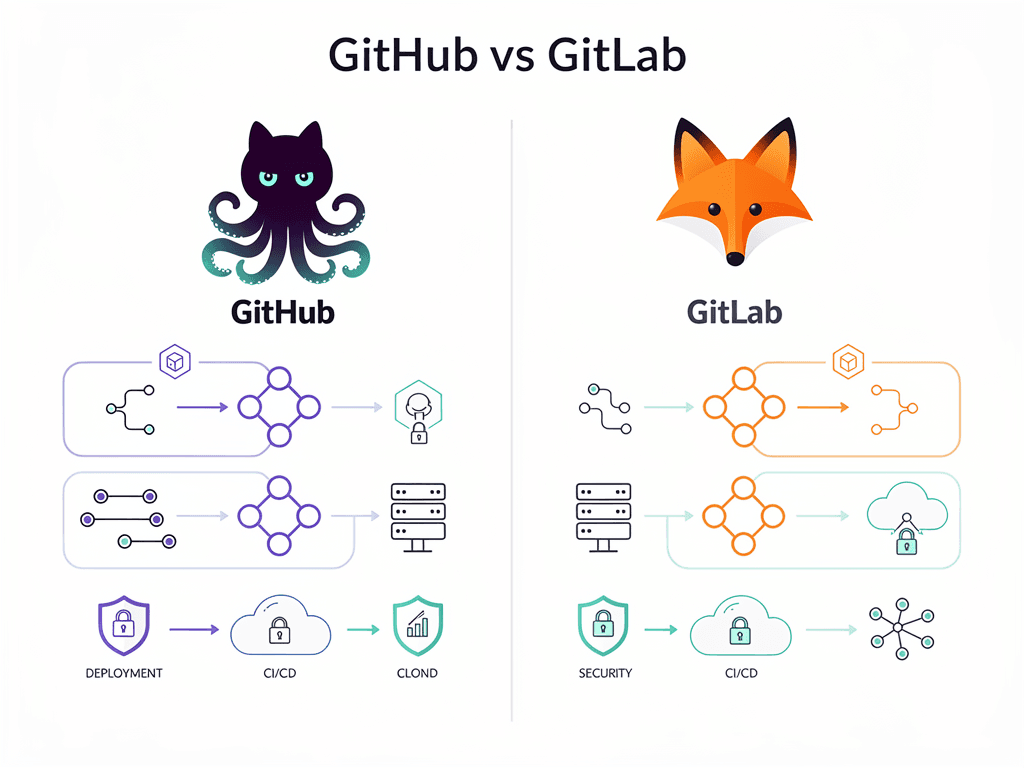
Choosing the right version control and DevOps platform is one of the most consequential decisions you will make when building a SaaS product. The platform you select influences your deployment velocity, security posture, collaboration workflows, and long-term operational costs. For SaaS founders, CTOs, and development teams in 2026, the github vs gitlab debate has evolved far beyond simple repository hosting. Both platforms now offer comprehensive DevSecOps capabilities, AI-powered development tools, and enterprise-grade features that can dramatically accelerate your path to market.
This comprehensive guide examines every critical factor you need to consider when choosing between GitHub and GitLab for your SaaS project. We will explore CI/CD capabilities, security features, pricing structures, AI integrations, self-hosting options, and real-world scenarios that reveal which platform delivers superior value for different types of SaaS ventures. Whether you are bootstrapping your first product or scaling an established platform, this analysis will equip you with the insights necessary to make a confident, informed decision.
Key Takeaways
- GitHub dominates open-source ecosystems with its 150 million developer community, making it ideal for SaaS projects that rely heavily on third-party integrations and community contributions.
- GitLab excels in integrated DevSecOps by providing built-in security scanning, compliance tools, and end-to-end pipeline management without requiring external services.
- Pricing structures differ significantly between platforms, with GitLab often providing more features at lower tiers while GitHub offers more free CI/CD minutes for smaller teams.
- AI-powered development tools are now standard on both platforms, but GitHub Copilot currently leads in adoption and integration depth.
- Self-hosting capabilities favor GitLab for organizations requiring complete data sovereignty or operating in regulated industries.
- Migration between platforms is straightforward for basic repositories but becomes complex when CI/CD pipelines and integrations are deeply embedded.
- The best choice depends on your specific needs, including team size, security requirements, budget constraints, and existing technology stack.
Understanding the Core Philosophy Behind Each Platform
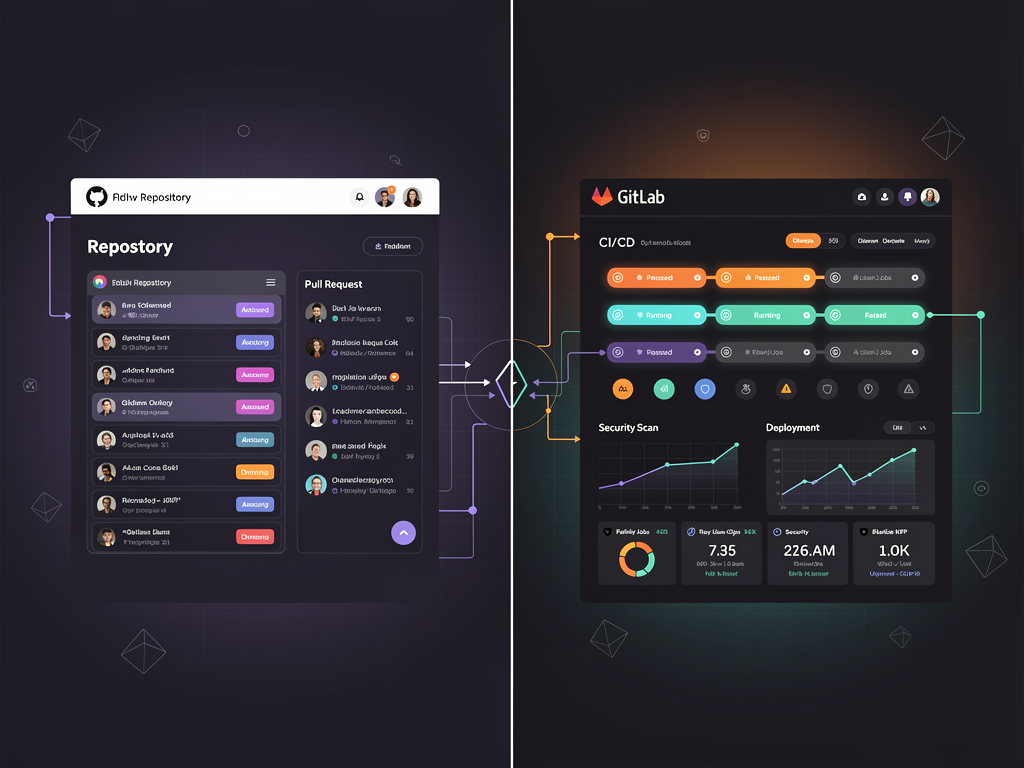
Before diving into specific features, understanding the fundamental philosophy driving each platform helps contextualize their respective strengths. GitHub positions itself as a collaborative hub that connects developers with the broader open-source ecosystem. Its acquisition by Microsoft in 2018 accelerated investments in marketplace integrations, AI capabilities, and enterprise features while maintaining its community-first approach.
GitLab, by contrast, was built from the ground up as a complete DevSecOps platform. Rather than relying on third-party integrations for CI/CD, security scanning, or project management, GitLab bundles everything into a single application. This architectural decision creates a more cohesive experience but can feel overwhelming for teams seeking simpler solutions.
For SaaS developers working with modern frameworks and tools, this philosophical difference has practical implications. When you start a new project using a Next.js boilerplate or similar foundation, GitHub's marketplace offers thousands of pre-built Actions and integrations that can accelerate your setup. GitLab counters with built-in functionality that eliminates the need to evaluate and connect multiple external services.
The community dynamics also differ substantially. GitHub's massive user base means you will find more tutorials, Stack Overflow answers, and community support for virtually any problem you encounter. GitLab's community is smaller but often more focused on enterprise DevOps practices and comprehensive pipeline automation. Understanding these cultural differences helps you anticipate the support resources available as your SaaS project grows.
CI/CD Pipeline Capabilities for SaaS Development
Continuous integration and continuous deployment pipelines form the backbone of modern SaaS development. Both platforms offer robust CI/CD solutions, but their approaches and capabilities differ in ways that significantly impact your development workflow.
GitHub Actions: Flexibility Through Marketplace
GitHub Actions provides a workflow automation system that integrates deeply with the GitHub ecosystem. You define workflows using YAML files stored in your repository, and these workflows can trigger on virtually any GitHub event: pushes, pull requests, issues, releases, or scheduled intervals. The true power of GitHub Actions lies in its extensive marketplace, which offers over 15,000 pre-built actions created by the community and verified partners.
For SaaS projects, this marketplace approach means you can quickly implement complex workflows without writing custom scripts. Need to deploy to AWS, run security scans, send Slack notifications, and update your documentation? Each of these tasks likely has multiple well-maintained Actions available. The free tier provides 2,000 minutes per month for private repositories, which typically suffices for small to medium SaaS teams during early development phases.
However, the marketplace model introduces potential fragmentation. You may find yourself managing dependencies on dozens of third-party Actions, each with its own maintenance schedule and potential security vulnerabilities. For teams building a SaaS template or reusable foundation, this dependency management can become a significant overhead as the project scales.
GitLab CI/CD: Integrated Pipeline Power
GitLab CI/CD takes an integrated approach where pipeline functionality is built directly into the platform. You define pipelines using a .gitlab-ci.yml file, and GitLab provides native support for complex pipeline architectures including parent-child pipelines, multi-project pipelines, and directed acyclic graph (DAG) scheduling. This native integration means features like artifact management, environment tracking, and deployment approvals work seamlessly without external dependencies.
The Auto DevOps feature deserves special attention for SaaS developers. GitLab can automatically detect your project type and generate appropriate CI/CD pipelines without manual configuration. For standard web applications, this includes building, testing, security scanning, and deployment stages. While experienced teams often customize these pipelines, Auto DevOps provides an excellent starting point that reduces initial setup time.
GitLab's free tier offers 400 CI/CD minutes per month, significantly less than GitHub's allocation. However, GitLab allows you to connect your own runners at no additional cost, which can eliminate minute-based billing entirely if you have available infrastructure. For SaaS teams with existing cloud resources, this flexibility often makes GitLab more economical at scale.
Security Features and DevSecOps Integration
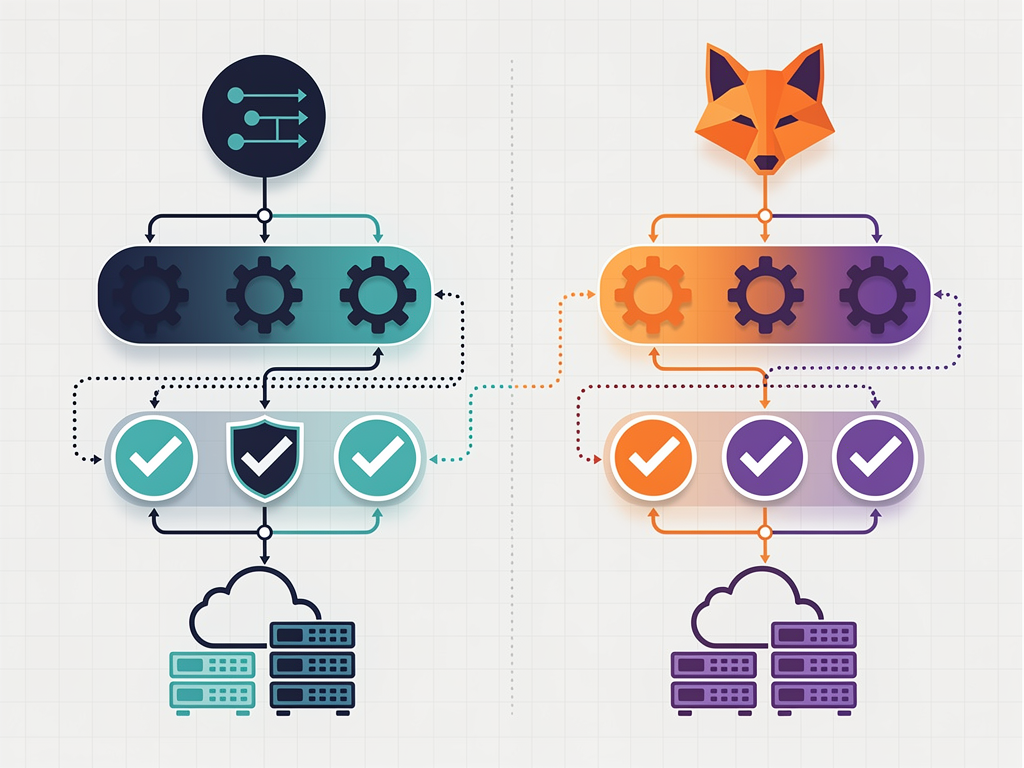
Security has become a non-negotiable requirement for SaaS applications. Both platforms have invested heavily in security tooling, but their approaches and feature availability across pricing tiers differ substantially.
GitLab's Security-First Architecture
GitLab has earned recognition as a leader in DevSecOps, including top positioning in Gartner's Magic Quadrant for DevOps Platforms. The platform includes built-in security scanning across multiple dimensions: Static Application Security Testing (SAST), Dynamic Application Security Testing (DAST), dependency scanning, container scanning, and secret detection. These scans integrate directly into merge request workflows, allowing developers to identify and address vulnerabilities before code reaches production.
The Security Dashboard provides a centralized view of vulnerabilities across all your projects, with severity ratings, remediation guidance, and tracking for vulnerability resolution. For SaaS companies handling sensitive customer data, this comprehensive visibility simplifies compliance reporting and security audits. GitLab also includes compliance management features that help teams maintain adherence to frameworks like SOC 2, HIPAA, and GDPR.
Importantly, many of GitLab's security features are available on lower-priced tiers compared to equivalent GitHub functionality. This democratization of security tooling makes GitLab particularly attractive for startups and smaller teams that cannot afford enterprise-tier pricing but still need robust security capabilities.
GitHub's Security Ecosystem
GitHub approaches security through a combination of native features and ecosystem integrations. Dependabot automatically monitors your dependencies for known vulnerabilities and can create pull requests to update affected packages. Code scanning, powered by CodeQL, identifies potential security vulnerabilities in your source code. Secret scanning detects accidentally committed credentials and can automatically revoke certain types of tokens.
GitHub Advanced Security (GHAS) bundles premium security features including code scanning with custom queries, secret scanning with push protection, and security overview dashboards. However, GHAS requires GitHub Enterprise, which significantly increases costs for teams needing these capabilities. For many SaaS startups, this pricing structure places advanced security features out of reach during critical early growth phases.
The GitHub Security Lab and bug bounty programs contribute to the platform's overall security posture, and the massive community means security vulnerabilities in popular packages are often identified and patched quickly. For SaaS projects heavily dependent on open-source components, this community vigilance provides an additional layer of protection.
AI-Powered Development Tools in 2026
Artificial intelligence has transformed software development workflows, and both platforms now offer sophisticated AI assistants that can dramatically accelerate SaaS development.
GitHub Copilot: Market Leader in AI Assistance
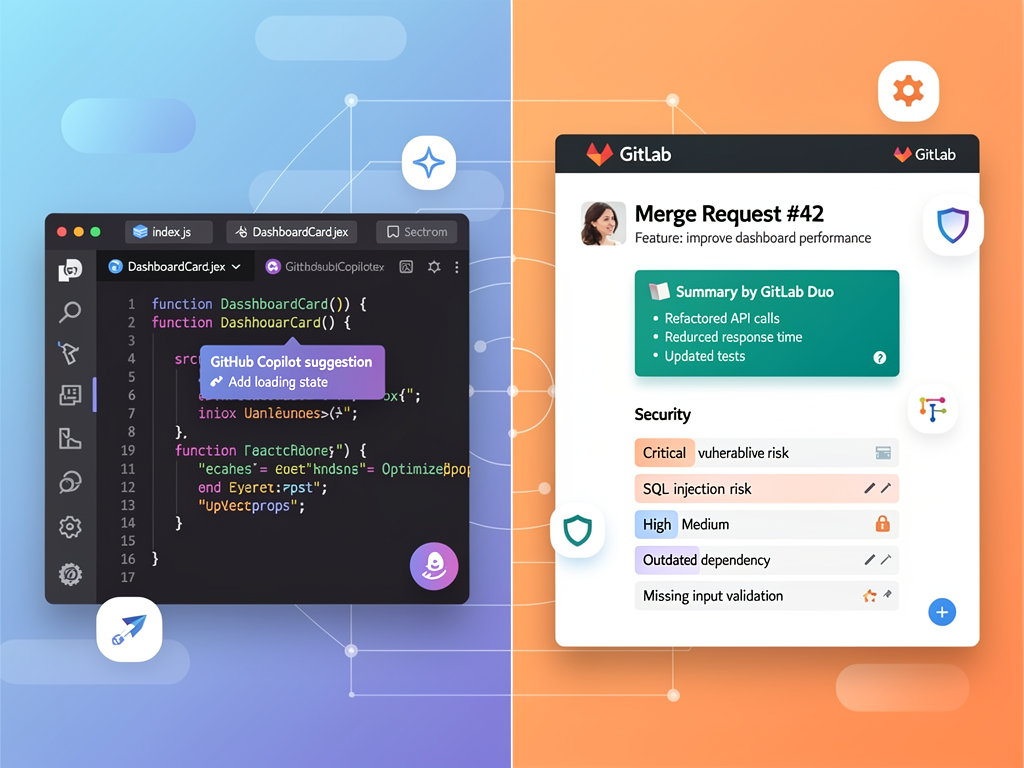
GitHub Copilot has established itself as the dominant AI coding assistant, with deep integration across popular IDEs including VS Code, JetBrains products, and Neovim. The 2026 iteration includes significant enhancements: Plan mode helps developers break down complex features into implementable steps, custom agents can be trained on your codebase conventions, and enterprise usage metrics provide visibility into how AI assistance impacts team productivity.
For SaaS development teams, Copilot excels at generating boilerplate code, suggesting API implementations, and helping developers navigate unfamiliar codebases. When working with a SaaS starter kit or established codebase, Copilot's context awareness helps new team members become productive faster by suggesting code patterns consistent with existing conventions.
Copilot pricing starts at $10 per month for individuals and $19 per user per month for businesses. The Enterprise tier adds features like organization-wide policy controls, audit logs, and IP indemnification. While these costs add up for larger teams, many organizations report productivity gains that justify the investment.
GitLab Duo: Integrated AI Across the DevOps Lifecycle
GitLab Duo represents GitLab's answer to AI-assisted development, with a focus on integration across the entire DevOps lifecycle rather than just code generation. Duo includes code suggestions similar to Copilot, but extends AI assistance to merge request summaries, vulnerability explanations, code review suggestions, and root cause analysis for failed pipelines.
The breadth of Duo's capabilities aligns with GitLab's integrated platform philosophy. Rather than limiting AI assistance to the IDE, GitLab embeds intelligence throughout the development workflow. This approach can reduce context switching and provide more comprehensive assistance, particularly for teams managing complex deployment pipelines or addressing security vulnerabilities.
GitLab Duo is included with Premium and Ultimate tiers, which may provide better value for teams already planning to use GitLab's higher-tier features. However, the code suggestion capabilities are generally considered less mature than Copilot's, particularly for specialized frameworks and languages.
Pricing Structures and Total Cost of Ownership
Understanding the true cost of each platform requires looking beyond headline pricing to consider feature availability, usage limits, and scaling economics.
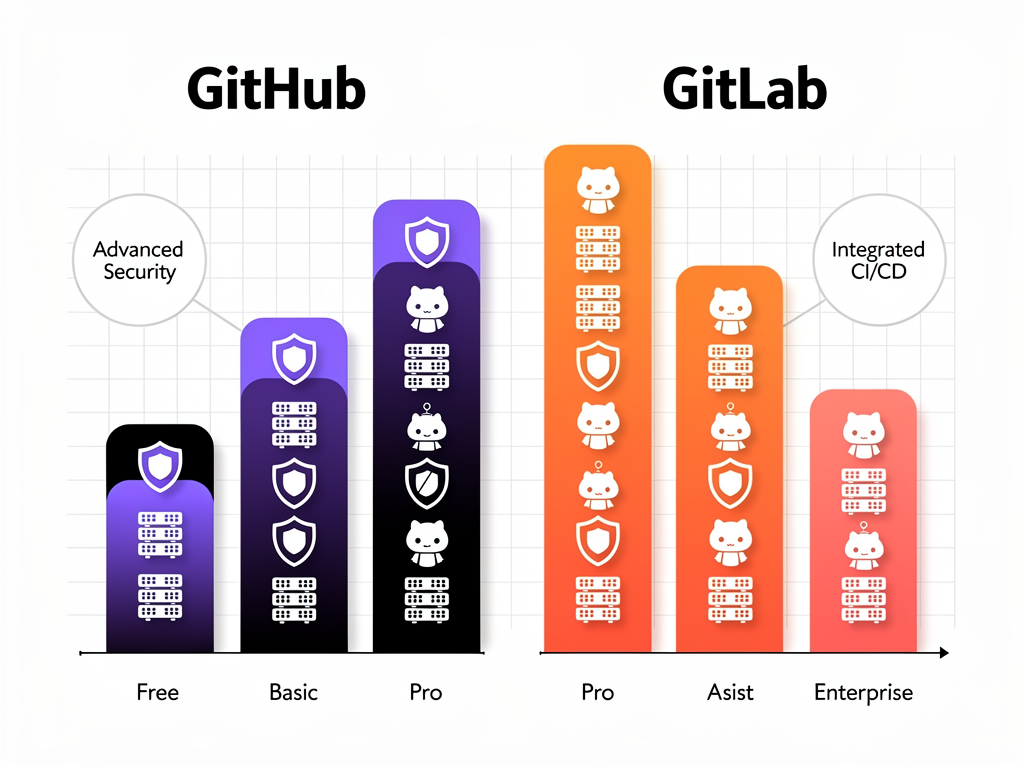
GitHub Pricing Tiers
GitHub Free provides unlimited public and private repositories, 2,000 CI/CD minutes per month, 500MB of package storage, and community support. This tier works well for individual developers and small teams with modest CI/CD requirements.
GitHub Team costs $4 per user per month and adds protected branches, required reviewers, code owners, and 3,000 CI/CD minutes. For SaaS teams implementing proper code review workflows, this tier is typically the minimum viable option.
GitHub Enterprise starts at $21 per user per month and includes SAML single sign-on, advanced audit logging, GitHub Connect for hybrid deployments, and access to GitHub Advanced Security (at additional cost). Enterprise Cloud and Enterprise Server options provide different deployment models for organizations with specific compliance or data residency requirements.
GitLab Pricing Tiers
GitLab Free includes unlimited private repositories, 5GB storage, 400 CI/CD minutes, and access to many features that competitors reserve for paid tiers. The free tier includes basic security scanning, which provides significant value for budget-conscious startups.
GitLab Premium costs $29 per user per month and adds advanced CI/CD features, enhanced security scanning, compliance pipelines, and 10,000 CI/CD minutes. This tier includes GitLab Duo, making it attractive for teams seeking AI assistance without separate subscriptions.
GitLab Ultimate costs $99 per user per month and provides the complete feature set including advanced security dashboards, vulnerability management, compliance frameworks, and 50,000 CI/CD minutes. For enterprise SaaS companies with stringent security requirements, Ultimate often provides better value than assembling equivalent capabilities from multiple vendors.
Cost Comparison Table
| Feature Category | GitHub (Team/Enterprise) | GitLab (Premium/Ultimate) | Value Leader |
|---|---|---|---|
| Base price per user | $4 / $21 | $29 / $99 | GitHub (lower entry) |
| CI/CD minutes included | 3,000 / 50,000 | 10,000 / 50,000 | GitLab (Premium tier) |
| Security scanning | Basic / Advanced (extra cost) | Included / Comprehensive | GitLab |
| AI assistant | Copilot ($19/user extra) | Duo (included) | GitLab (bundled) |
| Self-hosting option | Enterprise Server only | All tiers (free CE available) | GitLab |
| Compliance features | Enterprise only | Premium and above | GitLab |
Self-Hosting and Deployment Options
For SaaS companies operating in regulated industries or requiring complete data sovereignty, self-hosting capabilities become a critical evaluation criterion.
GitLab Self-Managed Advantages
GitLab offers a free, open-source Community Edition that can be self-hosted on your own infrastructure. This edition includes core version control, CI/CD, and project management features, making it viable for teams with limited budgets but available server resources. The Enterprise Edition adds premium features and is available through subscription licensing.
Self-managed GitLab deployments provide complete control over your data, network configuration, and update schedules. For SaaS companies handling healthcare data, financial information, or government contracts, this control simplifies compliance with regulations like HIPAA, PCI-DSS, and FedRAMP. You can deploy GitLab on-premises, in private clouds, or in air-gapped environments with no internet connectivity.
GitLab also offers GitLab Dedicated, a single-tenant SaaS deployment where GitLab manages the infrastructure but your data remains isolated from other customers. This option bridges the gap between self-managed complexity and multi-tenant SaaS convenience.
GitHub Self-Hosting Limitations
GitHub's self-hosting option, GitHub Enterprise Server, requires an Enterprise subscription and provides a subset of GitHub.com features. While Enterprise Server supports deployment in private data centers and cloud environments, it lacks some features available on the cloud platform and requires more manual maintenance.
For most SaaS startups, GitHub's cloud offering provides sufficient security and compliance capabilities. However, organizations with strict data residency requirements or those operating in highly regulated sectors may find GitHub's self-hosting options more limiting than GitLab's flexible deployment models.
Project Management and Collaboration Features
Beyond code hosting, both platforms offer project management capabilities that can centralize your SaaS development workflow.
GitHub Projects and Issues
GitHub's project management has evolved significantly with GitHub Projects, which provides Kanban boards, table views, and custom fields for organizing work. Issues remain the fundamental unit of work tracking, with support for labels, milestones, assignees, and linked pull requests. The integration between issues and code changes creates clear traceability from feature requests through implementation.
GitHub Discussions provides a forum-style space for community engagement, feature requests, and Q&A. For SaaS products with public repositories or open-source components, Discussions can serve as a lightweight support channel and community hub.
However, GitHub's project management features remain relatively basic compared to dedicated tools like Jira, Linear, or Notion. Many SaaS teams use GitHub for code-related tracking while maintaining separate systems for product roadmaps and customer-facing issue tracking.
GitLab's Integrated Planning Tools
GitLab includes more comprehensive project management within its platform. Epics allow you to group related issues across multiple projects, providing visibility into larger initiatives. Milestones help track progress toward release goals, and Roadmaps visualize epic timelines across your organization.
The Service Desk feature allows external users to submit issues via email, creating a basic customer support workflow without additional tooling. For early-stage SaaS products, this can eliminate the need for separate helpdesk software.
GitLab's Requirements Management and Quality Management features support more formal development processes, which may be necessary for SaaS products in regulated industries. These capabilities, combined with compliance pipelines and audit events, create a more complete governance framework than GitHub provides natively.

Integration Ecosystem and Extensibility
The tools you can connect to your version control platform significantly impact your overall development workflow efficiency.
GitHub's Marketplace Dominance
GitHub's integration ecosystem is unmatched in breadth. The GitHub Marketplace offers thousands of apps and Actions covering every conceivable development need: deployment platforms, monitoring services, code quality tools, documentation generators, and communication integrations. Major cloud providers, including AWS, Azure, and Google Cloud, provide first-class GitHub integrations with dedicated Actions and deployment workflows.
For SaaS developers using popular frameworks, this ecosystem depth translates to faster setup times. Whether you are deploying a Next.js SaaS template to Vercel, connecting Stripe for payments, or integrating Sentry for error tracking, you will likely find well-maintained GitHub integrations with detailed documentation.
The GitHub API is comprehensive and well-documented, enabling custom integrations when marketplace options fall short. Webhooks provide real-time event notifications that can trigger external workflows, and GitHub Apps offer granular permission models for third-party integrations.
GitLab's Built-In Approach
GitLab's integration strategy emphasizes built-in functionality over third-party connections. Features that require marketplace apps on GitHub, such as container registries, package registries, and wiki documentation, are native GitLab features. This reduces the number of external services you need to manage and authenticate.
When external integrations are necessary, GitLab provides a robust API and webhook system comparable to GitHub's capabilities. Integrations with major cloud providers, monitoring tools, and communication platforms are available, though the selection is smaller than GitHub's marketplace.
For teams building no-code SaaS platforms or complex multi-tenant applications, GitLab's integrated approach can simplify architecture decisions. Platforms like NextBuilder demonstrate how modern SaaS development often requires coordinating multiple services, and having core DevOps functionality unified in one platform reduces integration complexity.
Performance and Reliability Considerations
Platform performance directly impacts developer productivity and deployment reliability. Both platforms have invested heavily in infrastructure, but their architectures create different performance characteristics.
GitHub Performance Profile
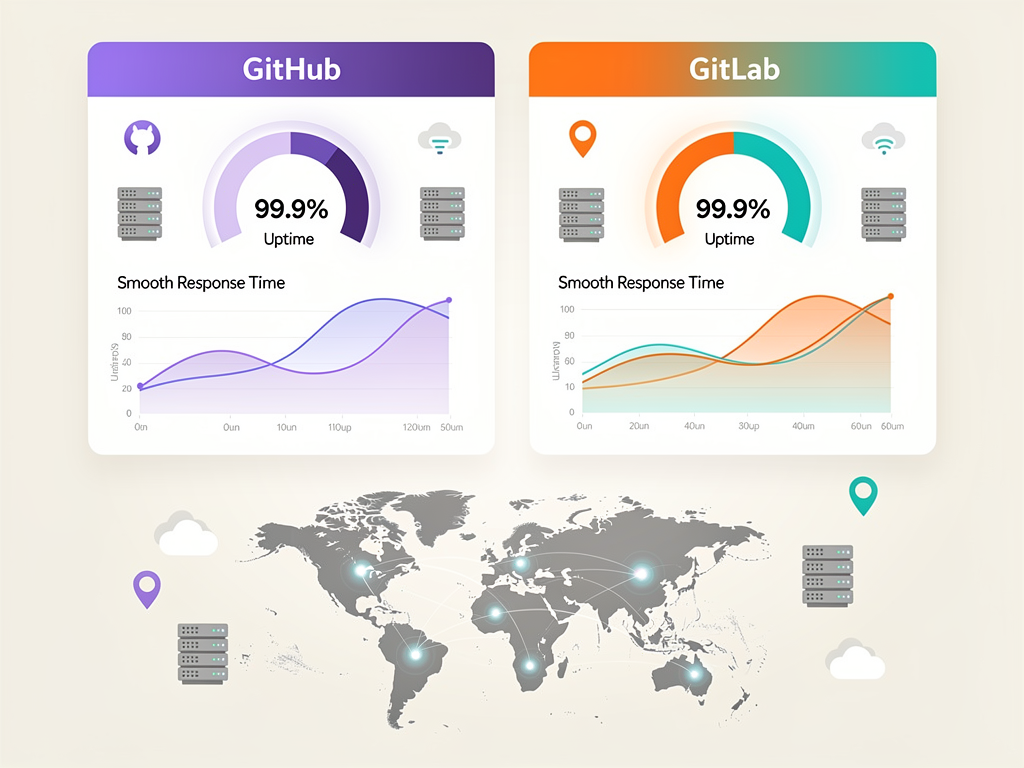
GitHub.com benefits from Microsoft's infrastructure investments, providing excellent uptime and global performance. The platform's CDN ensures fast repository cloning and artifact downloads regardless of developer location. GitHub Actions runners are distributed across multiple regions, and the platform offers larger runner options for compute-intensive builds.
GitHub's status page shows historical uptime consistently above 99.9%, with most incidents involving brief degradations rather than complete outages. For SaaS teams requiring high availability for their deployment pipelines, GitHub's track record provides confidence.
GitLab Performance Considerations
GitLab.com has historically faced more performance challenges than GitHub, though significant improvements have been made in recent years. The platform now offers comparable uptime to GitHub, with similar global distribution for repository access.
Self-managed GitLab deployments allow you to optimize performance for your specific needs, including dedicated runners with custom hardware configurations. For SaaS companies with predictable build requirements, self-hosted runners can provide both cost savings and performance improvements over shared infrastructure.
GitLab's Geo feature enables geographically distributed read replicas for self-managed deployments, which can improve performance for globally distributed development teams. This capability has no direct equivalent in GitHub's self-hosted offering.
Migration Strategies Between Platforms
Understanding migration complexity helps you evaluate the long-term implications of your platform choice.
Repository Migration Basics
Migrating Git repositories between platforms is straightforward since both use standard Git protocols. You can push your repository to the new platform and update your remote URLs. Both platforms offer import tools that preserve commit history, branches, and tags.
Issues and pull/merge requests present more complexity. Both platforms provide import functionality for these items, but formatting, attachments, and cross-references may not transfer perfectly. Plan for manual cleanup after automated imports.
CI/CD Pipeline Migration
Pipeline migration requires more significant effort since GitHub Actions and GitLab CI use different syntax and concepts. While the underlying logic often translates directly, you will need to rewrite configuration files and potentially replace Actions with equivalent GitLab features or vice versa.
For SaaS projects with complex deployment pipelines, budget substantial time for migration testing. Create parallel pipelines on both platforms during transition periods to ensure your deployment processes remain reliable.
Integration Rewiring
Third-party integrations require individual attention during migration. Webhook URLs, API tokens, and OAuth configurations must be updated across all connected services. Document your current integrations thoroughly before beginning migration to ensure nothing is overlooked.
Migration Tip: Before committing to migration, run a pilot project on the target platform for at least one development cycle. This reveals integration gaps and workflow differences that may not be apparent from documentation alone.
Real-World Scenarios: Choosing the Right Platform
Abstract feature comparisons only go so far. Let us examine specific scenarios that reveal which platform better serves different SaaS development contexts.
Scenario 1: Early-Stage Startup with Limited Budget
A two-person founding team is building their first SaaS product using a SaaS boilerplate as their foundation. They need version control, basic CI/CD for automated testing and deployment, and simple project tracking. Budget is extremely limited.
Recommendation: GitHub
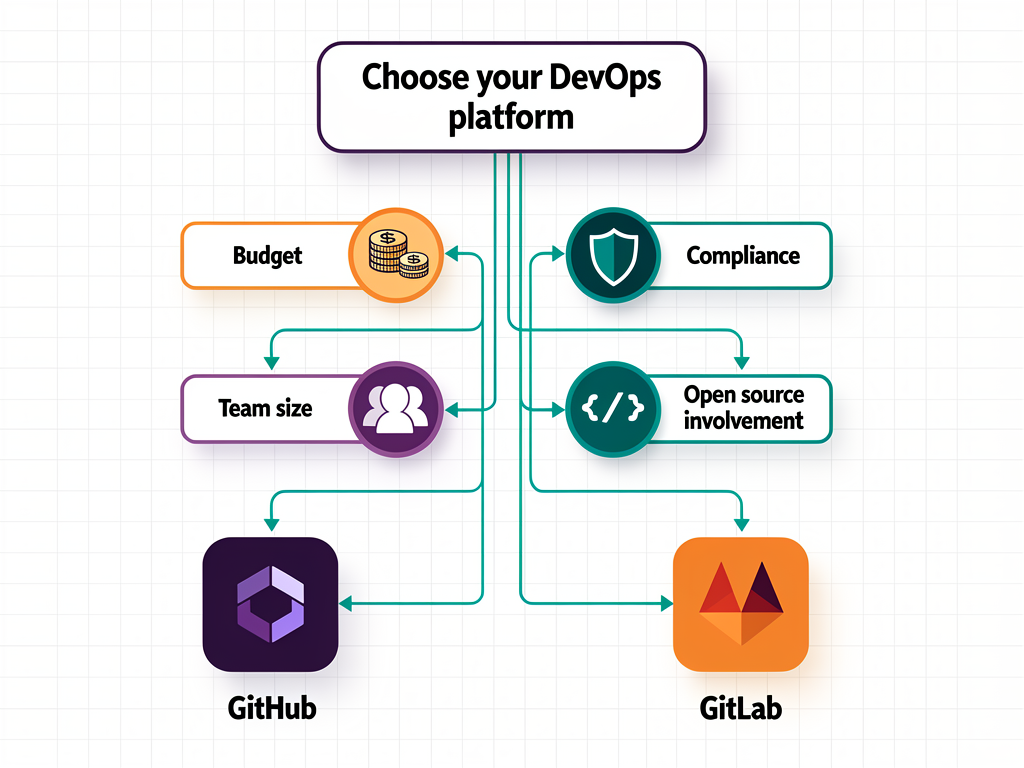
GitHub's free tier provides more CI/CD minutes, and the extensive marketplace means they can implement sophisticated workflows without custom development. The larger community ensures they will find solutions to common problems quickly. As they grow, GitHub Team at $4 per user provides an affordable upgrade path.
Scenario 2: Healthcare SaaS Requiring HIPAA Compliance
A funded startup is building a patient management platform that must comply with HIPAA regulations. They need comprehensive security scanning, audit logging, and may require self-hosted deployment to satisfy compliance requirements.
Recommendation: GitLab
GitLab's built-in security scanning, compliance frameworks, and flexible self-hosting options provide a more complete compliance solution at lower cost than equivalent GitHub Enterprise configurations. The ability to self-host the Community Edition for development environments while using Premium for production creates cost-effective compliance architecture.
Scenario 3: Open-Source SaaS with Community Contributions
A team is building an open-source SaaS platform and wants to maximize community contributions. They need excellent discoverability, easy contribution workflows, and integration with the broader open-source ecosystem.
Recommendation: GitHub
GitHub's dominance in open-source hosting means contributors are more likely to have existing accounts and familiarity with contribution workflows. The platform's social features, including stars, forks, and contributor graphs, help build community momentum. GitHub Sponsors provides a path to sustainable funding from community members.
Scenario 4: Enterprise SaaS with Complex Deployment Requirements
An established SaaS company needs to manage multiple products, coordinate releases across teams, and maintain strict separation between development, staging, and production environments. They have dedicated DevOps engineers and substantial infrastructure budgets.
Recommendation: GitLab
GitLab's integrated approach reduces tool sprawl and provides unified visibility across the entire development lifecycle. Multi-project pipelines, environment management, and release orchestration features support complex deployment architectures. The Ultimate tier's comprehensive feature set often costs less than assembling equivalent capabilities from multiple vendors.
Team Size and Scaling Considerations
Your platform choice should account for how your team will grow and how platform costs scale with that growth.
Small Teams (1-5 Developers)
At this scale, both platforms work well, and the primary differentiator is often personal preference or specific feature requirements. GitHub's larger community and more extensive tutorials make it slightly easier for less experienced developers. GitLab's all-in-one approach reduces the number of tools to learn and manage.
Cost differences at this scale are minimal. Both free tiers provide sufficient functionality for most early-stage projects. The decision often comes down to whether you prefer GitHub's ecosystem breadth or GitLab's integrated feature set.
Medium Teams (6-25 Developers)
As teams grow, workflow standardization becomes important. Both platforms provide the governance features needed to maintain code quality and deployment reliability. GitLab's built-in features may reduce tool proliferation, while GitHub's marketplace allows more customization.
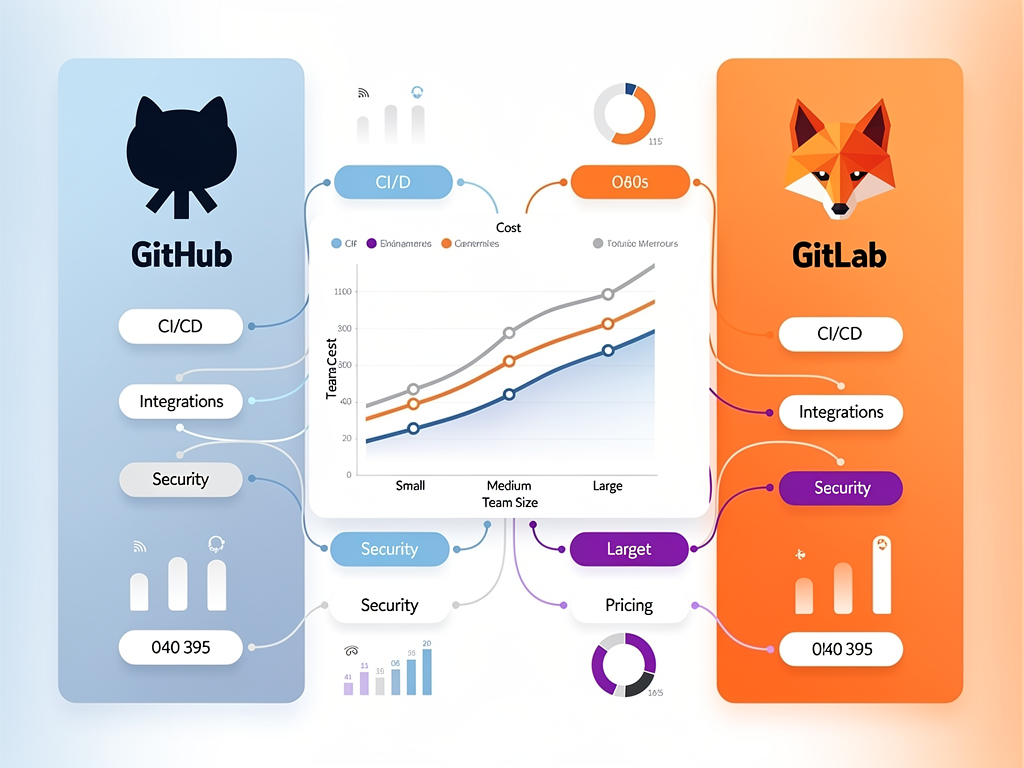
Pricing differences become more significant at this scale. A 25-person team on GitHub Team costs $100 per month, while GitLab Premium costs $725 per month. However, if the GitHub team needs Advanced Security ($49 per user) and Copilot Business ($19 per user), the total reaches $1,800 per month, making GitLab's bundled approach more economical.
Large Teams (25+ Developers)
Enterprise features become essential for large teams: single sign-on, advanced audit logging, compliance controls, and dedicated support. Both platforms offer enterprise tiers with these capabilities, but feature availability and pricing differ.
At enterprise scale, the total cost of ownership calculation should include not just subscription fees but also the cost of managing integrations, training developers on multiple tools, and maintaining compliance across your toolchain. GitLab's integrated approach often reduces these hidden costs.
Developer Experience and Learning Curve
The day-to-day experience of using each platform affects developer productivity and satisfaction.
GitHub's Familiar Interface
GitHub's interface prioritizes simplicity and familiarity. Most developers have encountered GitHub through open-source contributions or educational resources, creating a low barrier to entry. The clean design surfaces essential information without overwhelming users with options.
GitHub's mobile apps provide functional repository browsing and notification management, supporting developers who need to stay connected while away from their workstations. The consistent experience across web and mobile reinforces familiarity.
GitLab's Comprehensive Dashboard
GitLab's interface reflects its comprehensive feature set, which can feel overwhelming initially. New users often need time to discover where features are located and how different components interact. However, once familiar with the layout, the unified experience reduces context switching between tools.
GitLab's web IDE provides more sophisticated in-browser editing capabilities than GitHub's, including terminal access and live preview for some project types. For quick fixes or documentation updates, this can eliminate the need to clone repositories locally.
Documentation and Learning Resources
Both platforms provide extensive documentation, but GitHub benefits from its larger community producing tutorials, courses, and blog posts. When you search for how to accomplish a task, you will typically find more GitHub-specific resources.
GitLab's documentation is comprehensive and well-organized, with detailed explanations of complex features like multi-project pipelines and compliance frameworks. For teams implementing advanced DevOps practices, GitLab's documentation often provides more depth.
Future Roadmap and Platform Direction
Understanding where each platform is heading helps you anticipate how your choice will age over time.
GitHub's AI-First Evolution
GitHub is clearly positioning AI as central to its future. Copilot continues to expand with new capabilities, and the platform is integrating AI assistance throughout the development workflow. Microsoft's investment in OpenAI provides GitHub with preferential access to cutting-edge language models.
Expect continued expansion of Copilot capabilities, including more sophisticated code review assistance, automated documentation generation, and predictive analytics for project health. GitHub's roadmap suggests AI will become increasingly embedded in every aspect of the platform.
GitLab's DevSecOps Deepening
GitLab continues to expand its DevSecOps capabilities, with particular focus on AI-powered security analysis, compliance automation, and value stream analytics. The platform aims to provide complete visibility from idea to production, with AI assistance throughout.
Recent acquisitions and feature additions suggest GitLab is investing in observability and incident management, potentially expanding beyond the traditional DevOps scope. For SaaS teams seeking unified tooling across development and operations, this direction aligns well.
Making Your Final Decision
After examining all these factors, how should you approach your platform decision?
Choose GitHub If:
- You are building open-source software or want maximum community engagement
- Your team is already familiar with GitHub workflows
- You need extensive third-party integrations from a mature marketplace
- AI-powered code assistance is a priority and you want the most mature solution
- Budget constraints favor lower per-user costs at entry tiers
- You prefer assembling best-of-breed tools rather than using an integrated platform
Choose GitLab If:
- Security and compliance are primary concerns
- You want comprehensive DevOps functionality without managing multiple tools
- Self-hosting or data sovereignty requirements exist
- Your team values integrated project management alongside code hosting
- You prefer predictable, bundled pricing over à la carte feature additions
- Complex pipeline architectures with multi-project coordination are needed
Consider a Hybrid Approach
Some organizations use both platforms strategically: GitHub for open-source projects and community engagement, GitLab for internal development with strict security requirements. While this adds complexity, it can optimize for different project needs within the same organization.
Conclusion
The choice between GitHub and GitLab for your SaaS project ultimately depends on your specific priorities, constraints, and growth trajectory. GitHub excels in ecosystem breadth, community engagement, and AI-powered development assistance, making it ideal for open-source projects, teams seeking maximum integration flexibility, and organizations prioritizing cutting-edge AI tooling. GitLab shines in integrated DevSecOps, self-hosting flexibility, and comprehensive security features, serving teams with compliance requirements, complex deployment needs, or preferences for unified platforms.
Neither platform is universally superior. The best choice aligns with your team's workflows, security requirements, budget constraints, and long-term vision. For many SaaS startups, GitHub provides the fastest path to productivity with its familiar interface and extensive resources. For teams building in regulated industries or requiring complete control over their infrastructure, GitLab's comprehensive approach often delivers better value.
Whichever platform you choose, remember that your version control and DevOps tooling should accelerate your ability to deliver value to customers. The platform that best supports your specific development workflows, security requirements, and scaling needs is the right choice for your SaaS project.
Frequently Asked Questions
Which platform is more cost-effective for a 10-person SaaS development team?
The cost-effectiveness calculation depends heavily on which features your team requires. At face value, GitHub Team costs $40 per month for 10 users compared to GitLab Premium at $290 per month. However, if your team needs security scanning (GitHub Advanced Security adds $490 per month) and AI assistance (Copilot Business adds $190 per month), the total GitHub cost reaches $720 per month. GitLab Premium includes both security scanning and GitLab Duo AI assistance in its base price, making it more economical for teams needing these features. Additionally, GitLab provides 10,000 CI/CD minutes compared to GitHub Team's 3,000 minutes, which can result in additional savings for teams with heavy build requirements. Evaluate your specific feature needs rather than comparing base prices alone.
Can I migrate my existing SaaS project from GitHub to GitLab without losing history?
Yes, you can migrate your complete Git history, including all commits, branches, and tags, since both platforms use standard Git protocols. GitLab provides an import tool that can transfer repositories directly from GitHub, preserving your version history. Issues, pull requests, and wiki content can also be imported, though some formatting and cross-references may require manual cleanup. CI/CD pipelines require rewriting since GitHub Actions and GitLab CI use different configuration syntax. Plan for a transition period where you run parallel pipelines on both platforms to ensure deployment reliability. Most teams complete migration within one to two sprints, depending on pipeline complexity and integration dependencies.
How do GitHub Actions and GitLab CI compare for deploying Next.js applications?
Both platforms handle Next.js deployments effectively, but with different approaches. GitHub Actions benefits from extensive marketplace support, including official Vercel actions that enable one-click deployment configuration. The ecosystem includes actions for popular hosting platforms like AWS Amplify, Netlify, and Railway, with well-documented examples for Next.js specifically. GitLab CI provides equivalent functionality through its native pipeline features, with Auto DevOps capable of detecting Next.js projects and generating appropriate build configurations. GitLab's built-in container registry simplifies Docker-based deployments. For teams using Vercel or similar platforms with strong GitHub integration, GitHub Actions may provide a smoother experience. For teams preferring self-managed infrastructure or requiring complex multi-environment deployments, GitLab's integrated approach often proves more manageable.
Which platform offers better security features for handling sensitive customer data?
GitLab generally provides more comprehensive security features at lower price points. The platform includes SAST, DAST, dependency scanning, container scanning, and secret detection across its Premium and Ultimate tiers, with results integrated directly into merge request workflows. GitLab's Security Dashboard provides centralized vulnerability management across all projects. GitHub offers comparable security scanning through GitHub Advanced Security, but this requires an Enterprise subscription plus additional per-user fees, significantly increasing costs. For organizations requiring self-hosted deployments to meet data residency requirements, GitLab's free Community Edition provides a viable option, while GitHub's self-hosting requires Enterprise Server licensing. Both platforms maintain SOC 2 compliance and offer features supporting HIPAA, GDPR, and other regulatory frameworks.
Is GitHub Copilot worth the additional cost compared to GitLab Duo?
GitHub Copilot currently leads in code suggestion quality and IDE integration depth, making it the preferred choice for teams prioritizing AI-assisted coding productivity. Copilot's training on GitHub's massive code corpus and Microsoft's OpenAI partnership result in more accurate suggestions across a wider range of languages and frameworks. However, at $19 per user per month on top of GitHub subscription costs, Copilot represents a significant additional expense. GitLab Duo is included with Premium and Ultimate subscriptions, providing AI assistance across the entire DevOps lifecycle, not just code generation. Duo offers merge request summaries, vulnerability explanations, and pipeline debugging assistance that Copilot does not address. For teams already planning to use GitLab Premium features, Duo provides substantial value without incremental cost. Evaluate whether your team's primary AI needs center on code generation (favoring Copilot) or broader DevOps assistance (favoring Duo).
How do the platforms compare for managing multiple SaaS products within one organization?
GitLab provides more robust multi-project management through its Groups and Subgroups hierarchy, which allows organizing repositories, managing permissions, and tracking work across related projects. Epics can span multiple projects, providing visibility into initiatives that cross product boundaries. Multi-project pipelines enable coordinated deployments across dependent services. GitHub Organizations offer similar repository grouping and permission management, but cross-project coordination requires more manual configuration or third-party tools. GitHub Projects can reference issues across repositories, but the experience is less integrated than GitLab's native multi-project features. For SaaS companies managing multiple products with shared infrastructure or coordinated releases, GitLab's architecture typically provides better native support. GitHub teams often supplement with external project management tools to achieve equivalent cross-product visibility.
Ready to Accelerate Your SaaS Development?
Choosing the right DevOps platform is just one piece of building a successful SaaS product. If you are looking to ship faster without sacrificing quality, explore how a comprehensive development foundation can transform your workflow. Discover SaasCore's complete Next.js boilerplate featuring built-in authentication, payment processing, admin dashboards, and affiliate management. Stop rebuilding common features and start focusing on what makes your SaaS unique. Try the demo today and see how the right foundation accelerates your path from idea to launch.
Subscribe to our newsletter
Subscribe to our newsletter and stay up-to-date with the latest news and updates.